Vector FX is Distinct AI's local, desktop text-to-vector app for generating AI vector graphics like logos from written prompts, with no cloud processing and no per-image credits. This tutorial shows how to create an AI logo from a text prompt, then use Smart Background Removal to remove its background with one click, no masking or selections needed.
Watch the video tutorial here:
Step 1: Write Your Prompt
Vector FX is a text-to-vector AI app, so you describe the graphic you want in words. Type your description into the prompt box under Basic AI Settings. This example uses:fox mascot logo with flat colors
The style preset under the prompt box is set to Badge / Emblem (Clipart, Icons & Logos), a natural fit for an AI logo.
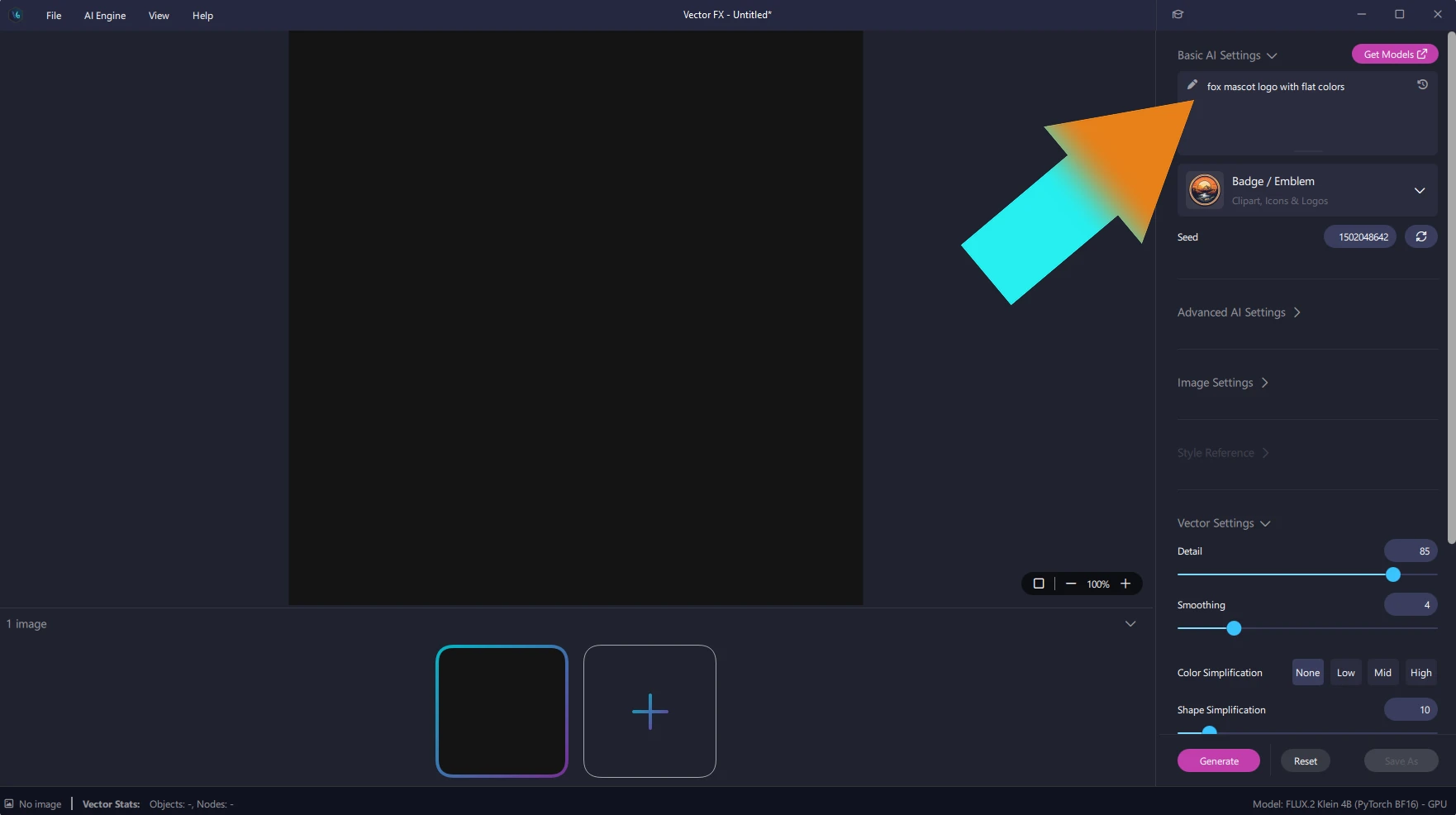
Step 2: Generate Your Logo
Click Generate at the bottom of the settings panel. Vector FX creates the AI vector graphic locally on your computer, with no credits. Your results appear in the gallery along the bottom of the window. Click the logo you want to bring it into the main view.
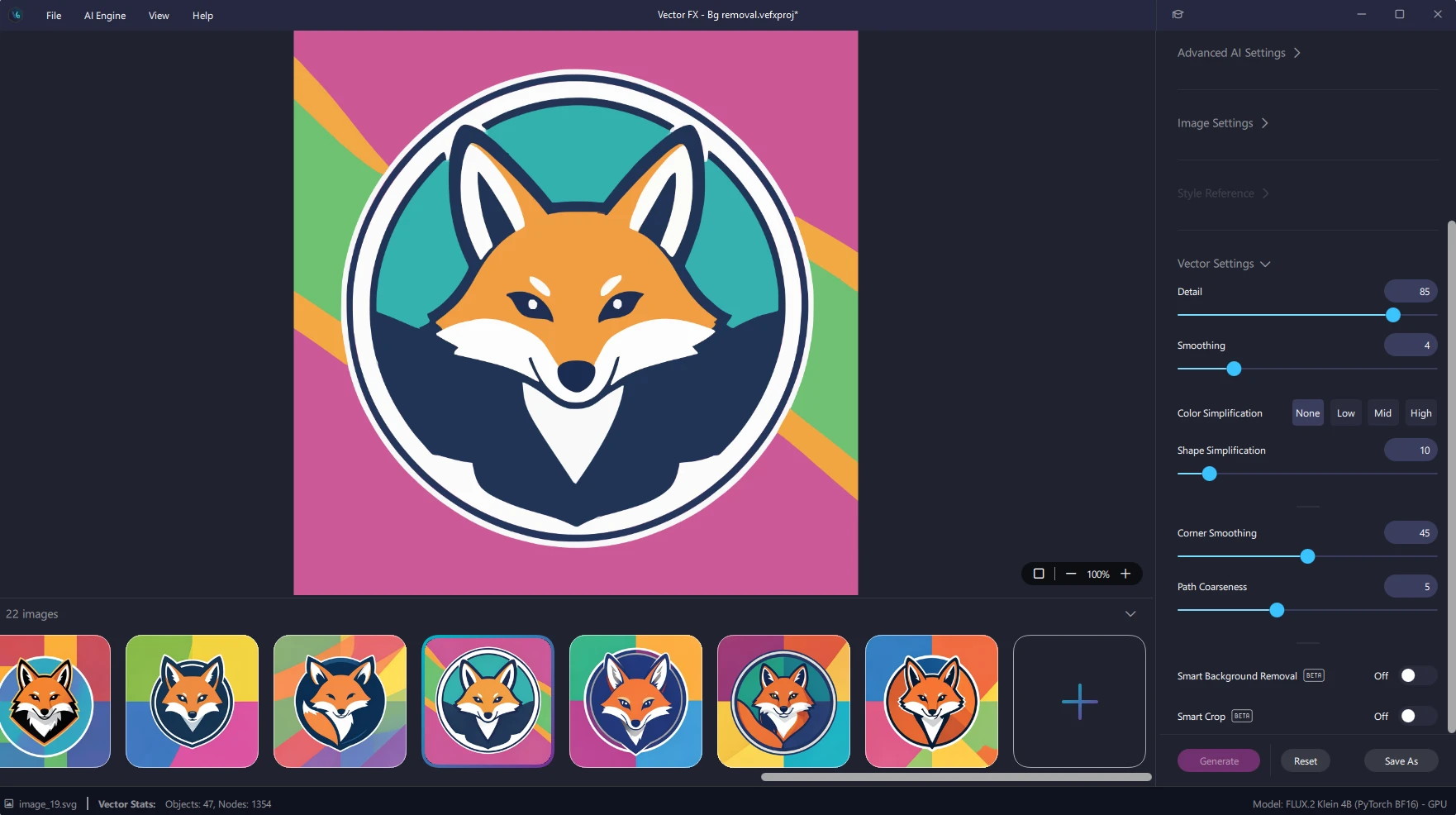
Step 3: Remove the Background with One Click
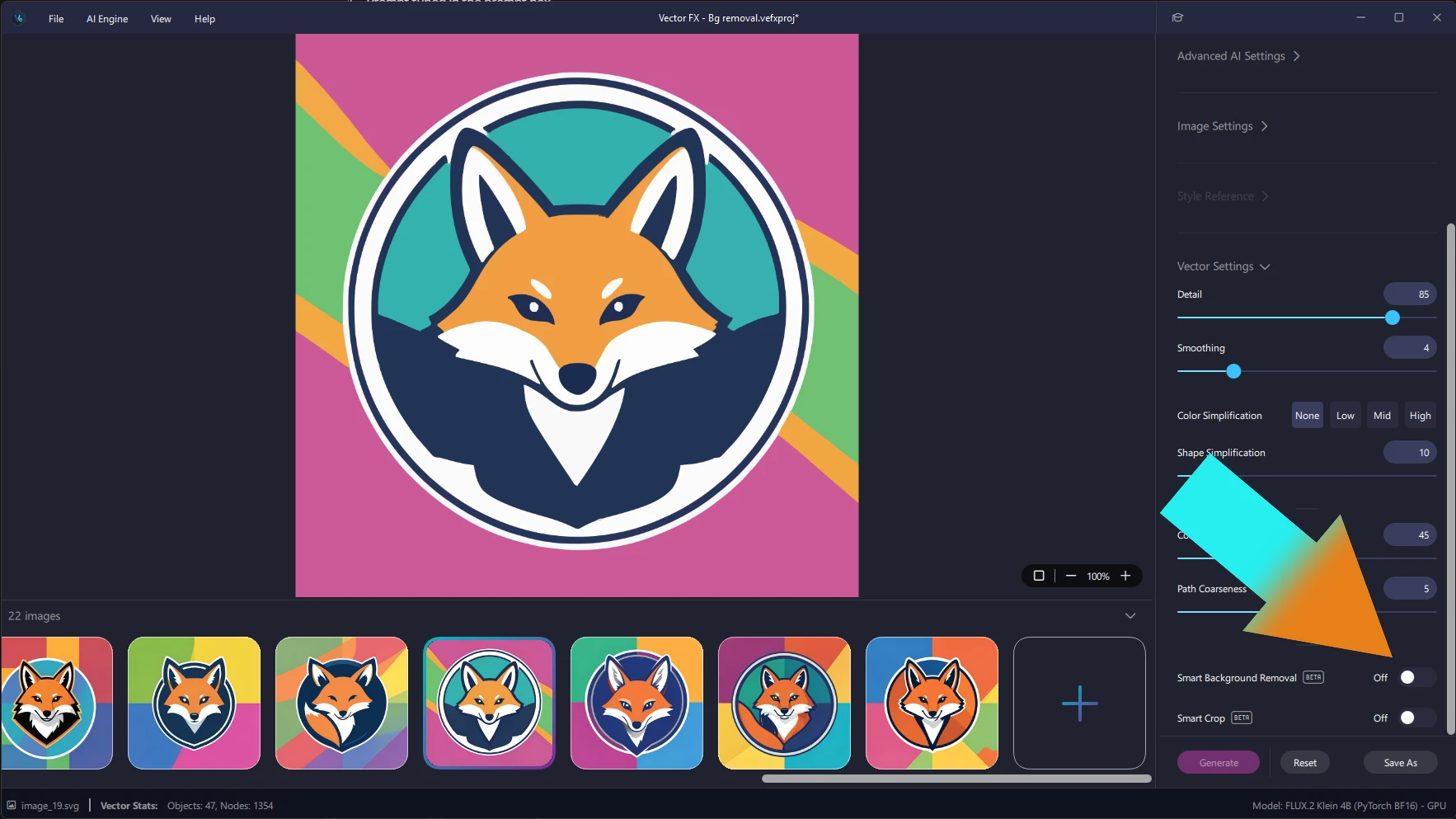
A logo is most useful on its own, so remove the background next. In the settings panel, scroll down to Smart Background Removal and switch the toggle from Off to On. The background is gone. No masking, no selections, just one click.
Your fox logo now sits on a transparent background, shown as a checkerboard in the canvas. The Vector Stats readout in the bottom bar updates too, from 47 objects to 42 in this example. Switch the toggle off and the original background returns, so you can compare the two.
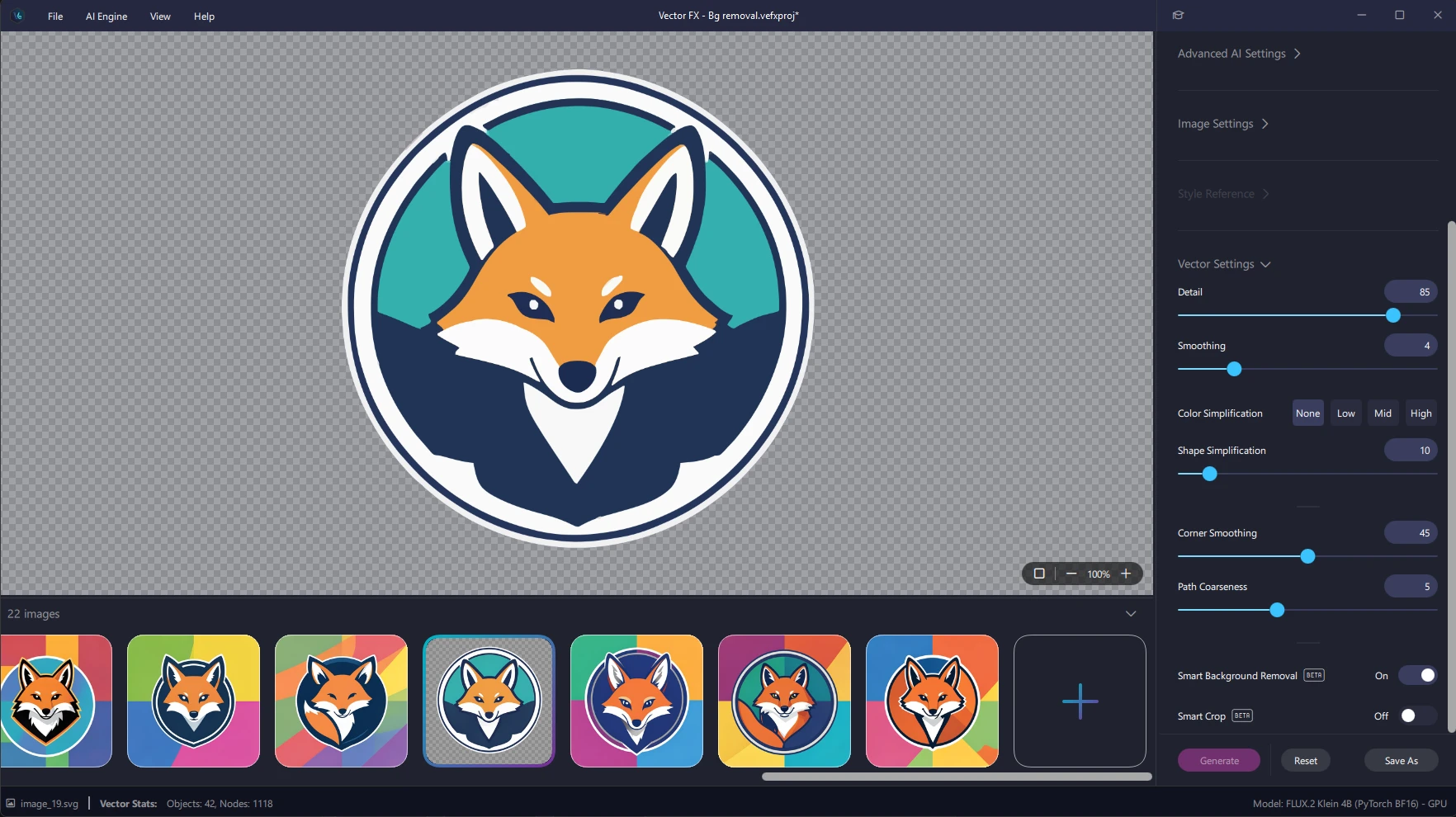
Smart Background Removal is marked Beta in Vector FX, so give the edges a quick look before you save your logo.
Try It Yourself
Creating an AI logo and removing its background in Vector FX takes one prompt and one click. Try a mascot, an icon, or any graphic you'd normally have to clean up by hand. Vision FX, Render FX and Vector FX all run locally on your desktop with no credits, and all three include Smart Background Removal. Explore the
full Distinct AI lineup and then go make something cool.

