Render, Edit, and VectorizeOn Your Desktop
Get ALL of the Distinct AI apps in One Powerful Suite.
Run everything locally. Unlimited use, over 50% off.
The Distinct AI Suite bundles all four desktop apps into a single purchase, cutting the price of individual licenses by more than half. Each tool tackles a specific creative job: concept rendering, text-guided image editing, clean SVG vector conversion, and Photoshop HDR grading. You install everything directly on your machine and run it on your own GPU, so you get unlimited use without cloud queues or credit meters running in the background.
Text to Image - Local AI
Render FX is where new visuals start. You type a prompt, and your graphics card builds out character designs, environment art, or product concepts right on your desktop. Because there is no credit meter ticking away in the background, you can run batch renders to test dozens of compositional ideas at once without hesitating. Once you land on a winner, the built-in upscaler bumps up the resolution so you don't have to bounce out to another web tool just to get a usable asset.
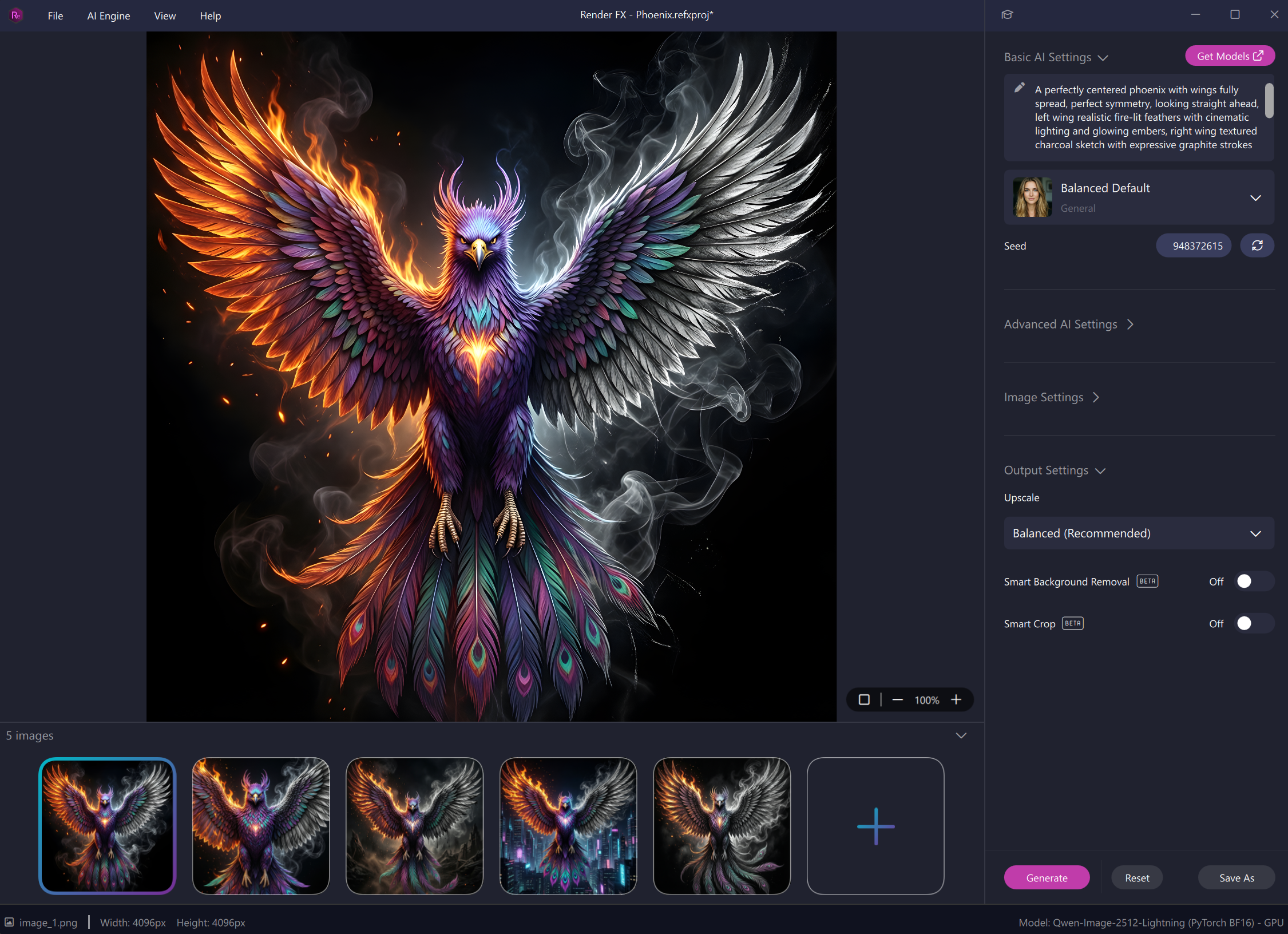
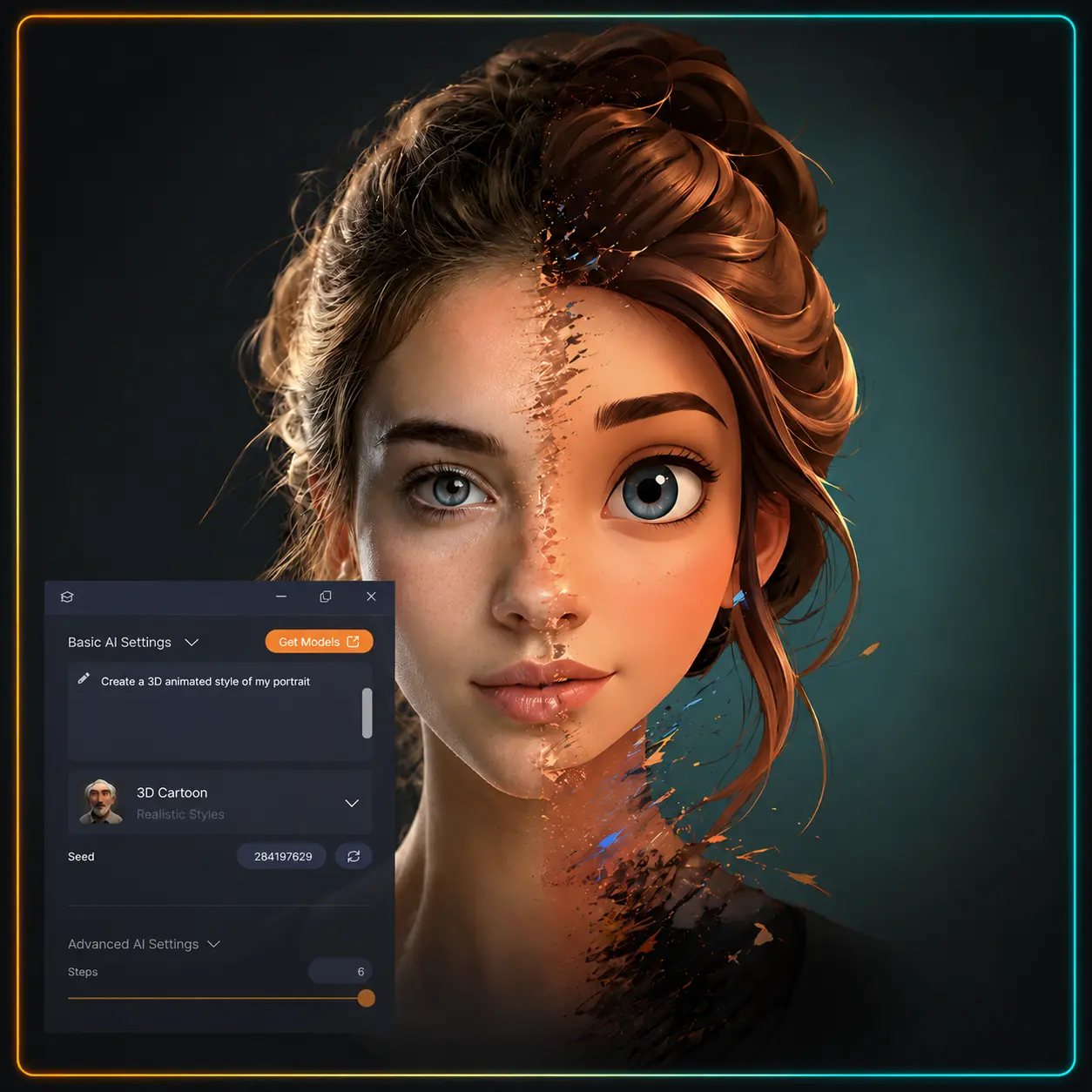
Image to Image - Local AI
Most image edits don't need a complete restart; they just need one or two specific details fixed. Drop an existing render or client photo into Vision FX, type what you want changed, and let your graphics card do the work. You can swap a background, adjust an outfit, or test alternate color schemes without spending twenty minutes painting manual selection masks.
Inside the suite, it handles the polish phase. Render FX builds your initial concepts from scratch, and Vision FX gives you the control to dial in the revisions on your own machine, keeping every client file completely private.
Text/Image to Vector - Local AI
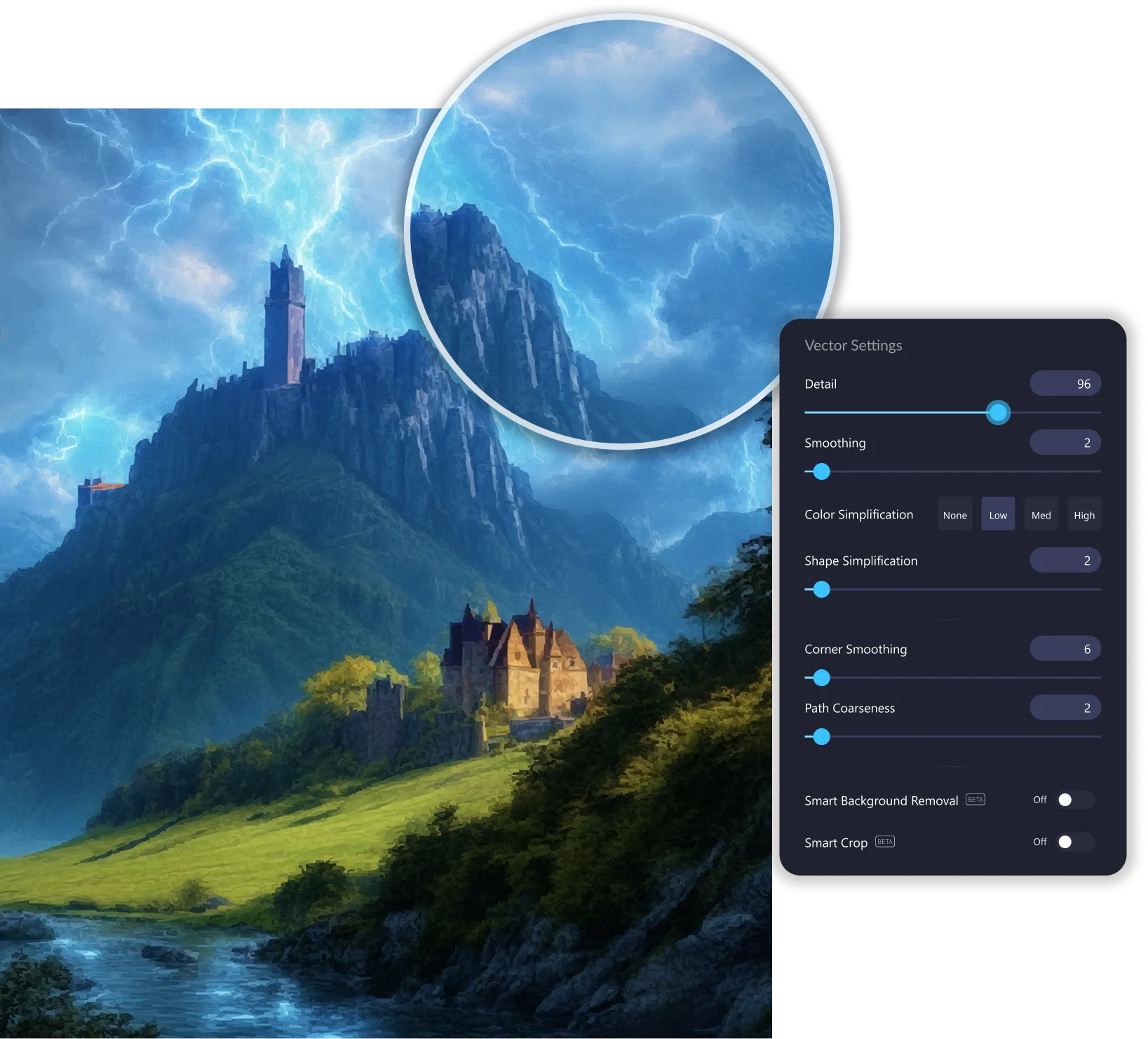
Raster images fall apart the moment you blow them up for large print, prep files for a vinyl cutter, or need clean geometry for a logo. Vector FX converts prompt concepts or existing bitmap images into editable, scalable SVGs right on your desktop. You have direct control over line smoothing, path counts, and node density instead of settling for the messy auto-trace results most design software spits out.
Inside the suite, Vector FX bridges the gap between raster artwork and real-world production. When Render FX outputs an emblem, icon, or bold graphic layout, you don't have to spend an hour tracing over it with the pen tool. You pass the asset directly into Vector FX, dial in crisp vector geometry on your local GPU, and pull out clean files ready for merchandise, signage, or web use.
Instant AI Image Adjustments
Raw renders and standard photos often come out looking flat, with muddy shadows or blown-out highlights that give digital art away. AI HDR Studio 3.0 runs directly inside Adobe Photoshop and compatible host software to pull depth, local contrast, and balanced dynamic range out of your imagery. Instead of wrestling with half a dozen manual adjustment layers, you can snap on one of 25 targeted presets or use contextual sliders to recover shadow details and tame bright spots by hand.
Inside the suite, this is the color grading and finishing stage. It gives the entire composite the dynamic range and atmospheric depth of high-end photography before you send it to a client or push it to your storefront.

This suite is built for creators who iterate constantly and hate watching a credit counter tick down on every click. If you generate dozens of drafts to dial in an illustration, prep cut files for physical merchandise, or handle commercial client projects that legally cannot touch a public cloud server, metered platforms create friction at every turn.
Moving that work onto your local machine eliminates the credit caps, server queues, and privacy headaches entirely. Here is how different creators fit the Distinct AI Suite into their day-to-day production pipelines:

Retouch a shoot, swap a background, or restyle a set of images without opening layers and masks.

Adapt a sketch, render, or finished piece into a new style and explore variations fast.

Put your logo on any product, generate lifestyle shots and mockups, without booking a photo shoot.


