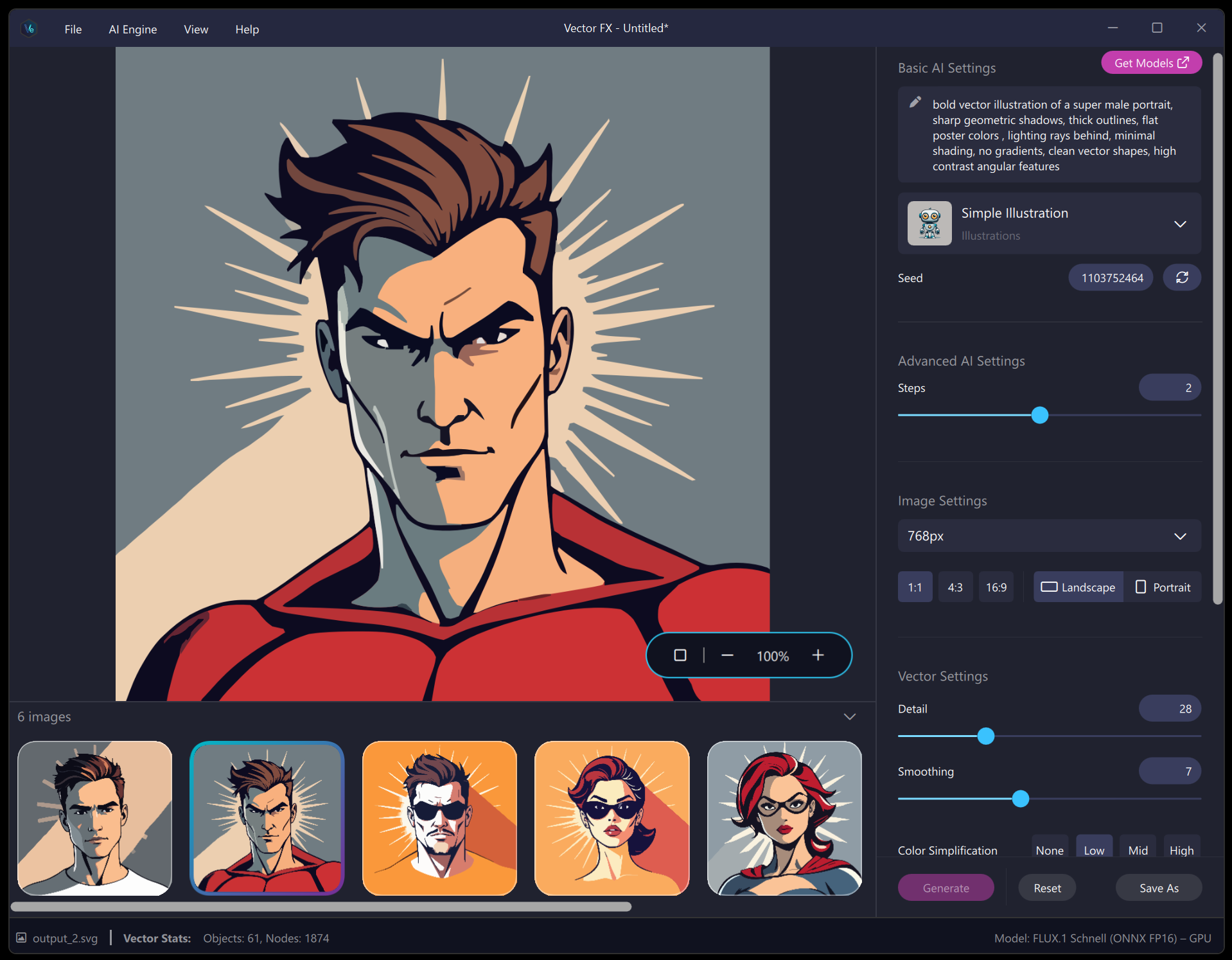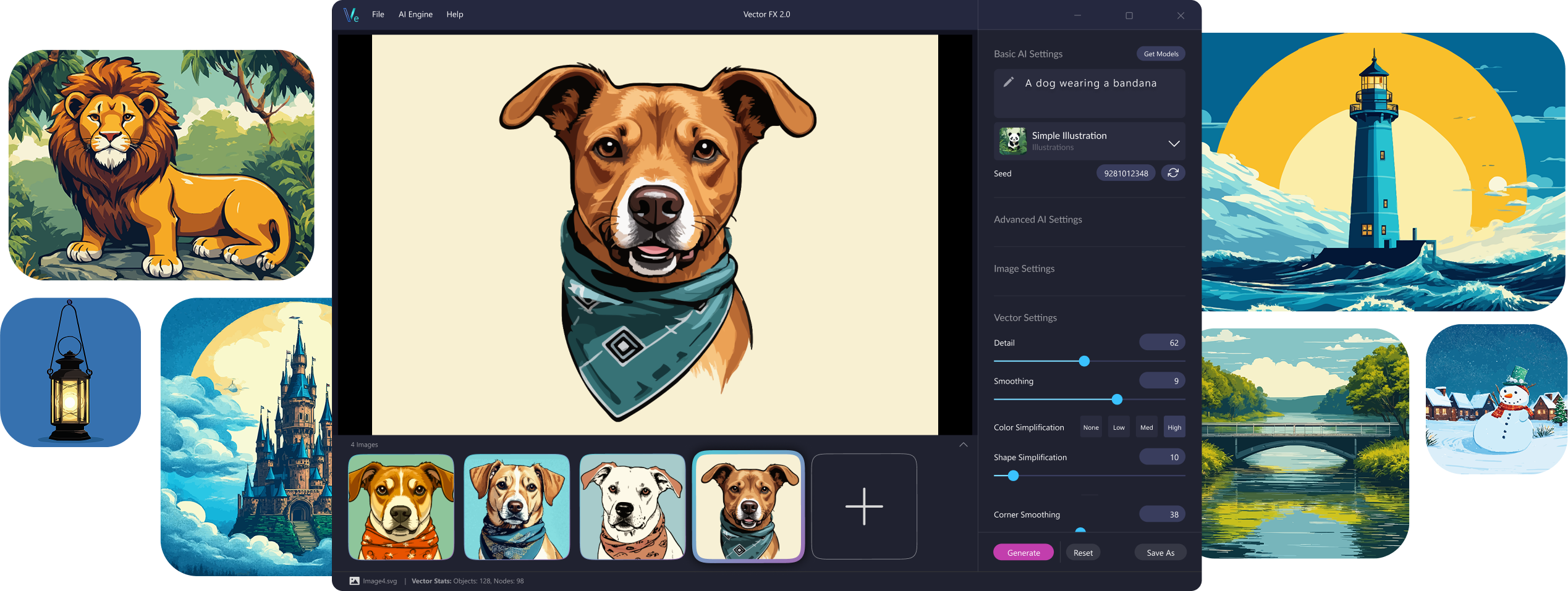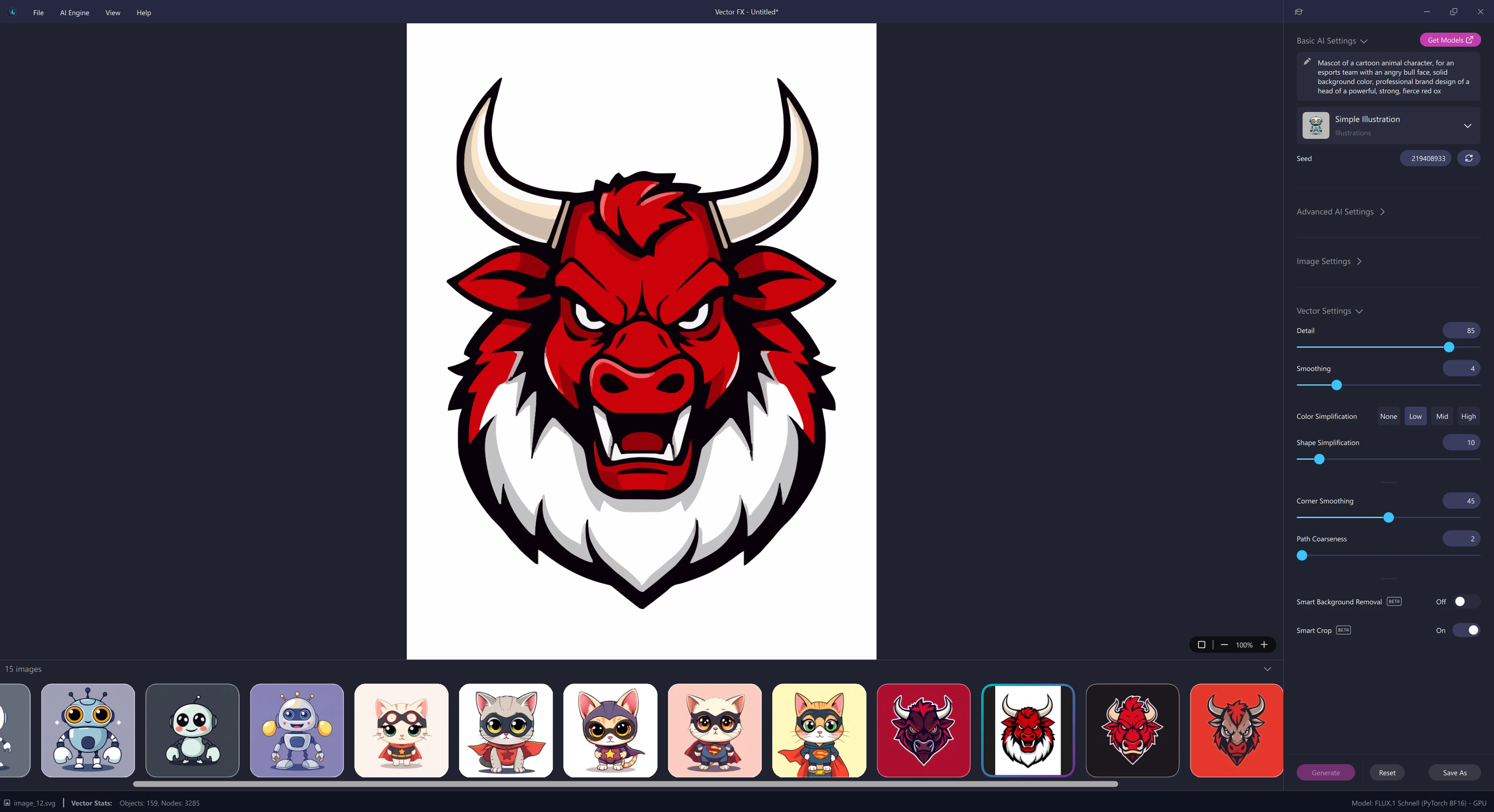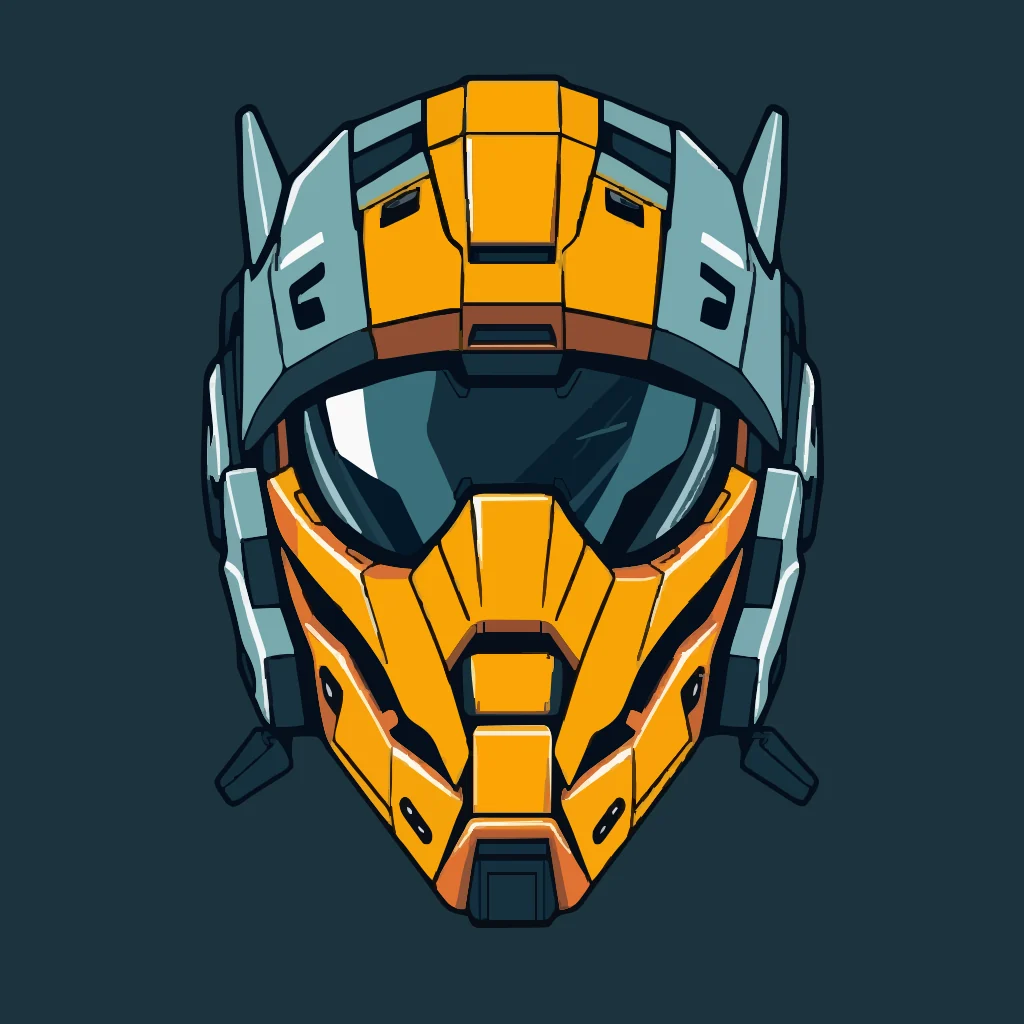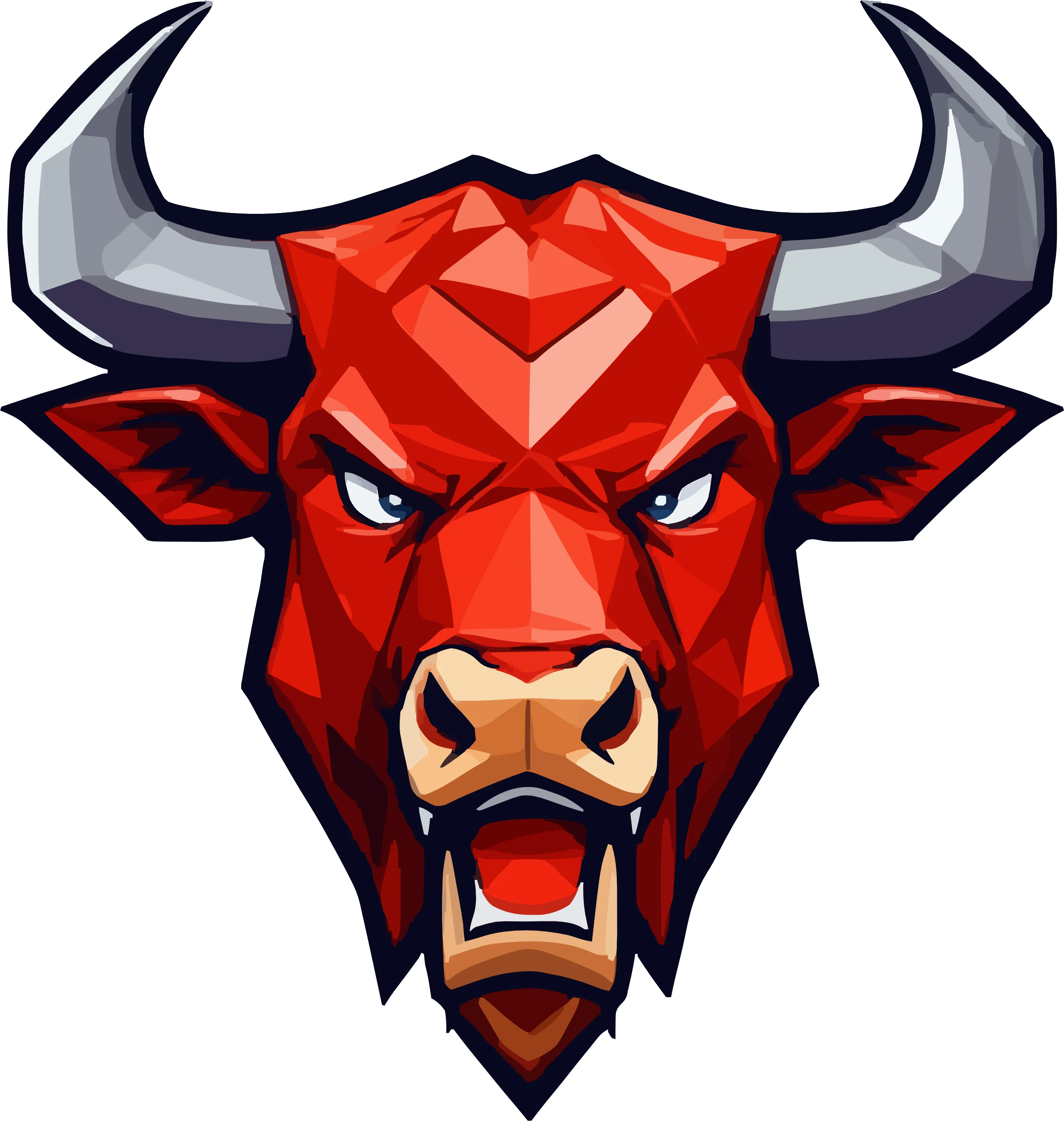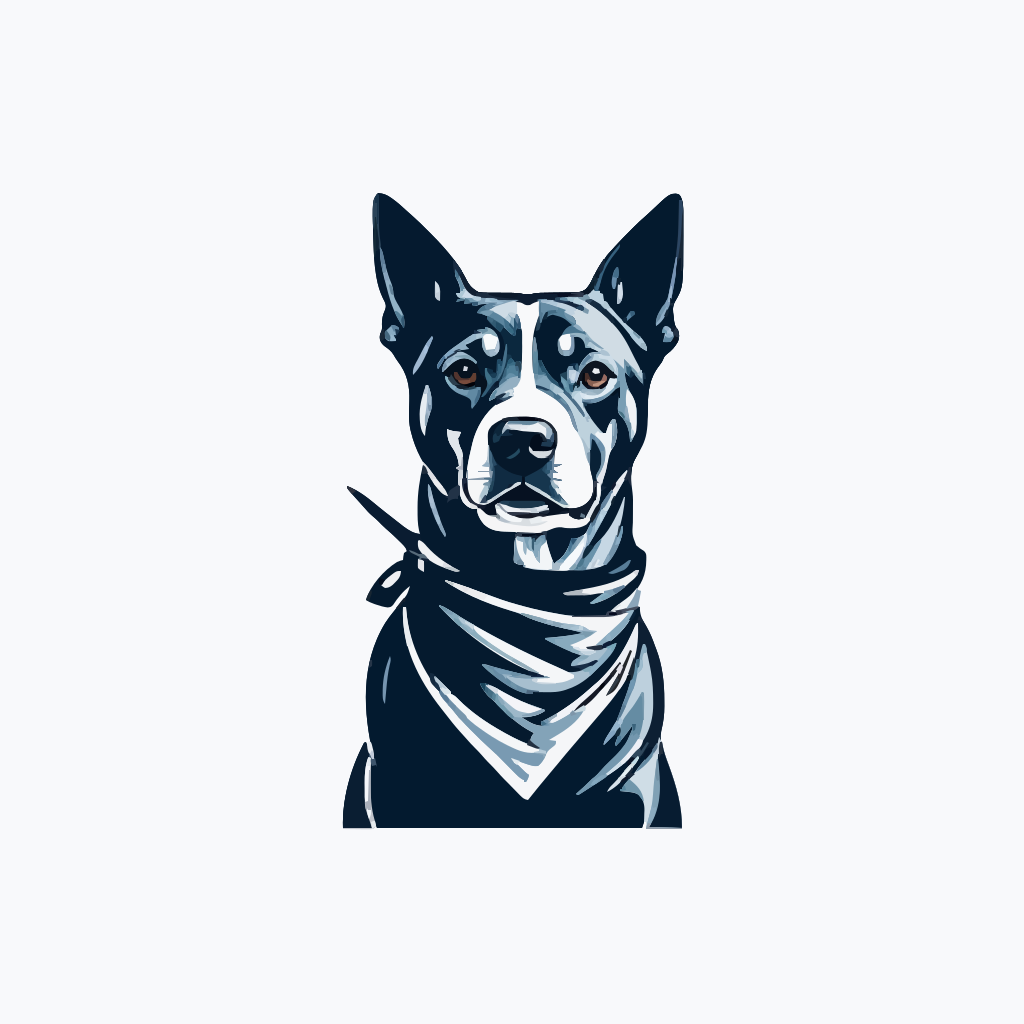
AI-Powered.Vector Design.

Discover a new way to create vectors with next-generation AI that runs entirely on your device. Vector FX 2.0 turns ideas, text prompts, and images into clean, editable SVG vector graphics, fast, accurately, and without the cloud. With advanced model options, real-time vector controls, and production-ready output, you can explore creative concepts freely and shape every detail with total precision

Jump to:
Craft your vision with
precision and creative freedom

Transform your ideas into clean, scalable SVG vector graphics using powerful on-device AI. Whether you're generating artwork from a simple prompt or refining a concept with real-time vector controls, Vector FX 2.0 gives you unmatched precision over detail, shapes, paths, and color. Explore new styles, iterate faster, and bring your creative vision to life with tools designed for professional results and limitless experimentation.

Unlike other vector design tools that come with recurring costs or limitations, Vector FX gives you unlimited access to create and refine your designs with precision. With Vector FX, you can effortlessly generate scalable SVG files, ensuring your work is of the highest quality and ready for any project.

Transform ideas into reality in5 easy steps
01.Choose your AI model

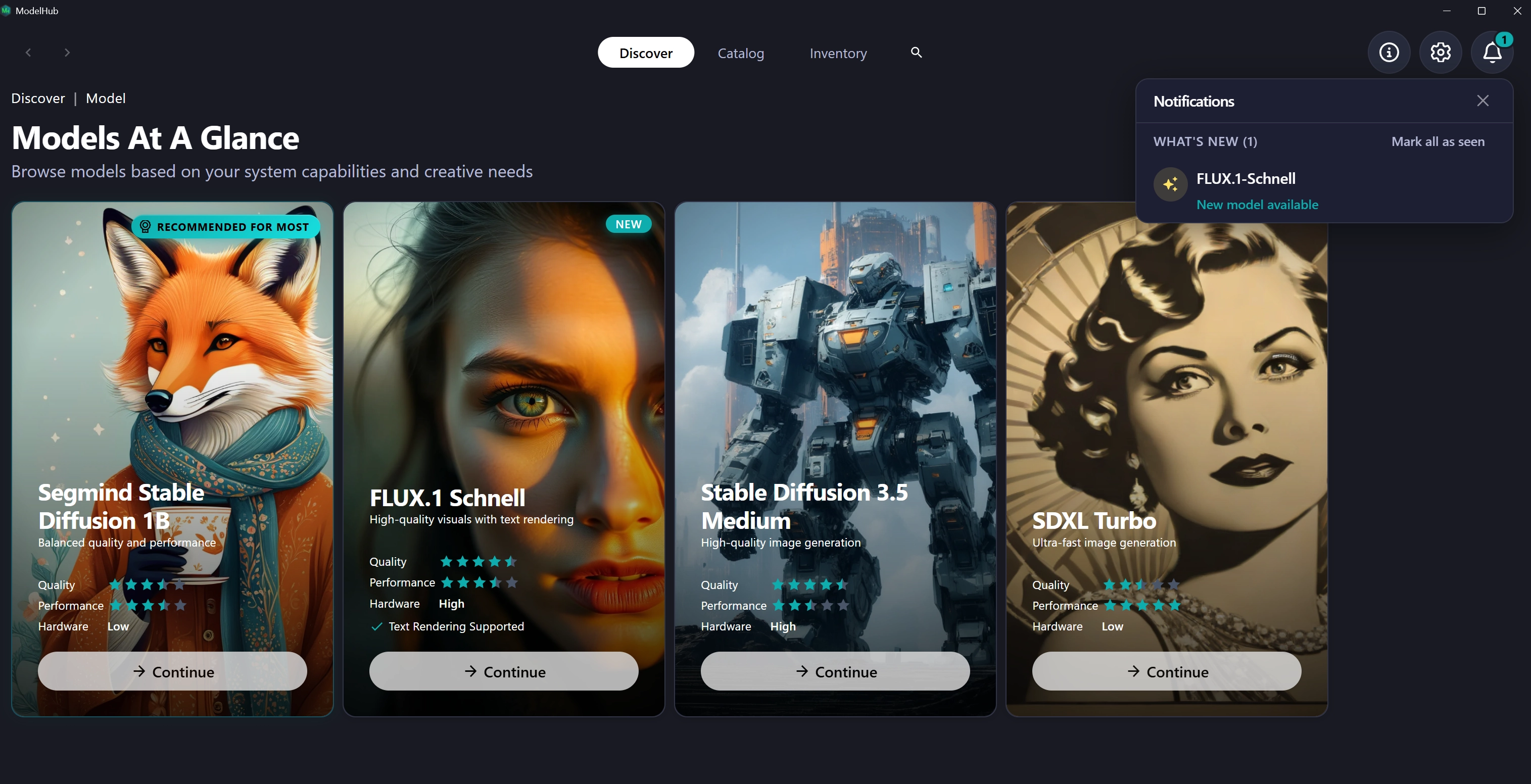
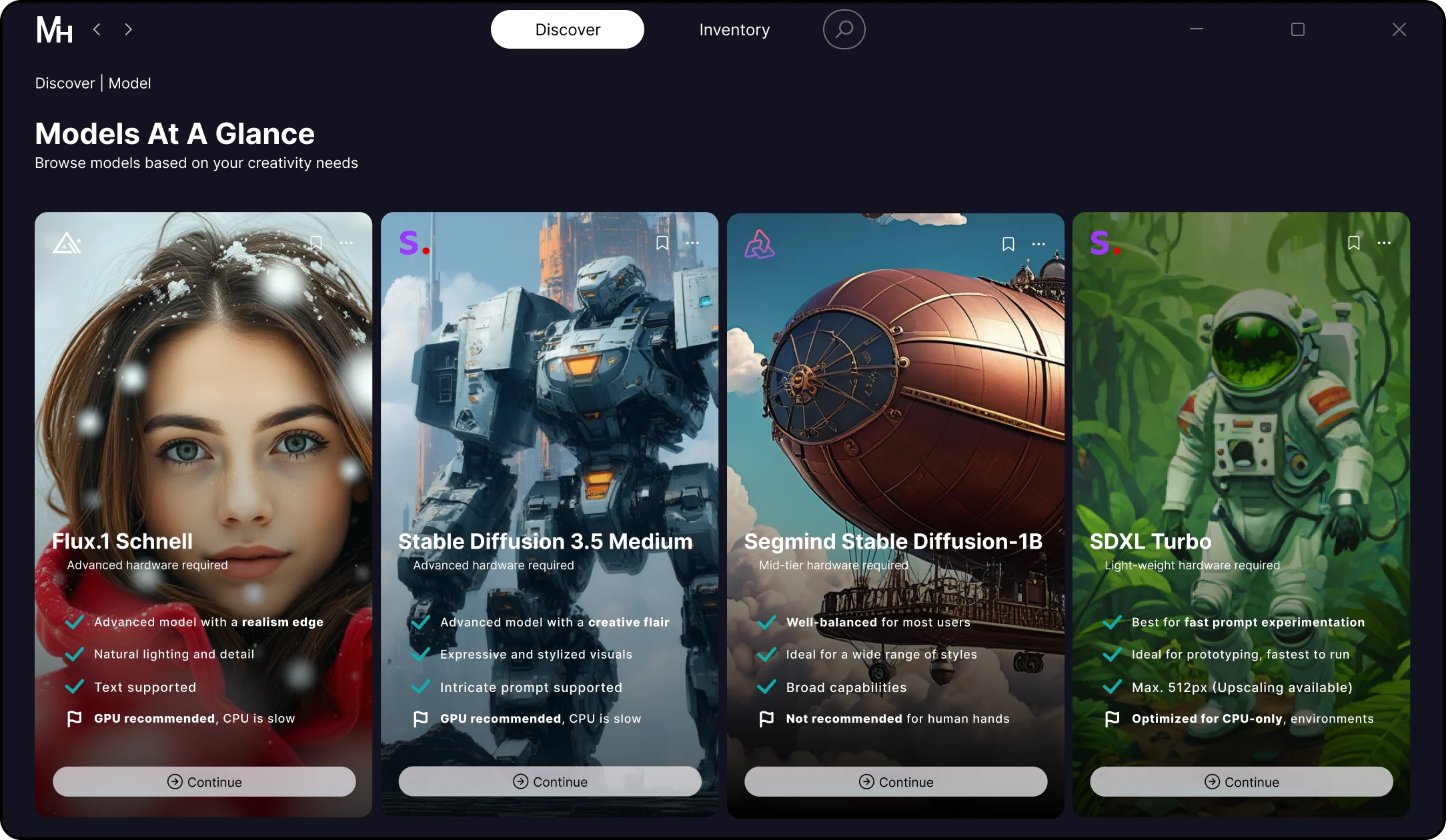
Pick from 17 optimized AI model variants inside the Model Hub — including fast CPU models, high-detail GPU models, illustration-focused models, and logo/icon specialists. Each variant delivers a different vector style, performance profile, and creative output.
02. Enter a prompt or upload an image

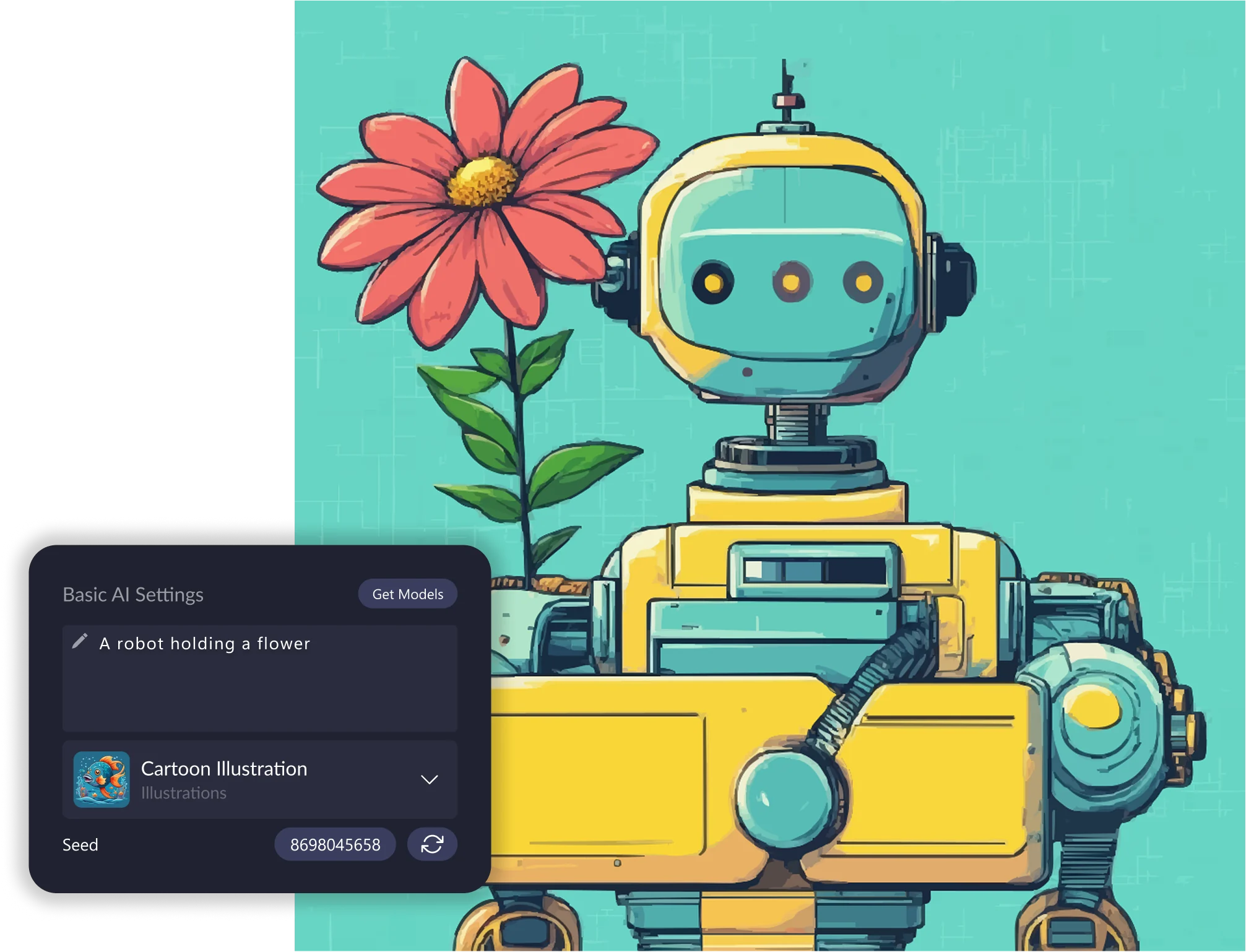
Type a text prompt to guide the software. Vector FX 2.0 instantly interprets your concept and begins creating a clean, scalable SVG foundation. Perfect for logo ideas, icons, illustrations, patterns, and production-ready vector assets.
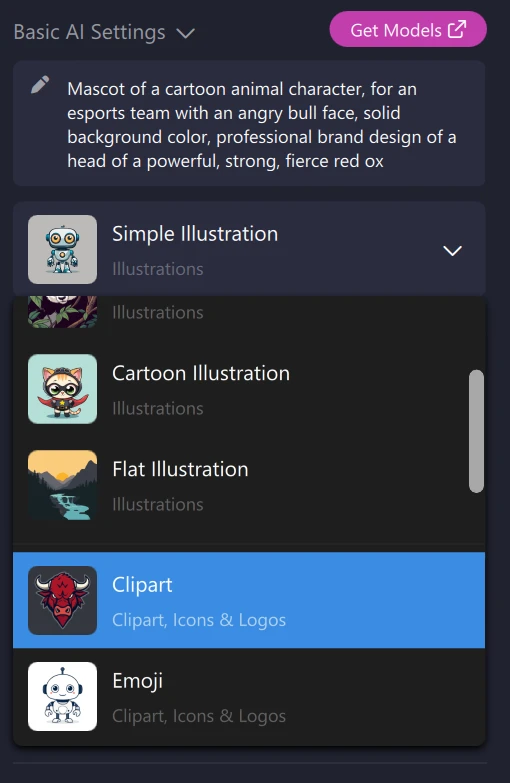
03. Apply a Style Preset

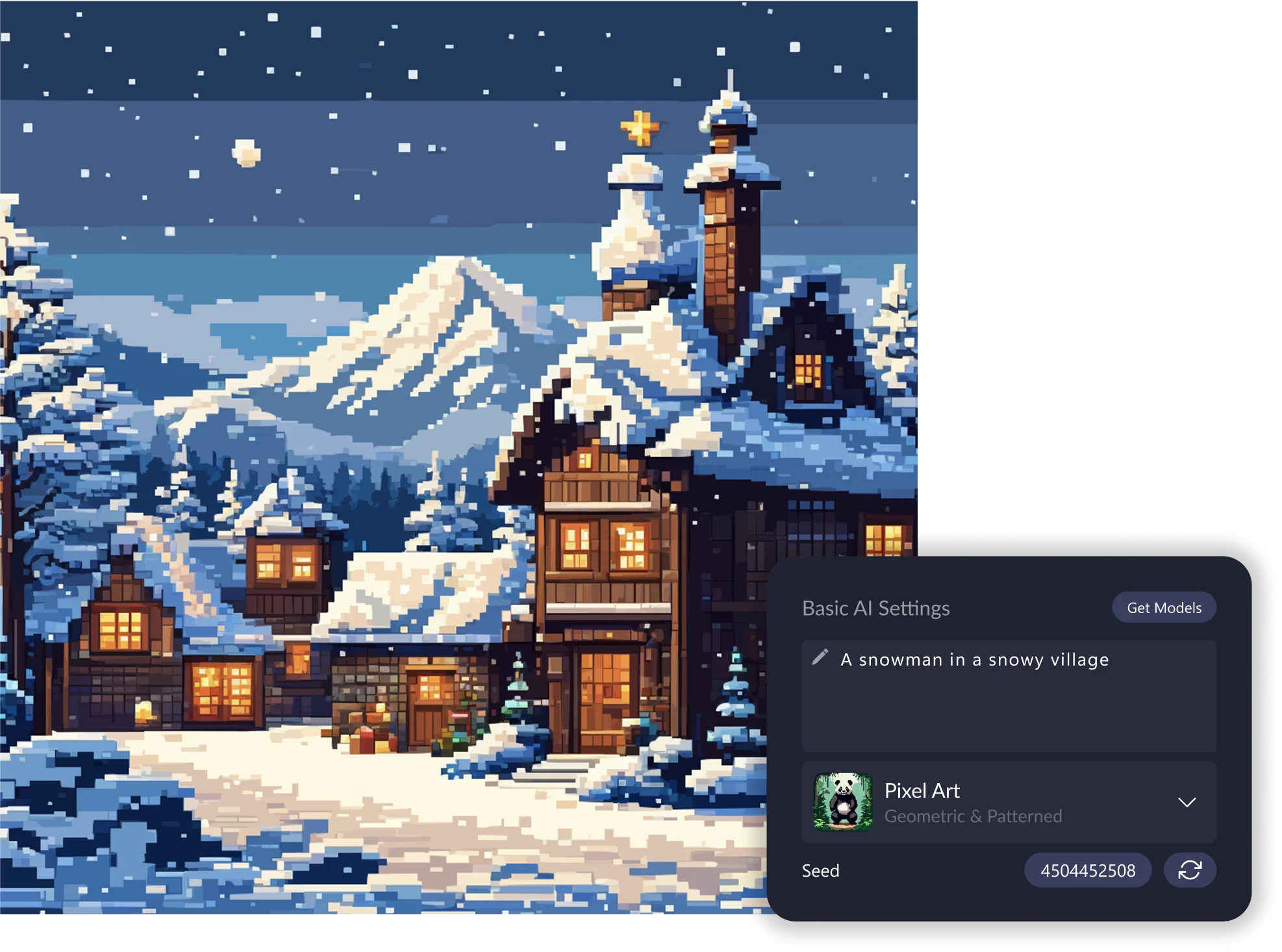
Jumpstart your design with a preset tuned for logos, icons, clipart, vector illustration, patterns, 8-bit art, and more. Presets intelligently shape the output by enhancing your prompt with style-specific guidance, perfect for consistent, predictable results.
04. Refine with real-time controls

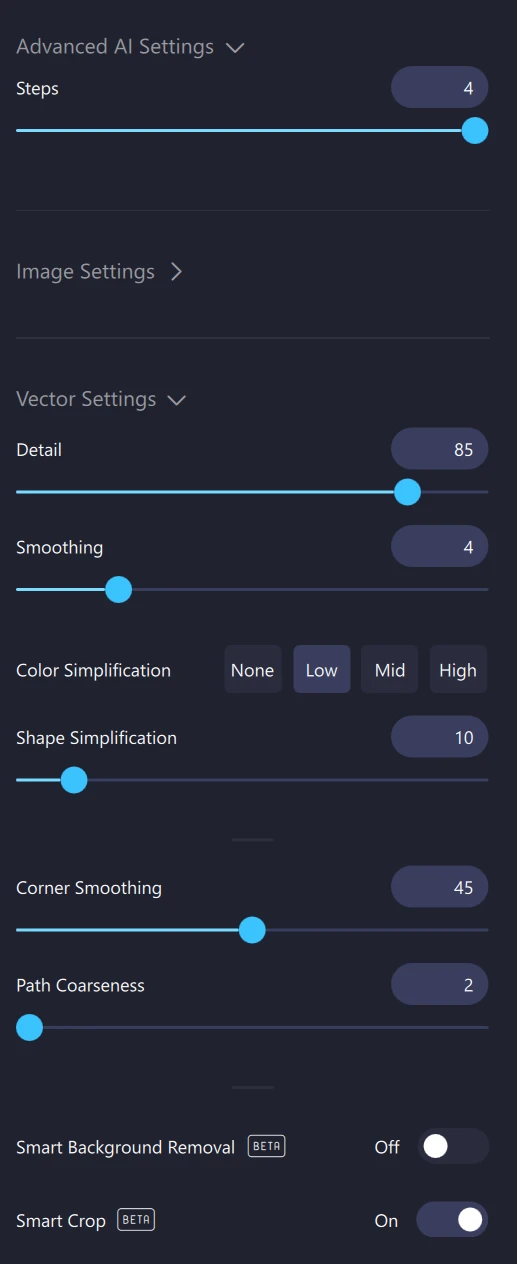
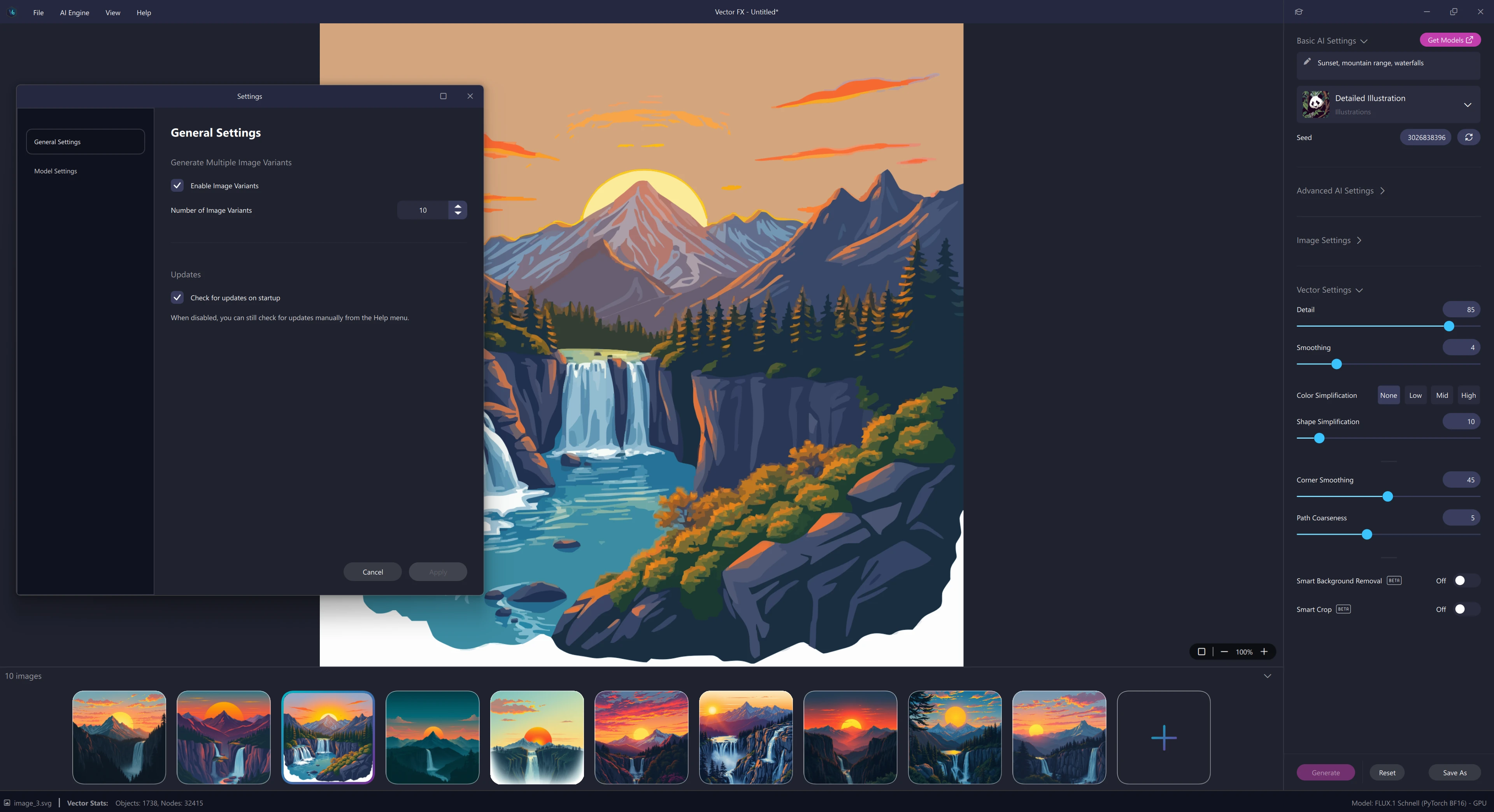
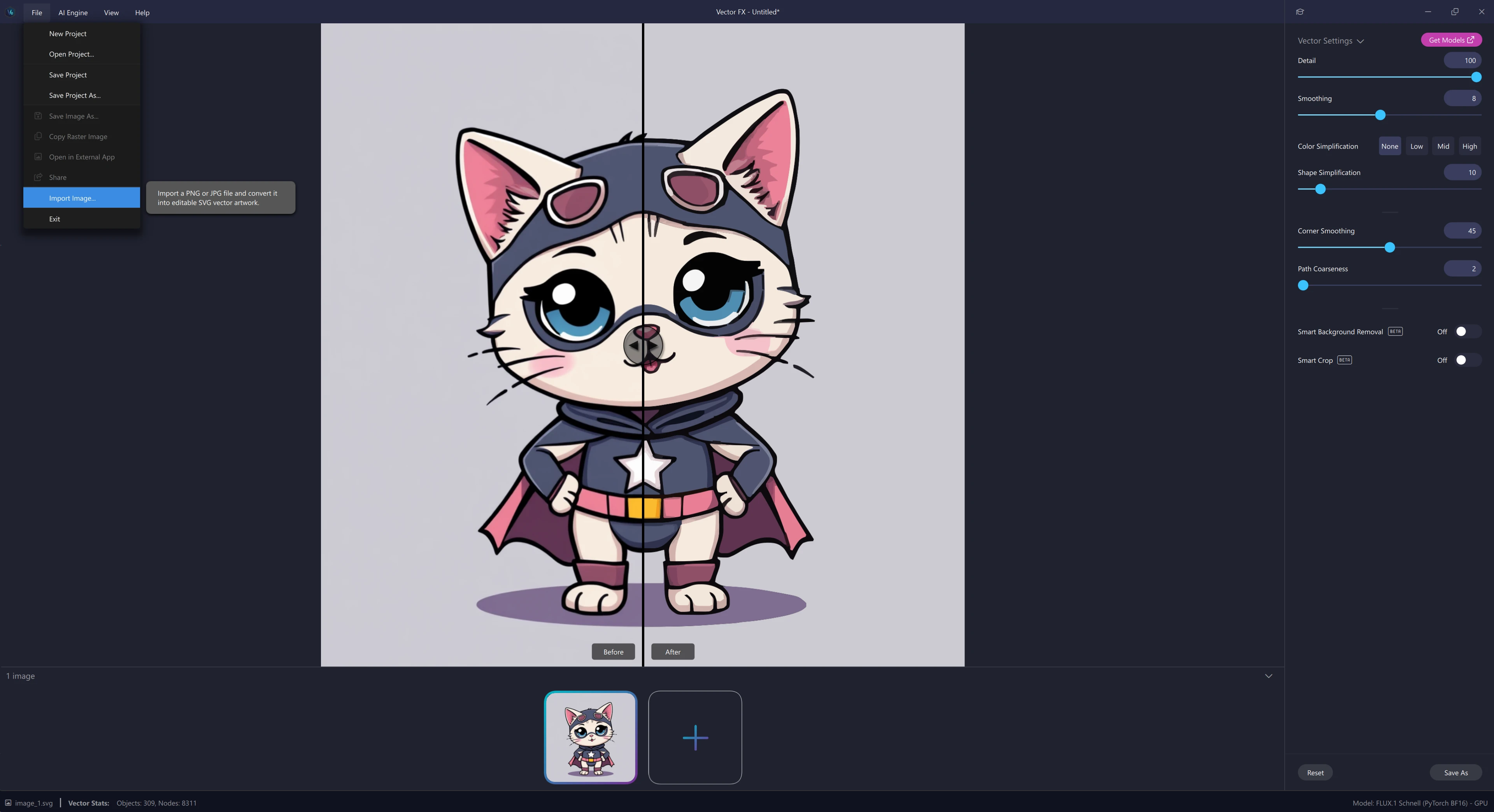
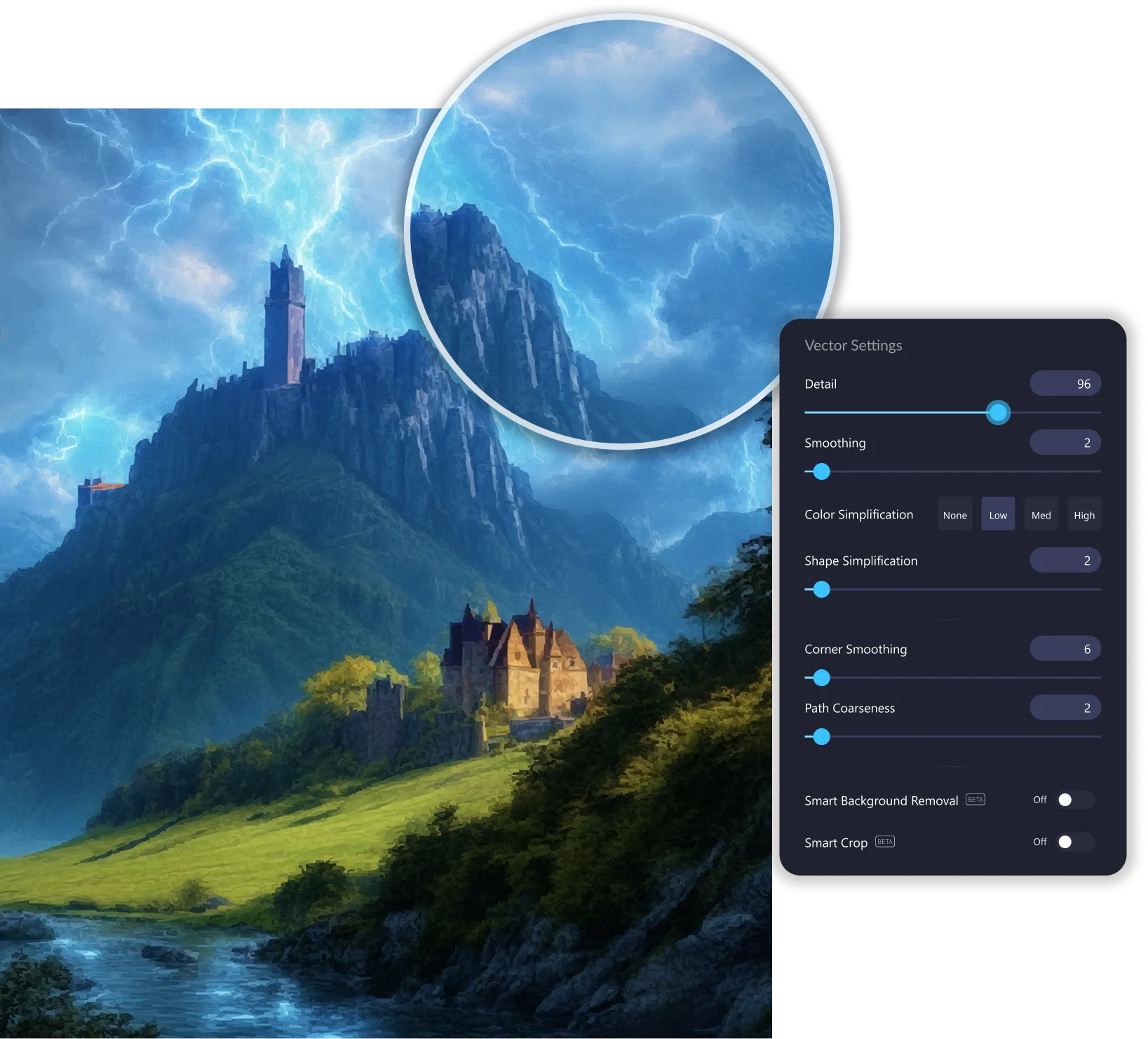
Fine-tune detail, smoothness, color simplification, shape structure, corner rounding, and path coarseness all with immediate visual feedback. Adjusting vectors in real time gives you complete control over node counts, shape accuracy, and overall quality.
05. Export your final SVG

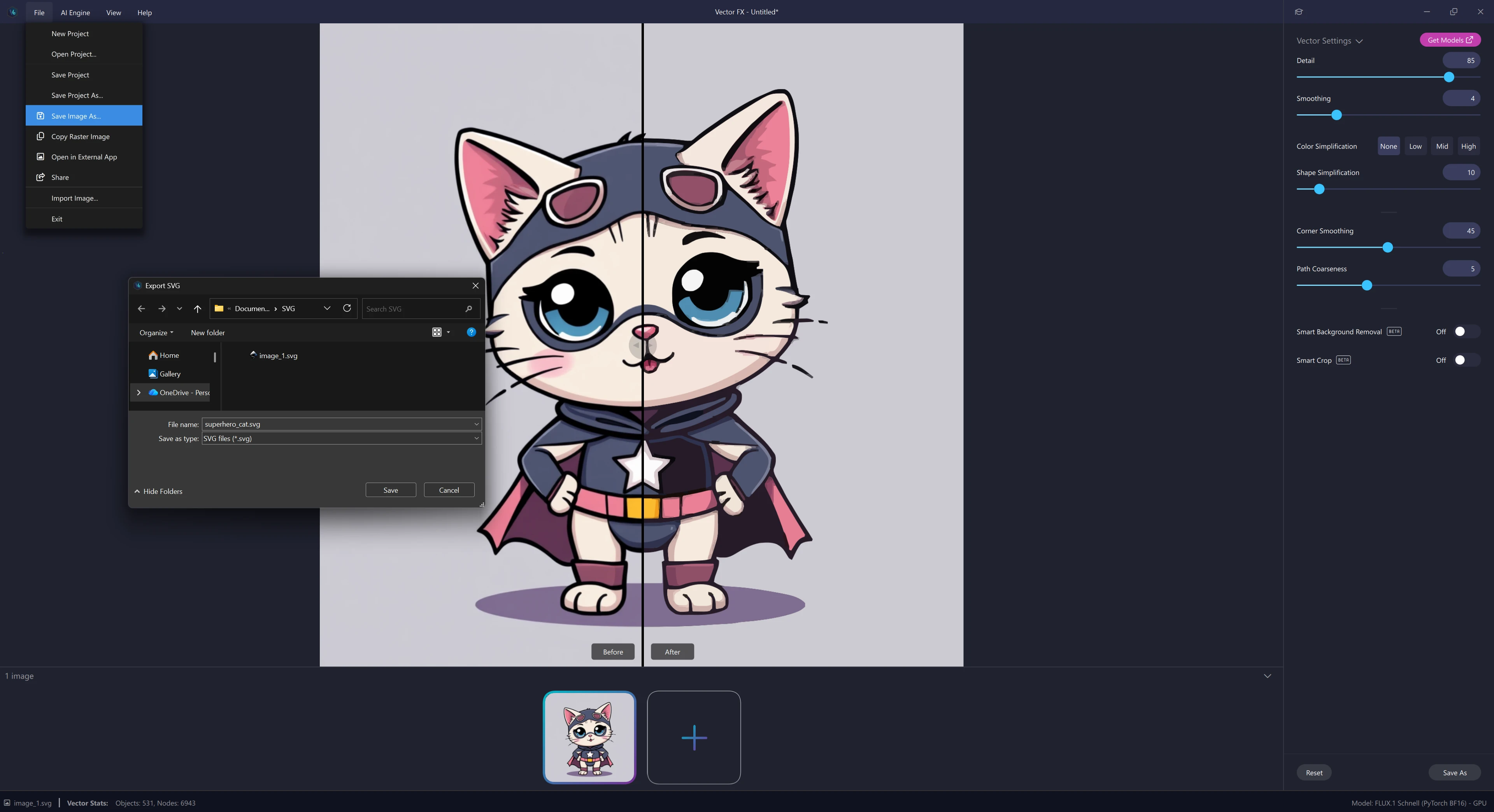
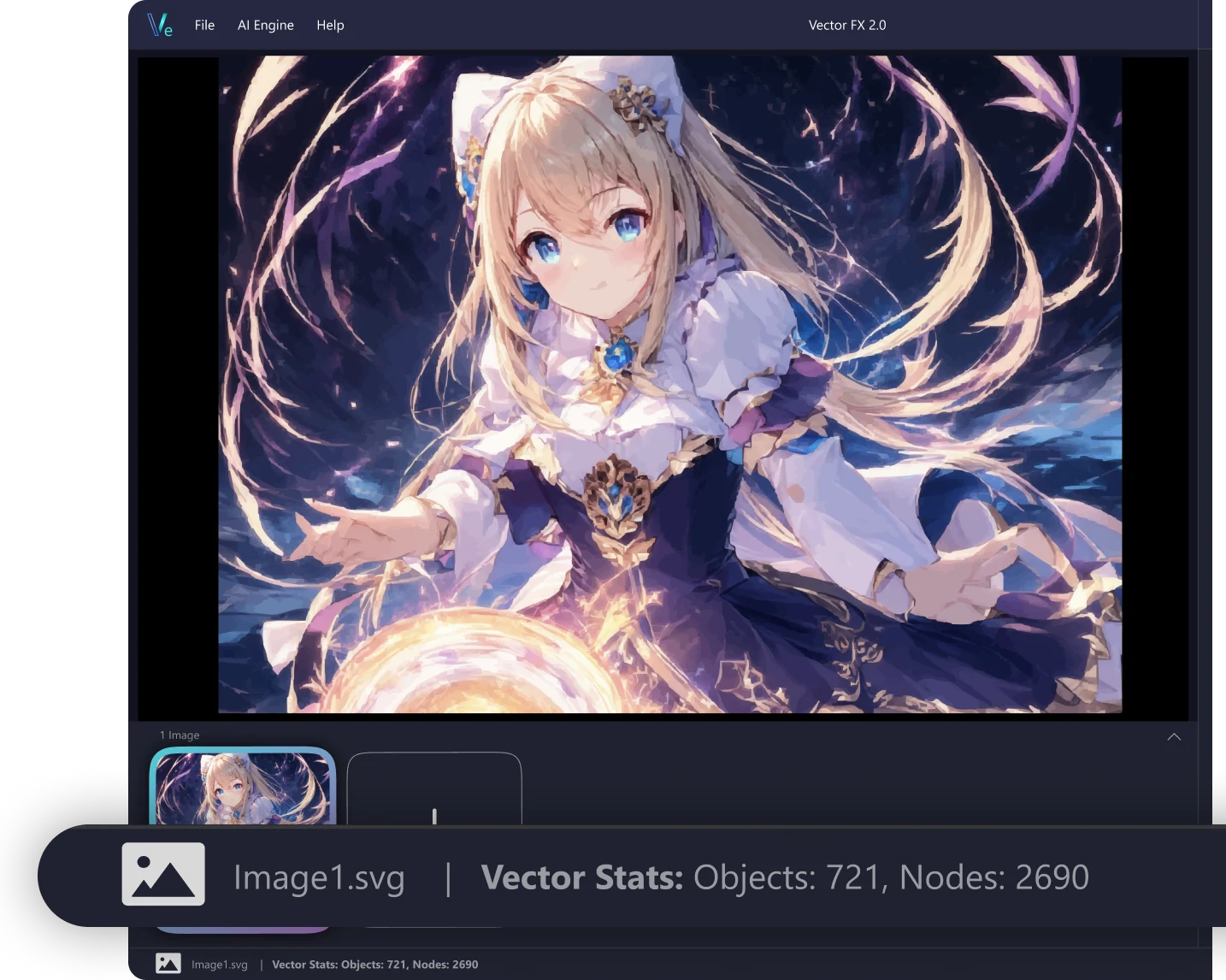
Download a clean, editable SVG ready for CorelDRAW, Illustrator, Affinity Designer, or any vector workflow. Ideal for printing, vinyl cutting, laser engraving, digital illustration, web assets, merchandise design, and more.


Features

Everything you need for unlimited, local AI vector generation. No credits, no cloud, no compromises.

Local text-to-vector generation in Vector FX

Local Text‑to‑Vector Generation

No credits and unlimited use — generate vector SVG files as often as you like. Everything stays local: prompts, images, output, leaving you in complete control.

Easy to use slider controls

Easy to Use

Sliders allow you to control generation steps, file complexity, nodes, shape structure, and path coarseness.

Prompt presets and negative prompts

Prompt Your Way

Use built-in presets like clipart, logos, and 8-bit art to get started, or add negative prompts to fine-tune what you need.

Multiple vector variations

Multiple Variations

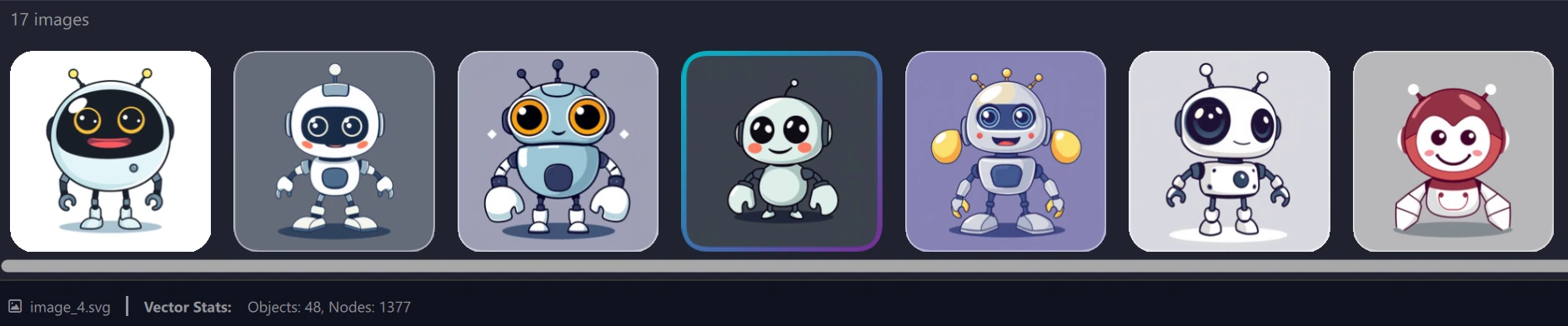
Generate multiple prompt variations and select your favorites in real-time. Our accelerated workflow lets you pick and process images as they appear, keeping your creative momentum moving.

The Model Hub

The Model Hub

Multiple models and optimized variants to choose what you want to work with, with more to come.

SVG export

SVG Export

Industry-standard SVG export is ready for any vector editing workflow.

Batch generation and multi-document management

Batch Generation & Multi‑Document Management

Vector FX allows for multiple generations, enabling quick idea exploration and different visual outputs.

What's New
Convert JPG and PNG to vector SVG
New

Convert JPG to Vector

Import JPG and PNG images and convert them into clean, scalable SVG artwork using our advanced vector tools.

Dual-monitor support
New

Dual‑Monitor Support

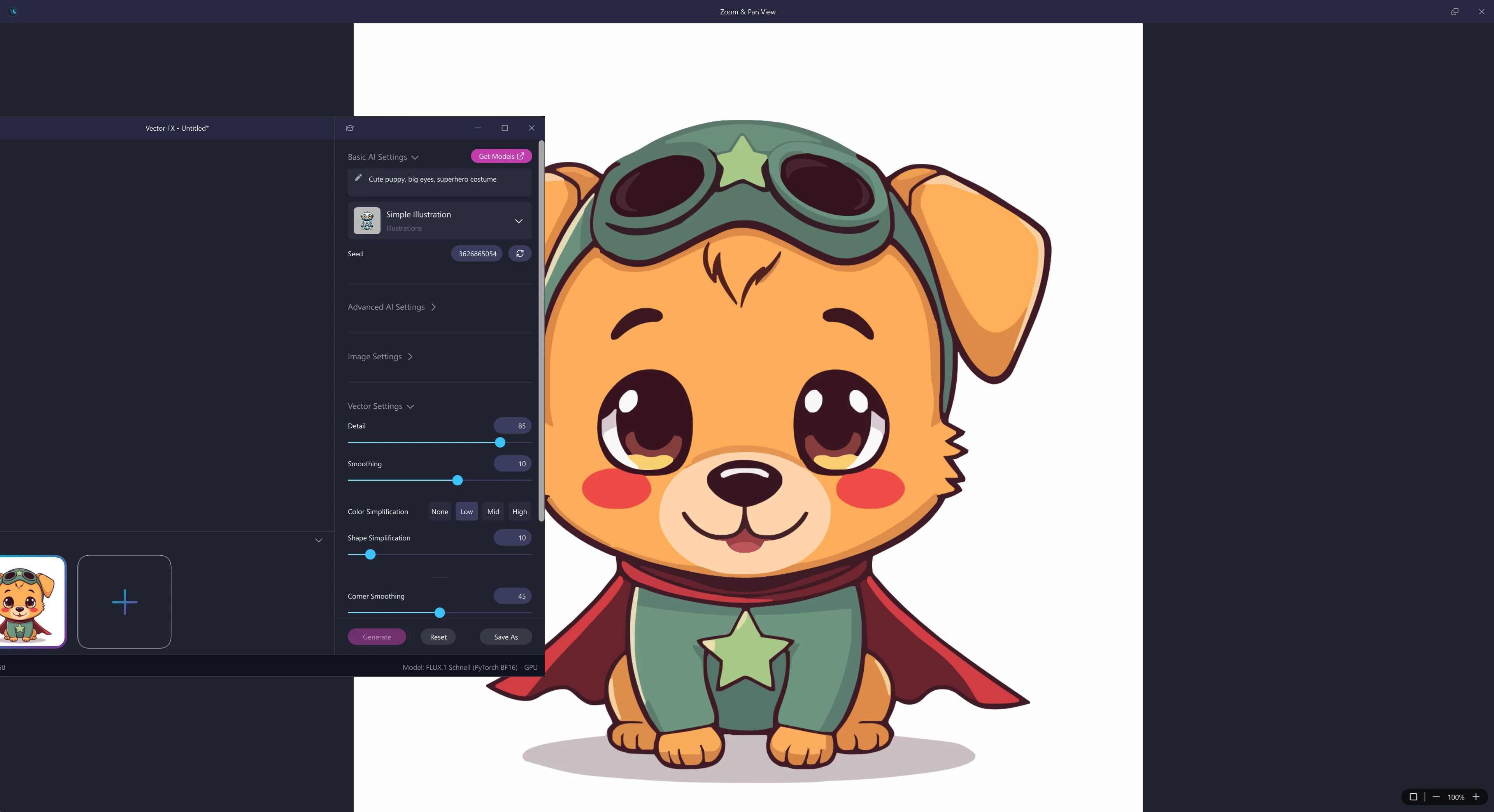
Keep controls on one screen and artwork on another.

Enhanced gallery management
New

Enhanced Gallery Management

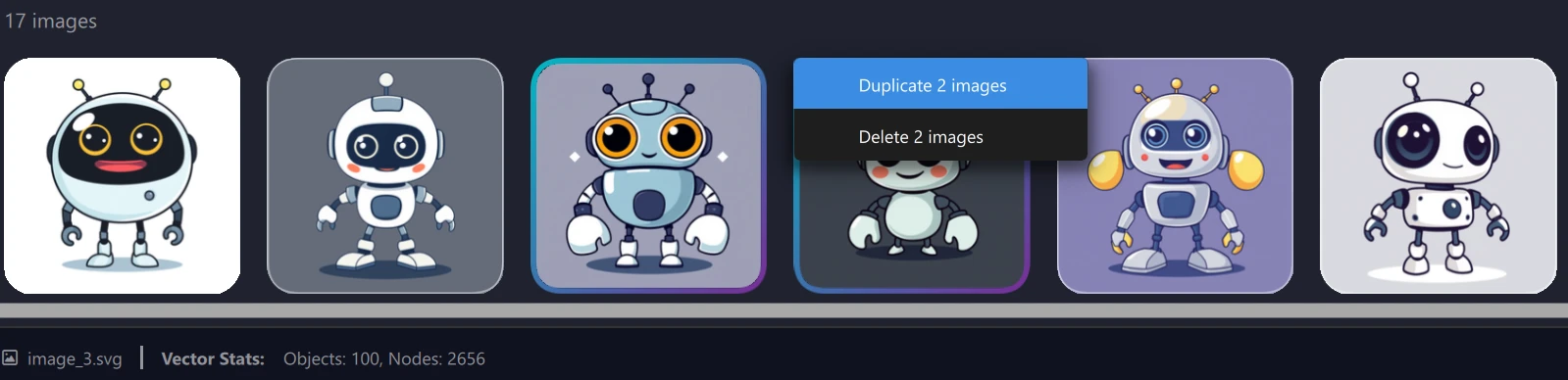
Take control of your gallery with easier file duplication and multi-select features. Streamlined management keeps your local projects organized the way you want.

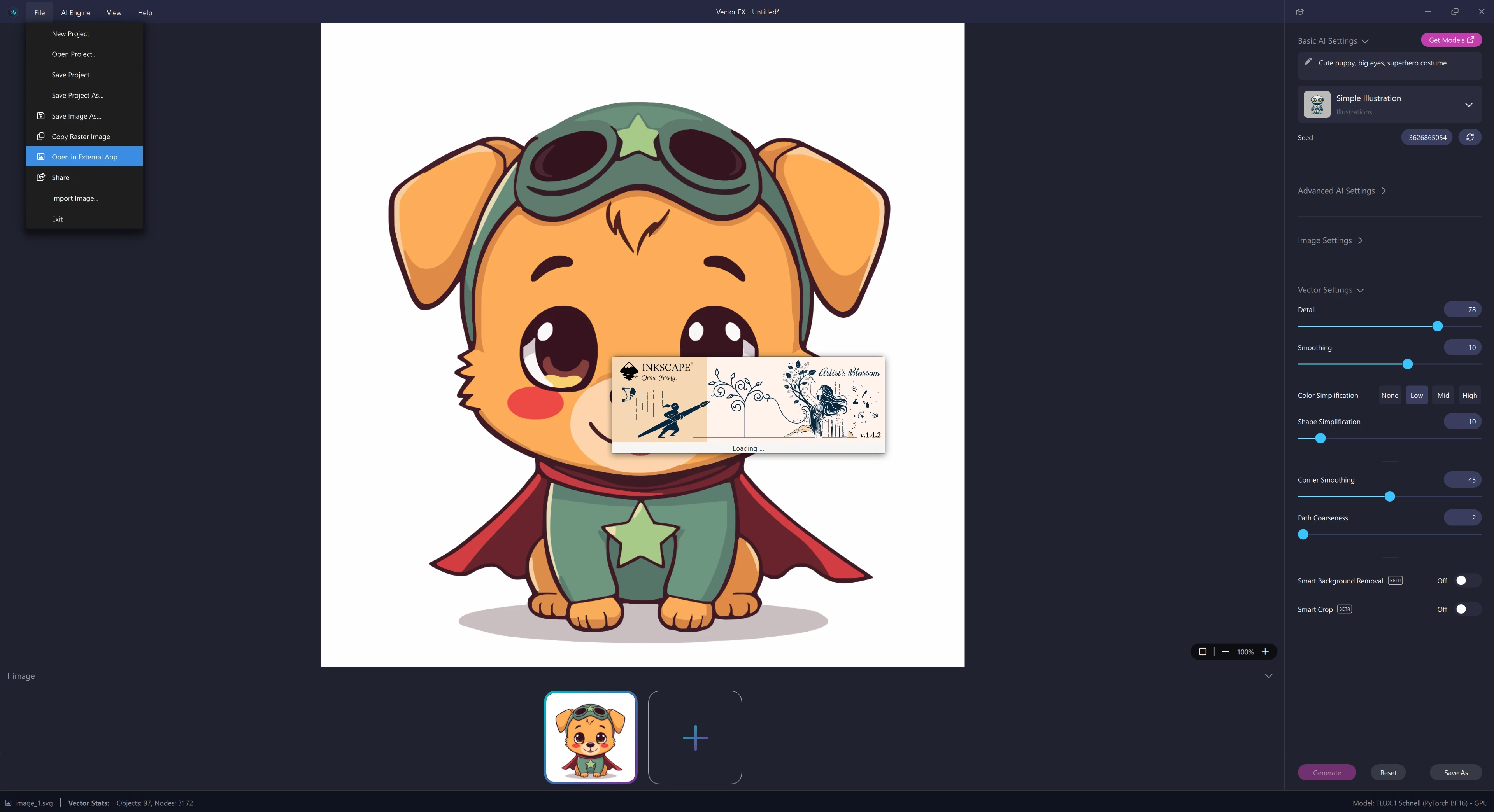
Share and open in external apps
New

Share & Open in External Apps

Share images directly in your preferred external editor, integrating more naturally into your existing creative pipeline.

Built-in Learning Center
New

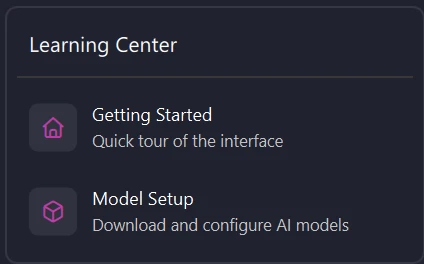
New Learning Center

An integrated Learning Center provides direct access to feature guides, workflow techniques, and optimization strategies to enhance your output.

Limitless creative potential for every type of artist

Designers, artists, marketers, creative hobbyists, and side-hustlers turn to Vector FX for powerful vector creation without the steep learning curve of traditional software or the recurring costs of other tools. Experience the freedom to create with unmatched flexibility and control.

Logo design

Craft memorable and scalable logos with Vector FX’s advanced vector tools. Ensure your brand identity remains sharp and recognizable across all formats, from business cards to billboards.

Try words like:
Bold
Iconic
Simple
Recognizable
Scalable
Clean
Timeless
Unique
Vehicle wraps

Elevate your vehicle wrap designs with intricate vector graphics that stand out on any surface. Vector FX allows you to create bold, eye-catching visuals that maintain their impact whether displayed on a car, truck, or bus.

Try words like:
High-Impact
Eye-Catching
Bold
Dynamic
Full-Color
Large-Scale
Vibrant
Seamless
Large-format printing

Produce high-quality, detailed vector graphics that retain their sharpness and clarity at any size. Whether working on banners, posters, or billboards, Vector FX equips you to deliver professional-grade prints that impress every time.

Try words like:
High-Resolution
Crisp
Detailed
Sharp
Scalable
Vivid
Professional
Oversized
Vector illustration

Create detailed and expressive illustrations that bring your ideas to life. Whether you're designing for digital media or print, Vector FX provides the precision and flexibility to produce artwork that captivates your audience.

Try words like:
Detailed
Stylized
Layered
Hand-Drawn
Creative
Complex
Customizable
Expressive
Packaging design

Design intricate packaging that stands out on the shelf with clean, sharp lines and bold graphics. Vector FX allows you to produce packaging designs that are both visually striking and technically flawless, ready for any printing process.

Try words like:
Sleek
Professional
Attractive
Functional
Branded
Product-Focused
Eye-Catching
Innovative
Apparel & merchandise design

Generate unique and high-quality vector graphics for apparel and merchandise. From t-shirt designs to promotional products, Vector FX ensures that your designs look sharp and vibrant across all types of materials and formats.

Try words like:
Wearable
Bold
Trendy
Iconic
Print-Ready
Minimalistic
Custom
Marketable
Why use Vector FX 2.0
AI-Powered Vector Creation

Generate clean, scalable SVG vector graphics from text prompts or images instantly. Vector FX 2.0 delivers precision results that traditional vectorizers simply can’t match.

Full Control Over Every Shape

Adjust vector detail, smoothing, path complexity, color simplification, and node counts in real time. Fine-tune artwork with a level of accuracy ideal for logos, icons, signage, engraving, and print production.

Runs Completely on Your Device

Your prompts, images, and outputs stay local never uploaded. No subscriptions, no credits, no throttling. Just fast, private, unlimited vector generation powered by your own hardware.
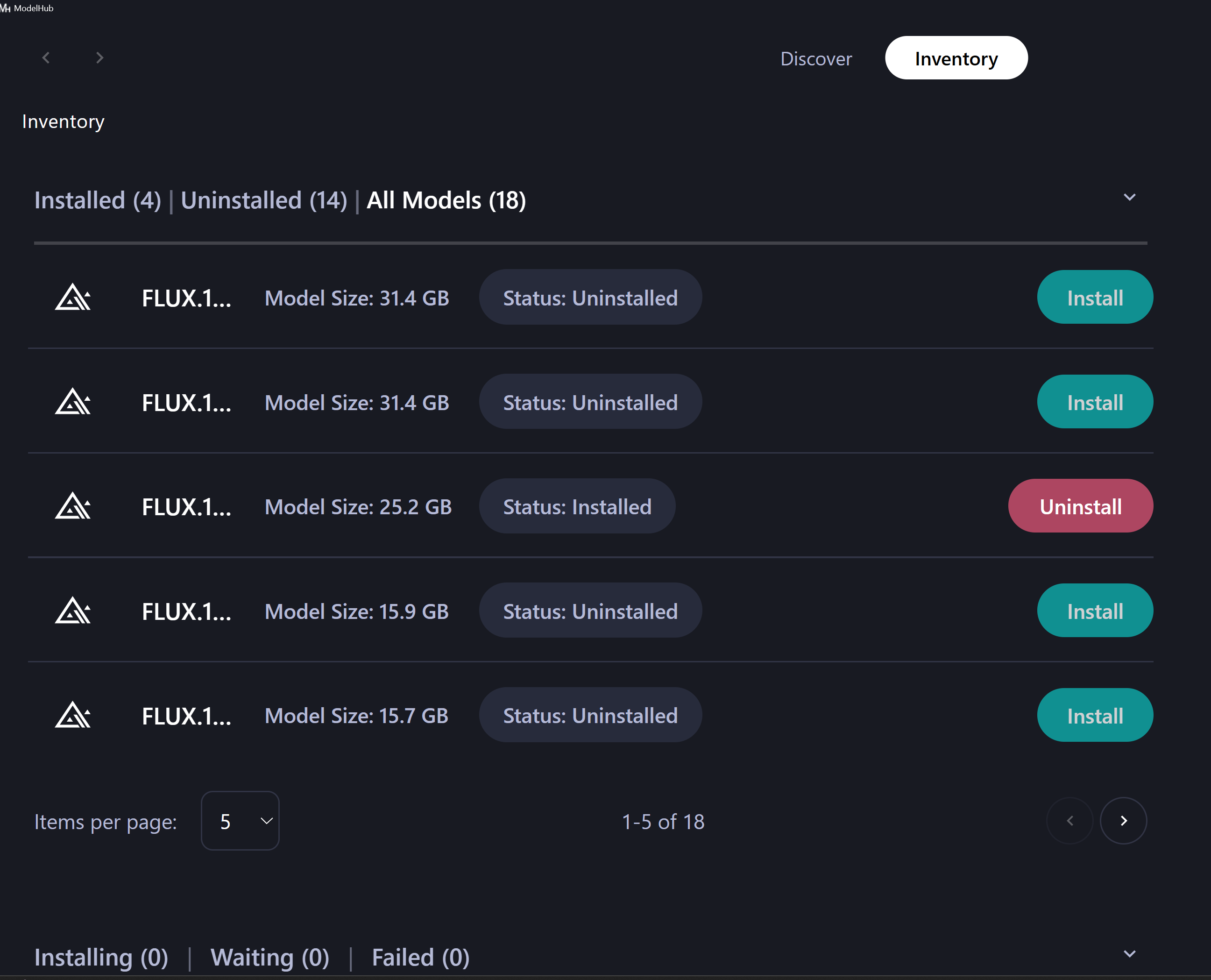
Powered by 17 AI Models

Switch between AI models like Flux, Stable Diffusion 3.5, SSD1B, XDXL Turbo, all created for illustration, logo design, high detail, fast CPU performance, or stylized output. The Model Hub gives you unmatched flexibility to explore creative directions.

Export SVGs ready for clients

Deliver polished vector graphics instantly. Whether it’s for a client project, merch line, Etsy shop, or print run, your SVGs are ready to publish, print, or refine.

Creative Exploration

Use batch generation, multi-document management, and AI style presets to explore variations quickly. Perfect for brainstorming, refining client concepts, building merch, or generating multiple design options.

Technical specs
Minimum
Recommended (using GPU acceleration)
Operating System
Windows 10 / 11 64-bit (latest updates)
Windows 10 or Windows 11 (64-bit, latest updates)
Processor
Multicore Intel Core (11th Gen or newer) or AMD Ryzen (2 GHz or faster, 64-bit support)
Multicore Intel or AMD processor (2 GHz or faster, 64-bit support)
RAM
16 GB
32 GB
GPU
Integrated or discrete graphics (Intel Iris Xe or newer)
Modern NVIDIA GeForce (10-series or newer) with 12 GB VRAM (CUDA 3.7+), or Intel Arc / Iris Xe (discrete)
Hard Drive
15 GB
15 GB
Monitor Resolution
1280x800
1920x1080 or higher