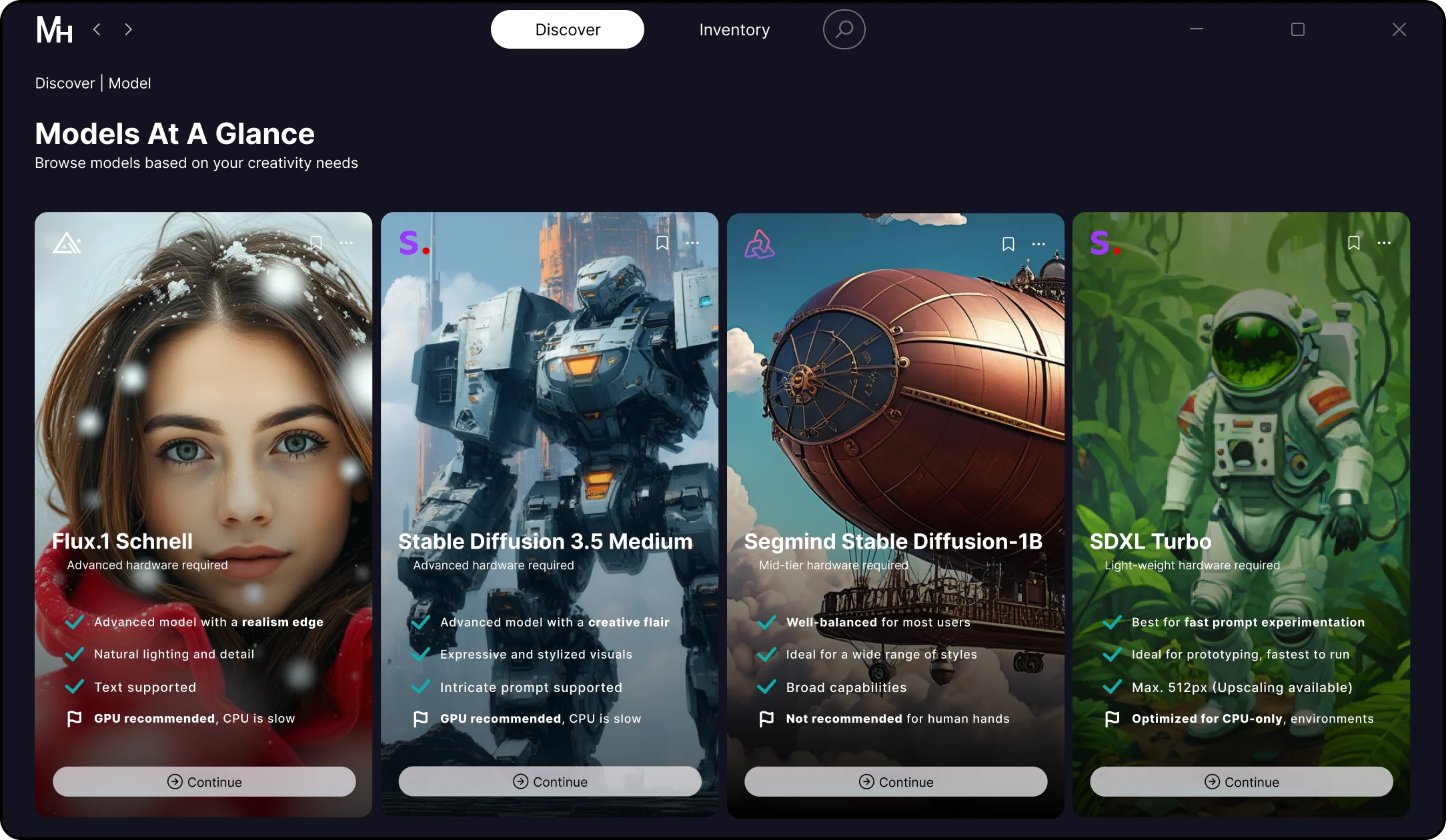
01.Choose your AI model
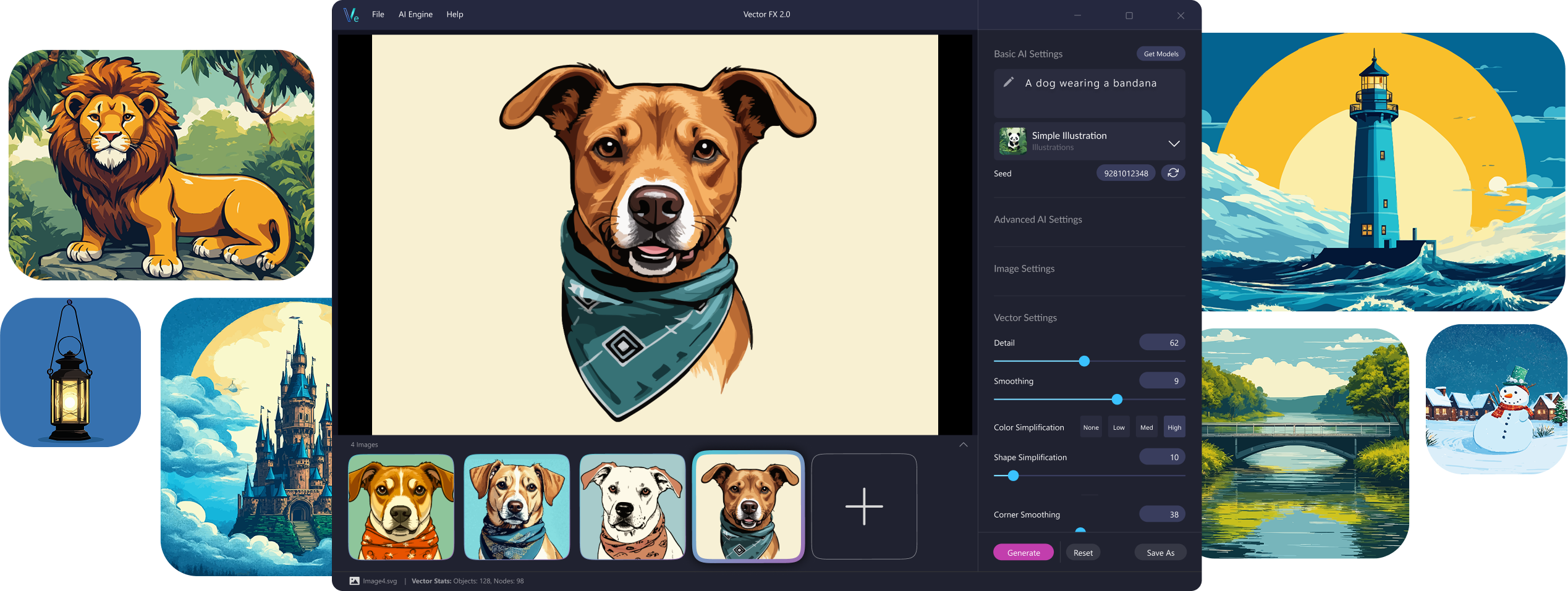
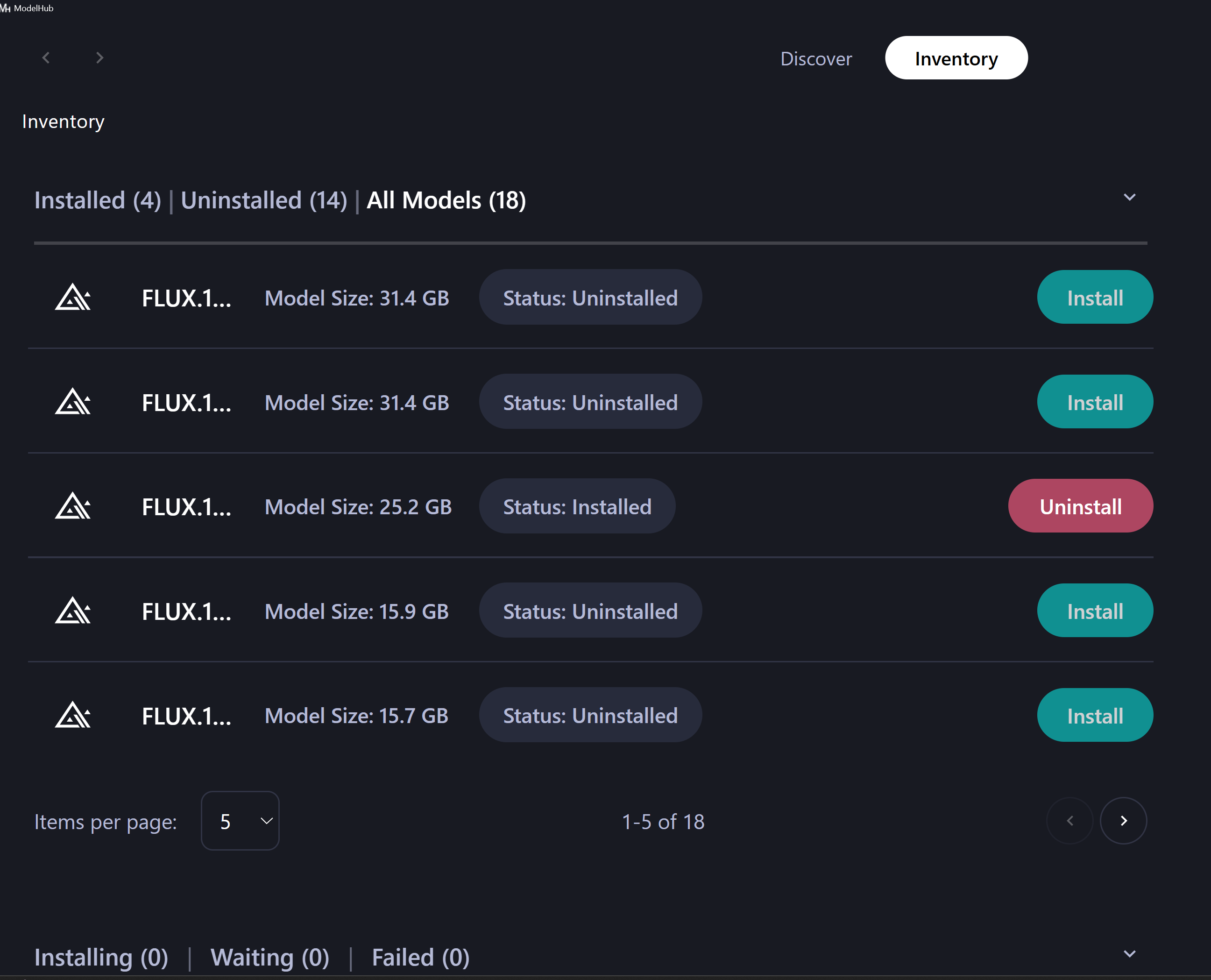
Pick from 17 optimized AI model variants inside the Model Hub — including fast CPU models, high-detail GPU models, illustration-focused models, and logo/icon specialists. Each variant delivers a different vector style, performance profile, and creative output.
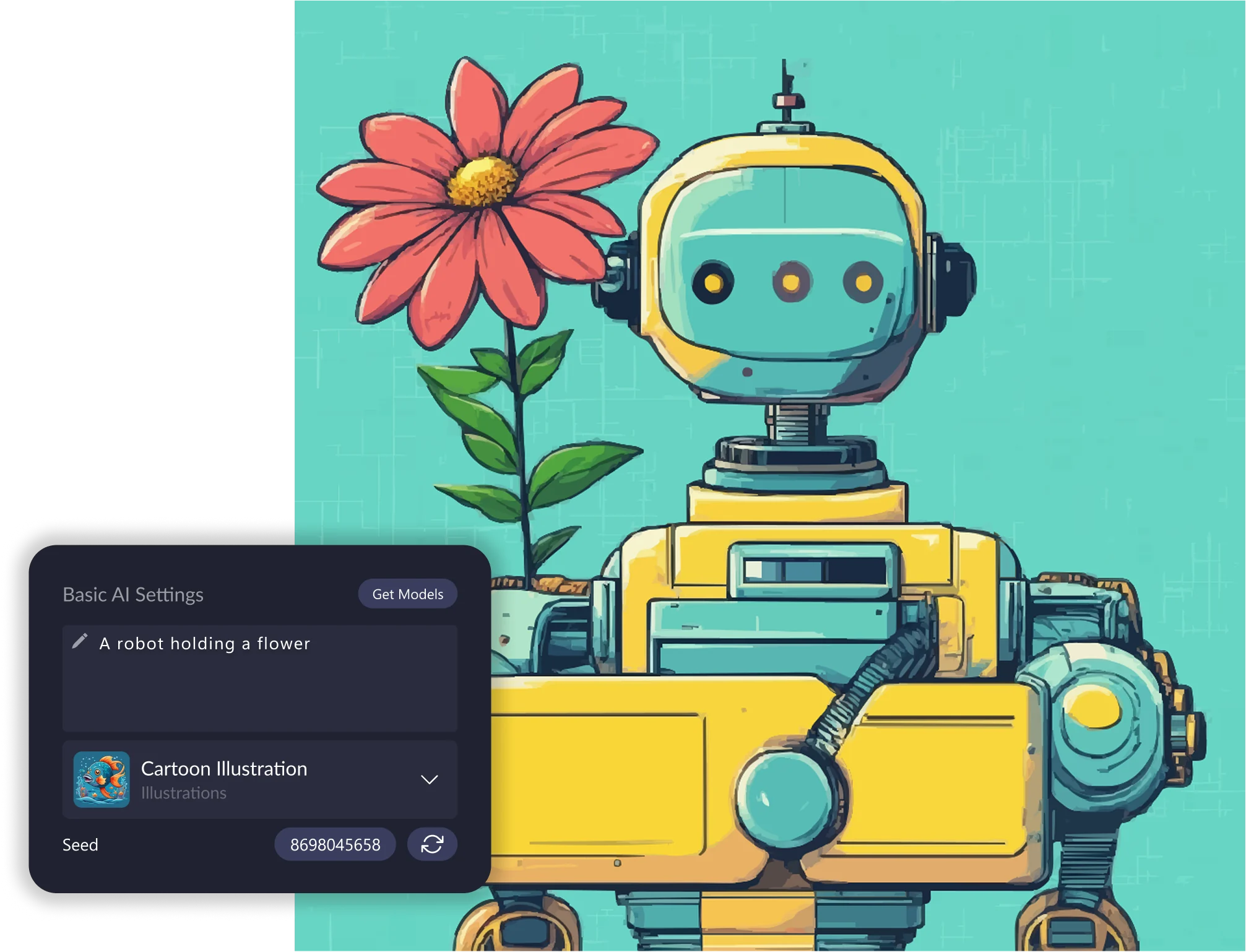
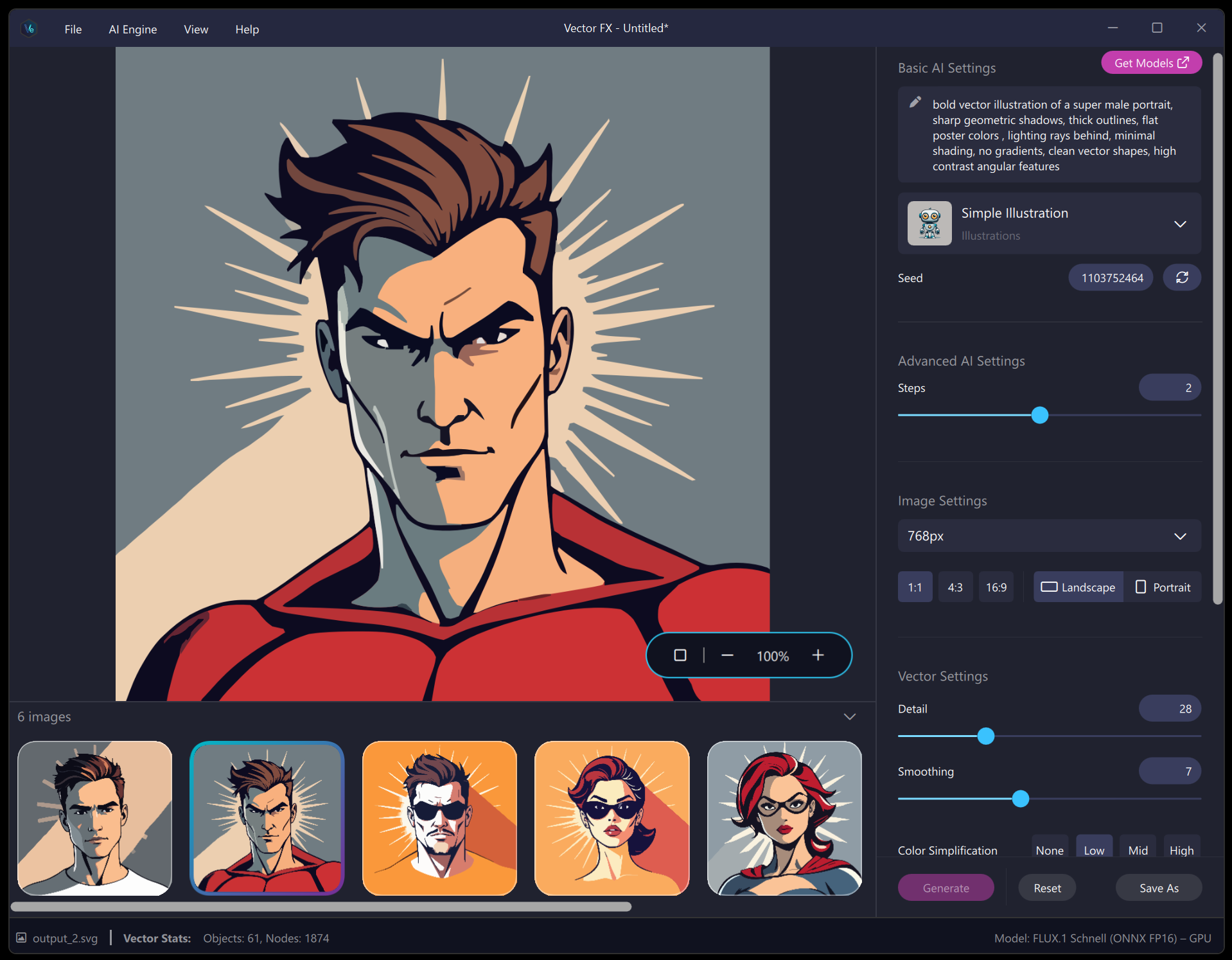
02. Enter a prompt or upload an image
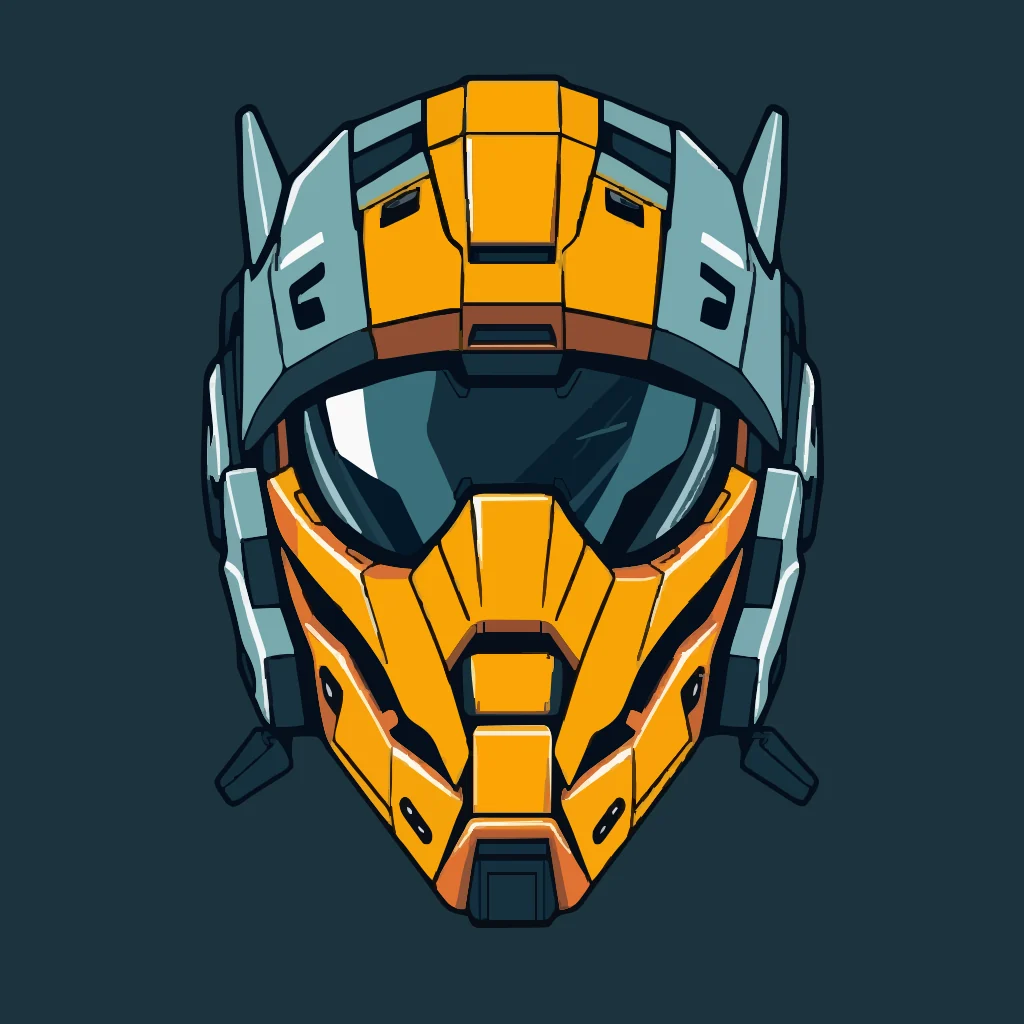
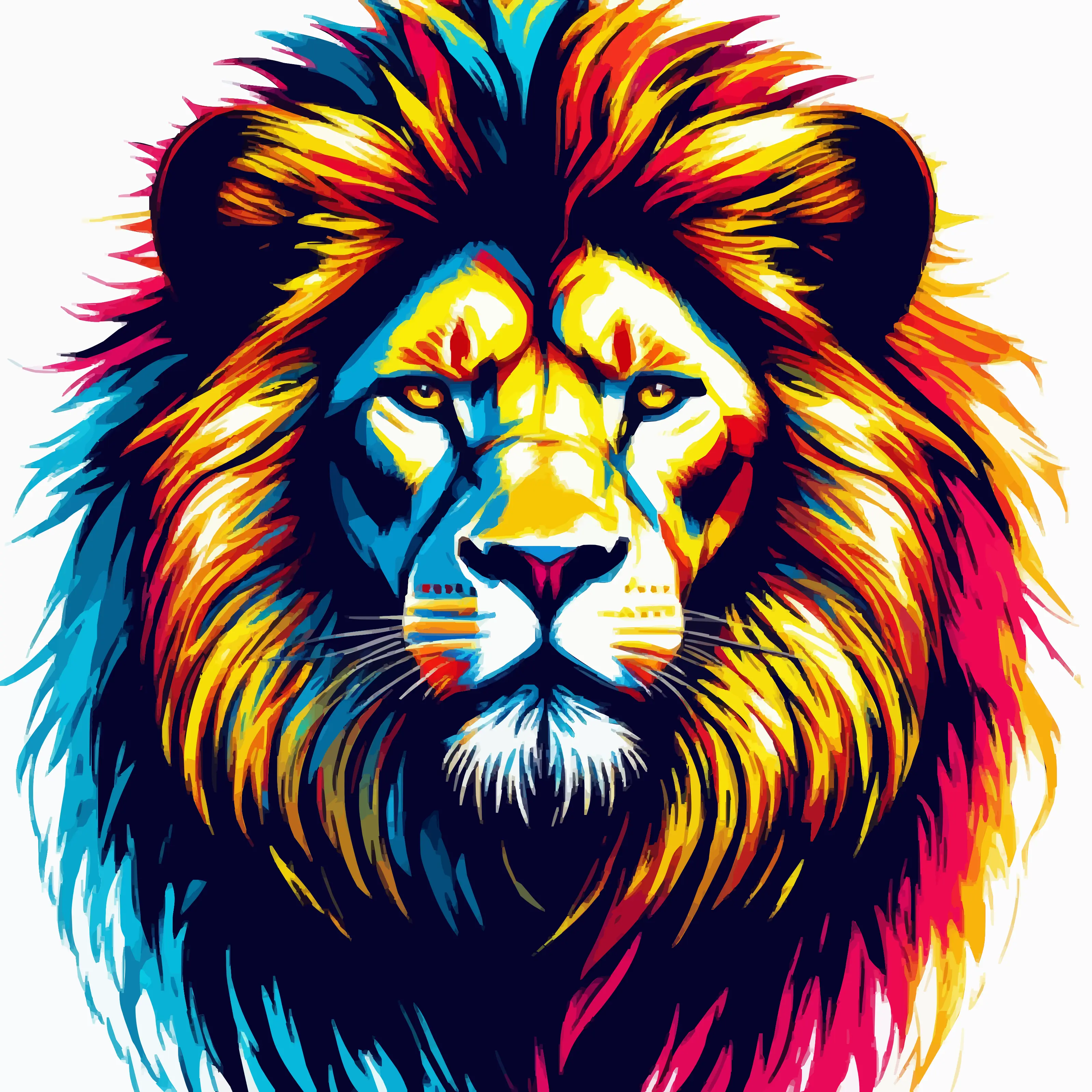
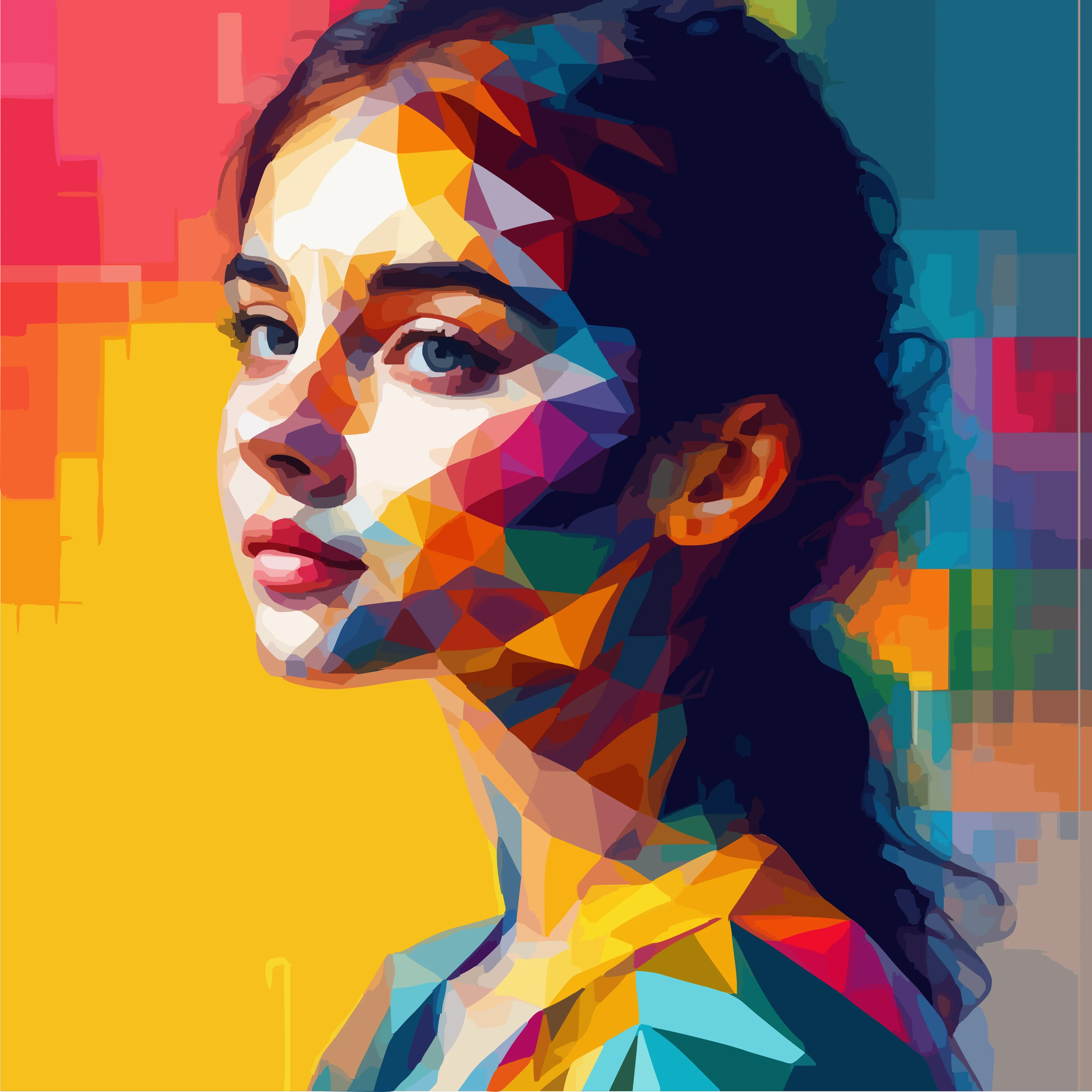
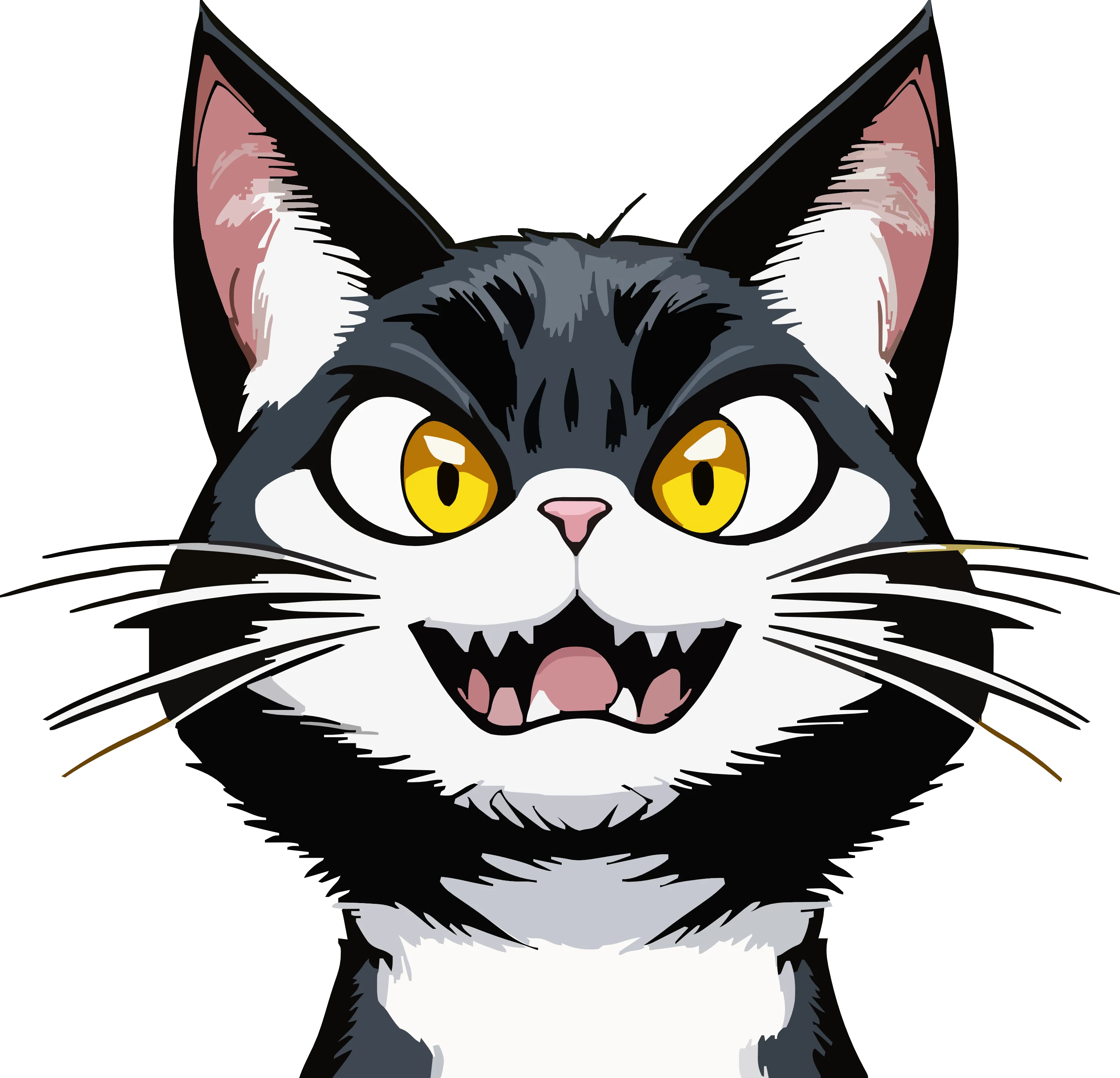
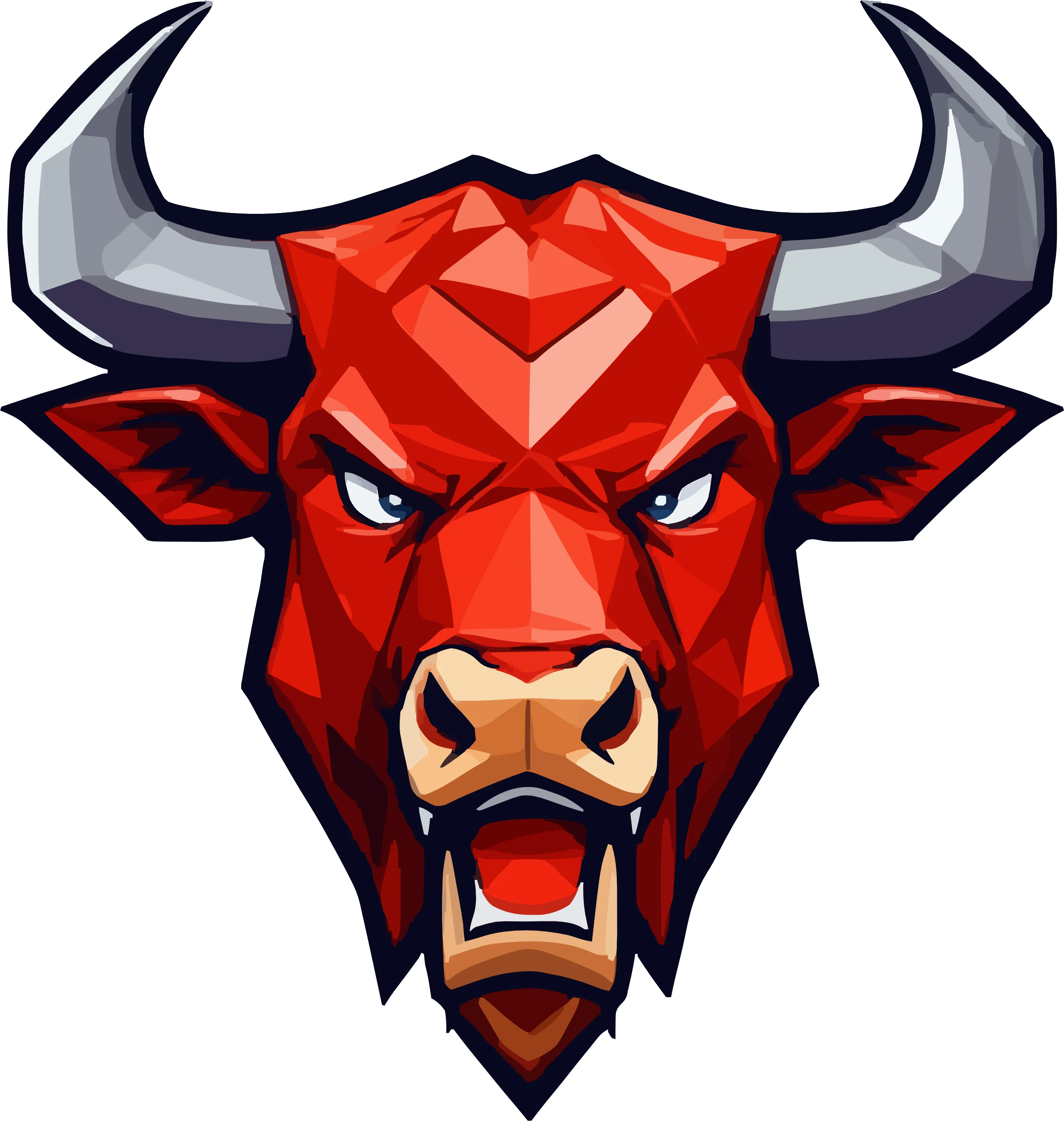
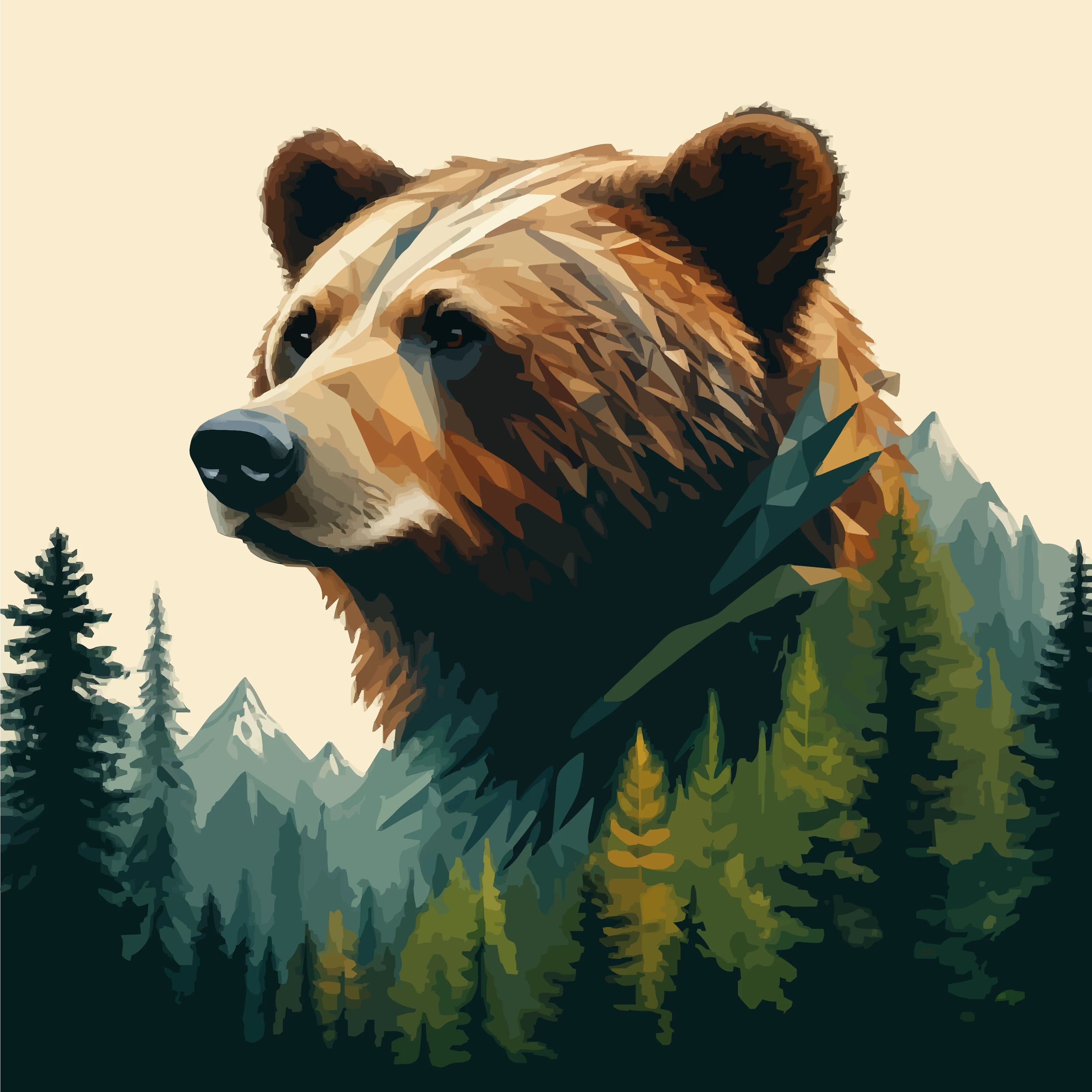
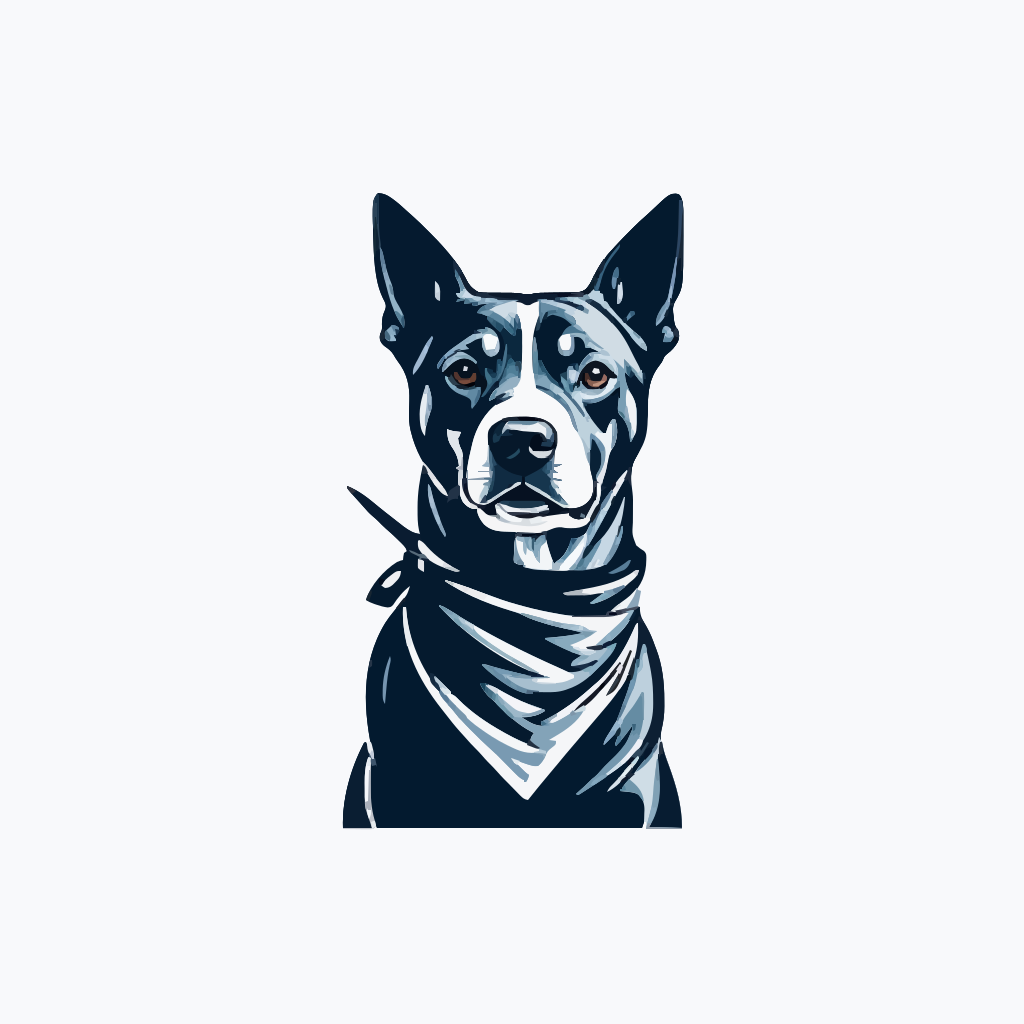
Type a text prompt to guide the software. Vector FX 2.0 instantly interprets your concept and begins creating a clean, scalable SVG foundation. Perfect for logo ideas, icons, illustrations, patterns, and production-ready vector assets.
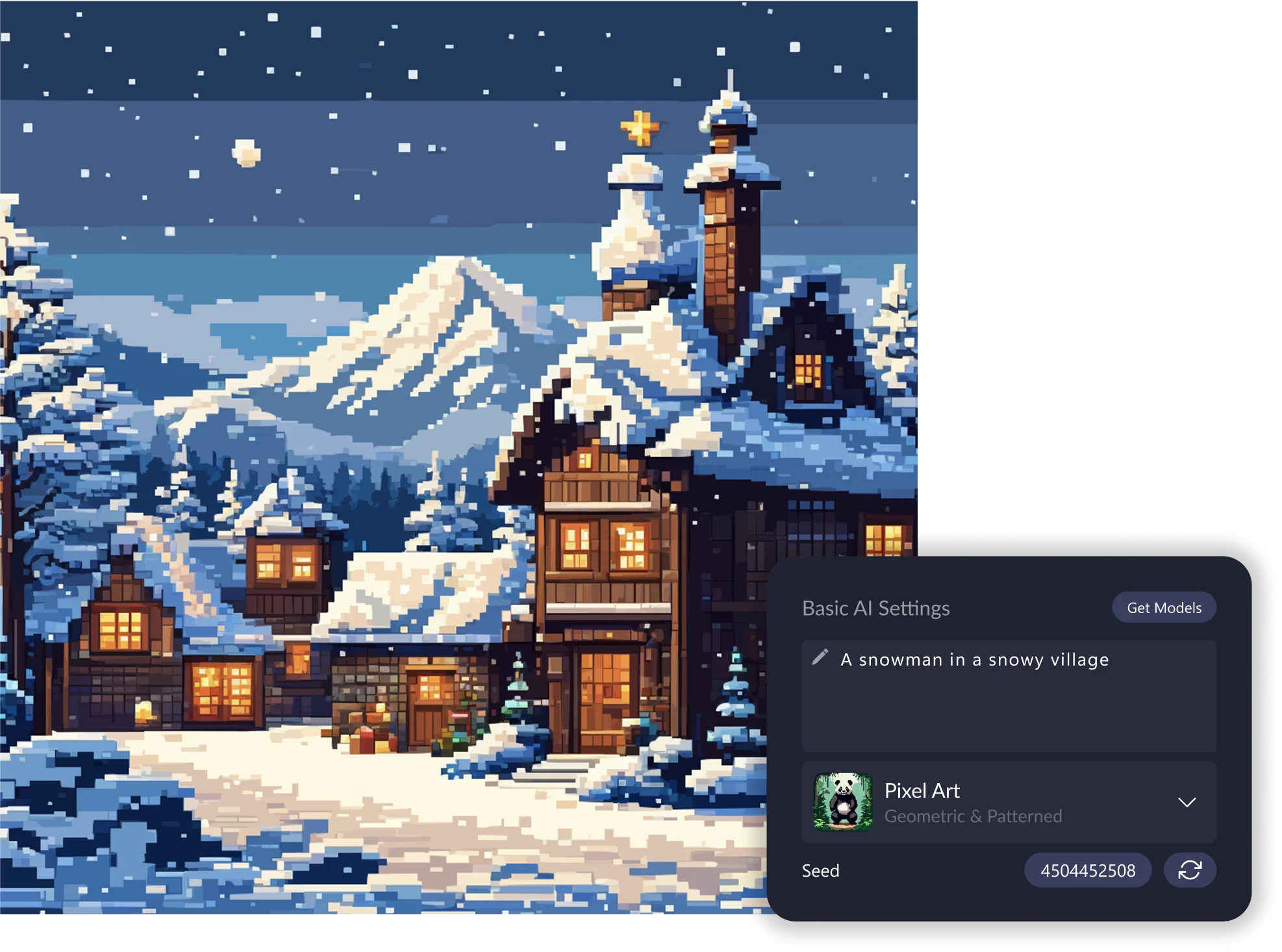
03. Apply a Style Preset
Jumpstart your design with a preset tuned for logos, icons, clipart, vector illustration, patterns, 8-bit art, and more. Presets intelligently shape the output by enhancing your prompt with style-specific guidance, perfect for consistent, predictable results.
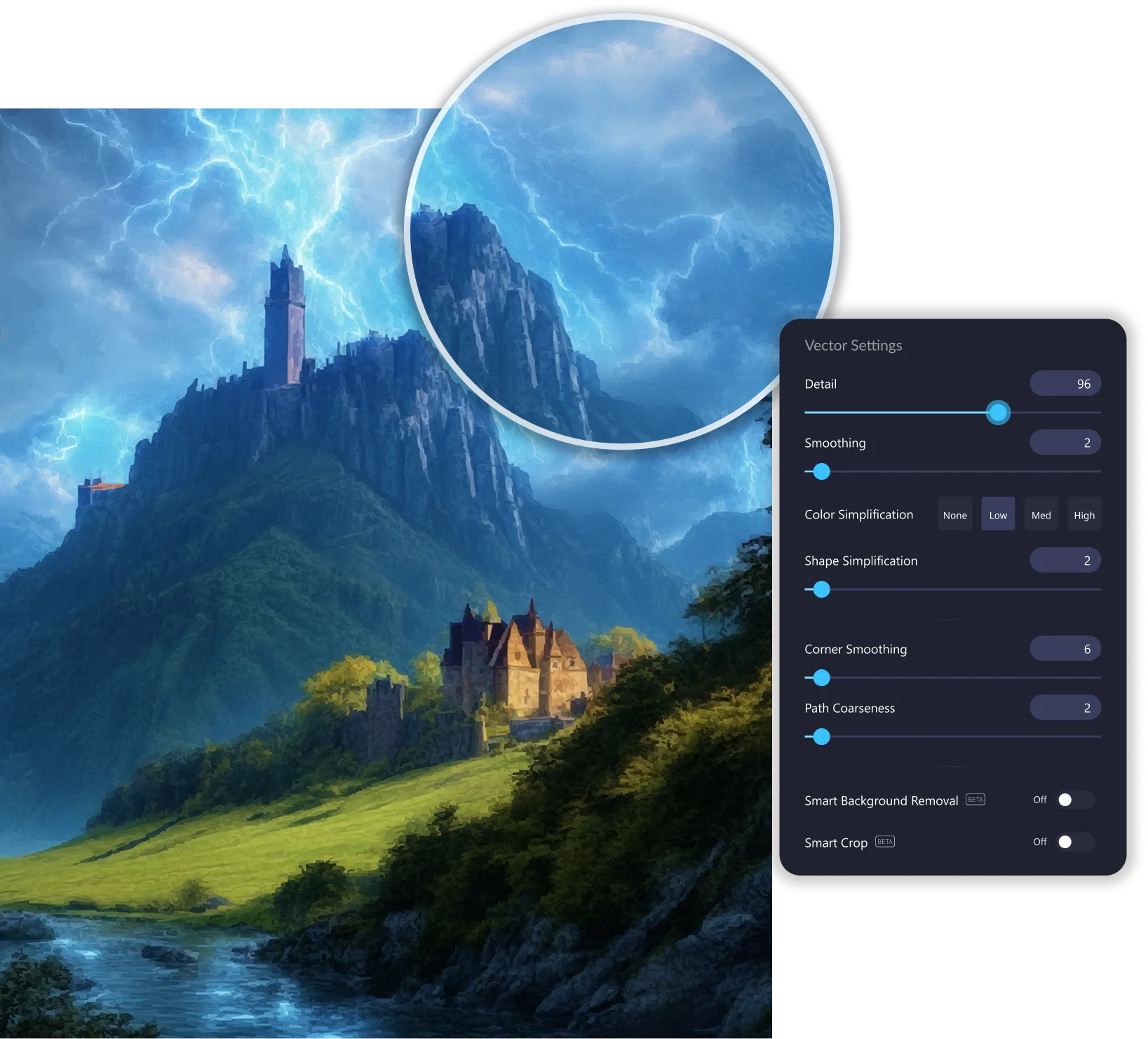
04. Refine with real-time controls
Fine-tune detail, smoothness, color simplification, shape structure, corner rounding, and path coarseness all with immediate visual feedback. Adjusting vectors in real time gives you complete control over node counts, shape accuracy, and overall quality.
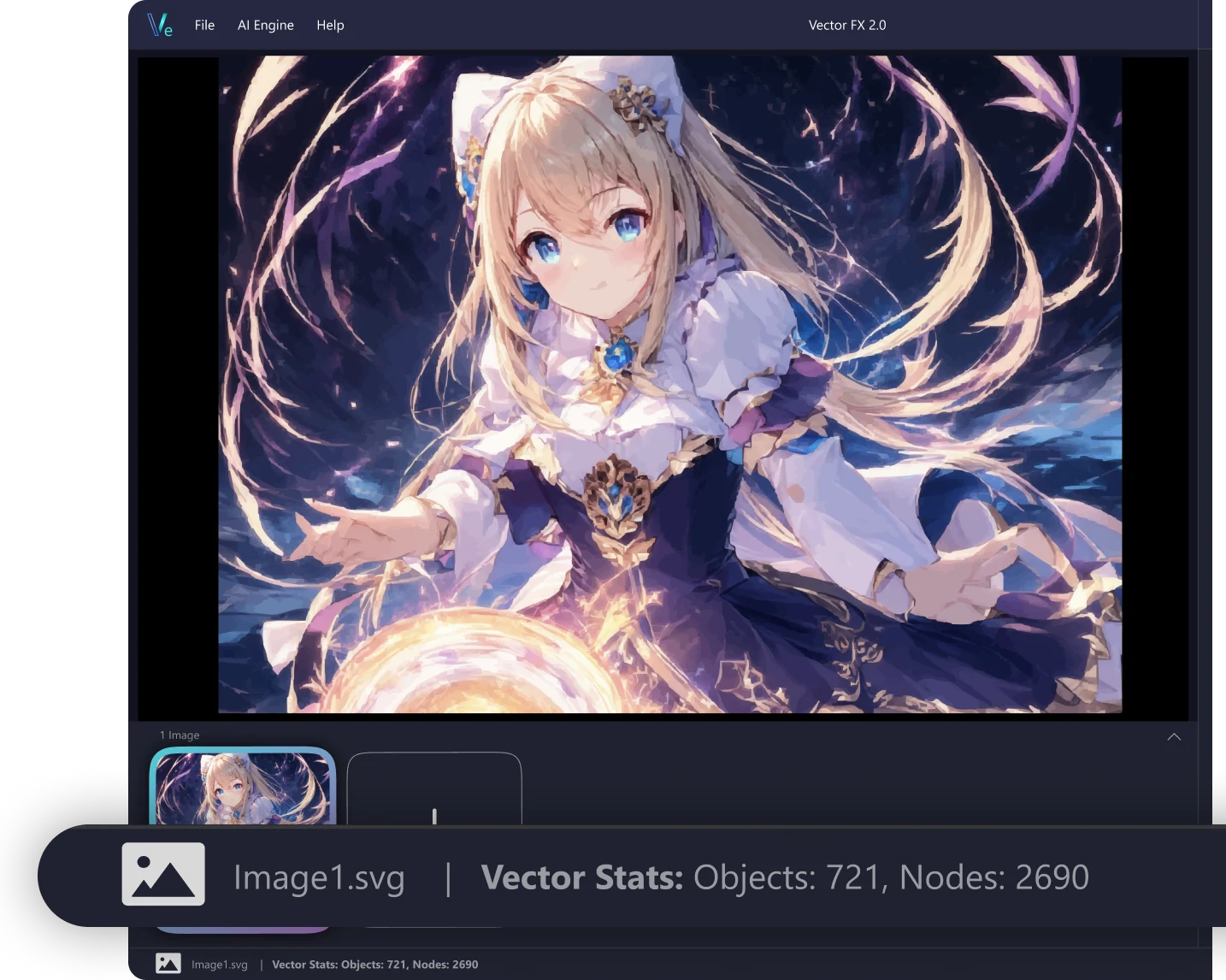
05. Export your final SVG
Download a clean, editable SVG ready for CorelDRAW, Illustrator, Affinity Designer, or any vector workflow. Ideal for printing, vinyl cutting, laser engraving, digital illustration, web assets, merchandise design, and more.









.png)
