Our Latest Model is Available - DreamShaper XL Lightning
DreamShaper XL Lightning is well-suited for creative art, illustrations, concept design, and polished stylized imagery while still maintaining enough realism for portrait work. Its speed and responsiveness make it especially effective for interactive creative workflows.
The DreamShaper XL Lightning model is the high-speed evolution of the popular DreamShaper series. Built on the Stable Diffusion XL (SDXL) framework, it has been optimized for efficiency, allowing you to generate high-resolution, polished images in a fraction of the time required by traditional SDXL models.
DreamShaper XL Lightning is well-suited for creative art, illustrations, concept design, and polished stylized imagery while still maintaining enough realism for portrait work. Its speed and responsiveness make it especially effective for interactive creative workflows.
Prompt - Portrait of a young woman in her mid-20s with long blonde hair, blue eyes, clear skin, and a relaxed confident expression
Pros of DreamShaper XL Lightning
Speed
DreamShaper XL Lightning is designed for fast generation. It can often achieve strong results in just 6 to 10 steps, while traditional SDXL models may require 30 to 50 steps. This makes it ideal for rapid experimentation and interactive creative workflows while still delivering professional-quality results.
Output
DreamShaper XL Lightning excels at cinematic imagery, photorealistic portraits, stylized illustrations, and detailed sci-fi or fantasy scenes. Even simple prompts tend to produce polished, production-style visuals.
Human Faces
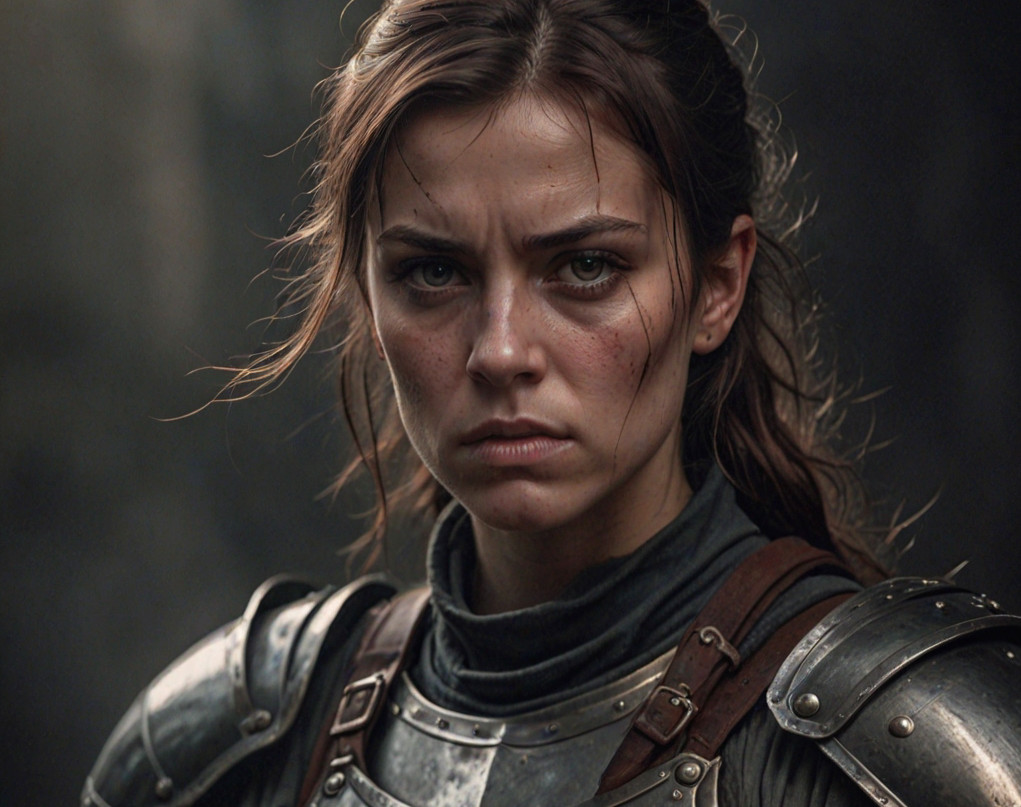
This model is particularly strong at rendering realistic skin textures, facial features, and hair details.
Cons of DreamShaper XL Lightning
Artifacts
Because DreamShaper XL Lightning is optimized for ultra-fast generation with very low step counts, it can occasionally produce small structural artifacts such as extra fingers, duplicated limbs, or inconsistent object details in complex scenes. Negative prompts can often help reduce these issues, and enabling Image Variants is a great way to quickly generate multiple versions and choose the best result.
Image Grain
DreamShaper XL Lightning can sometimes produce a slight grain or noisy texture due to its ultra-fast generation process. Enabling our Upscaling feature can help clean up the image, improve sharpness, and produce a more polished final result.
Style Flexibility
DreamShaper XL Lightning is tuned to produce polished and visually appealing results by default, which can make highly niche or abstract styles a bit more challenging to achieve. However, you can still create a wide variety of looks by experimenting with prompts, using our convenient built-in Style Presets, and increasing Text Guidance to push the prompt or preset toward a stronger stylistic direction.
Text Rendering
As with most image generation models, rendering accurate text inside images can still be inconsistent. For precise typography or logos, post-editing is recommended.
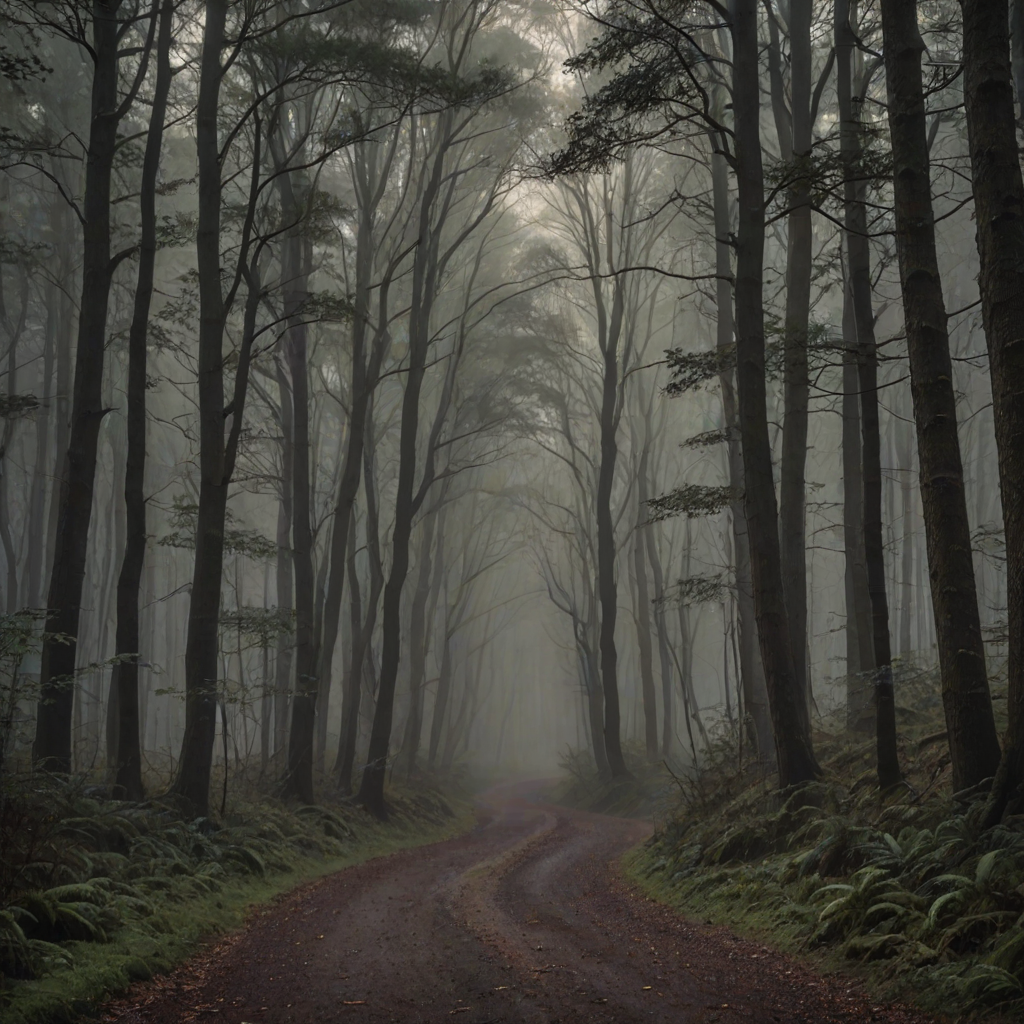
Prompt - A misty forest path winding between tall trees
Hardware Requirements - Medium
This model supports CPU, NVIDIA GPU, AMD GPU, and Intel GPU workflows, giving you flexible options depending on your hardware.
Recommended:
For the best experience, GPU acceleration is recommended. NVIDIA configurations can run with as little as 6 GB of VRAM, while AMD GPU configurations typically require more VRAM depending on the selected variant and image resolution. Intel GPU configurations are also supported and can work with systems that have around 32 GB of shared system RAM.
Minimum:
CPU-only variants are also available through the Model Hub and can run with approximately 24 GB of system RAM, though generation speeds will be slower compared to GPU-accelerated setups.
Prompt - A calm lake reflecting surrounding mountains and sky
Prompt - Portrait of a fearless female warrior wearing worn armor and a determined expression



.webp)