Product Updates: What’s New in Render FX and Vector FX
This release focuses on giving you more creative control over your output, faster local generation, and an interface that adapts better to your desktop workspace. From brand-new visual controls to expanded hardware acceleration, here is a quick look at what’s new in each app.
Product Updates: What’s New in Render FX and Vector FX
We’re excited to release a major set of performance and workflow updates across both Render FX and Vector FX.
This release focuses on giving you more creative control over your output, faster local generation, and an interface that adapts better to your desktop workspace. From brand-new visual controls to expanded hardware acceleration, here is a quick look at what’s new in each app.
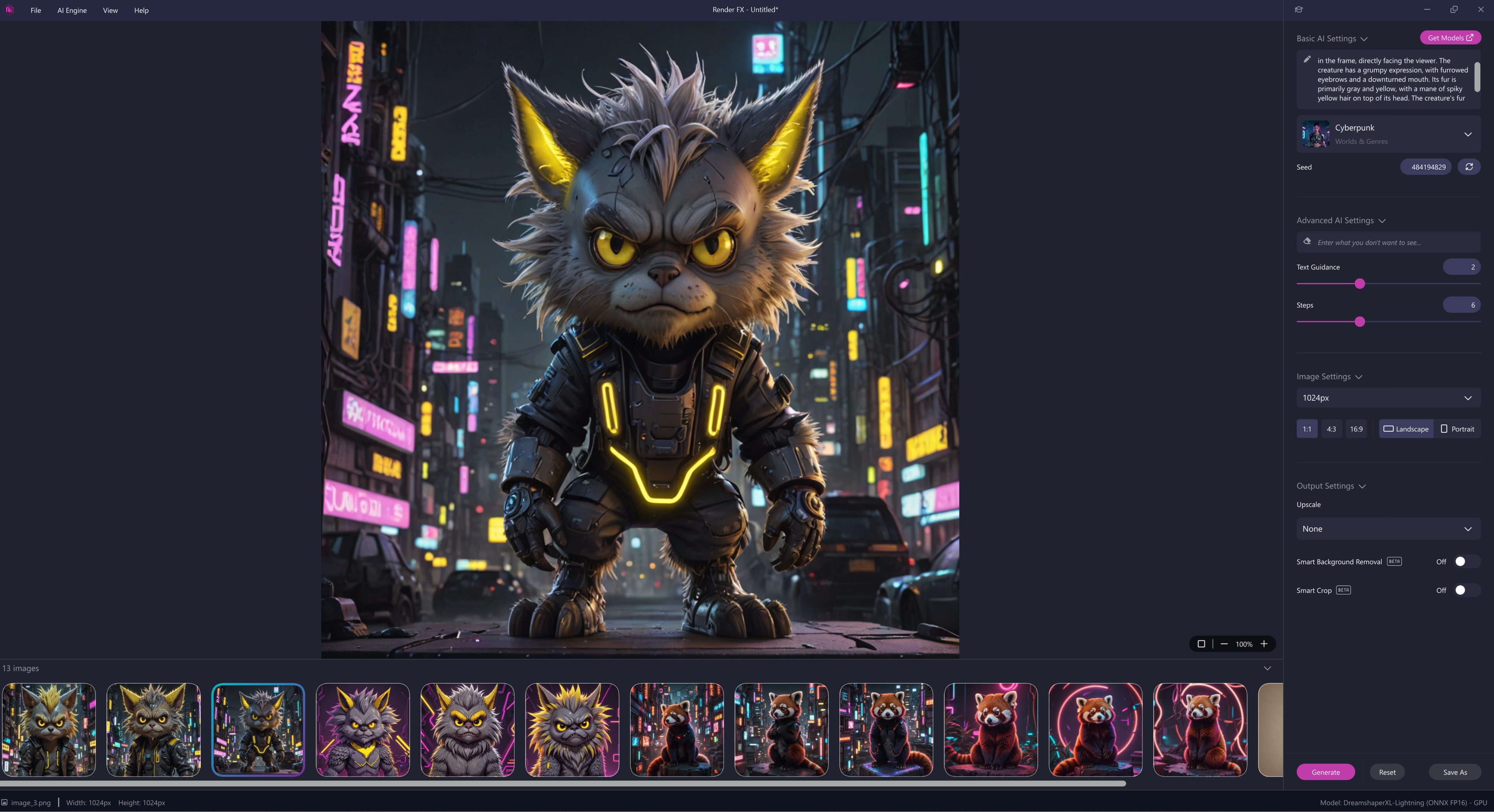
Render FX UI
Render FX — What’s New
Render FX gets a huge boost in speed, hardware options, and stylistic control. Whether you're rendering high-resolution photorealistic concepts or exploring broad artistic directions, these updates streamline every step of your workflow.
Style Reference Control:
Upload a reference image alongside your text prompt to influence the aesthetic, lighting, and mood of your renders—perfect for maintaining visual consistency across an entire project.
Faster Renders & Better Hardware Support:
Enjoy snappier app launch times and optimized model performance. Upscaling now supports AMD GPUs, and you can freely toggle between CPU or GPU processing for upscaling tasks.
More Models in Model Hub:
Discover new models ready to download at launch, with additional free models planned over time. Selected existing models have also been optimized for faster outputs.
Expanded Batching & Exporting:
Generate up to 50 variations at once with Image Variants, save multiple selected renders in a single click (or use Save All), and toggle OS notifications to alert you when large batches finish.
Customizable Desktop Layout:
Easily resize side panels, prompt fields, and gallery views to give more room to the controls or images that matter most.
Better Hardware Detection:
Enhanced detection in Model Settings makes it easier to identify compatible models and configure them for your specific rig.
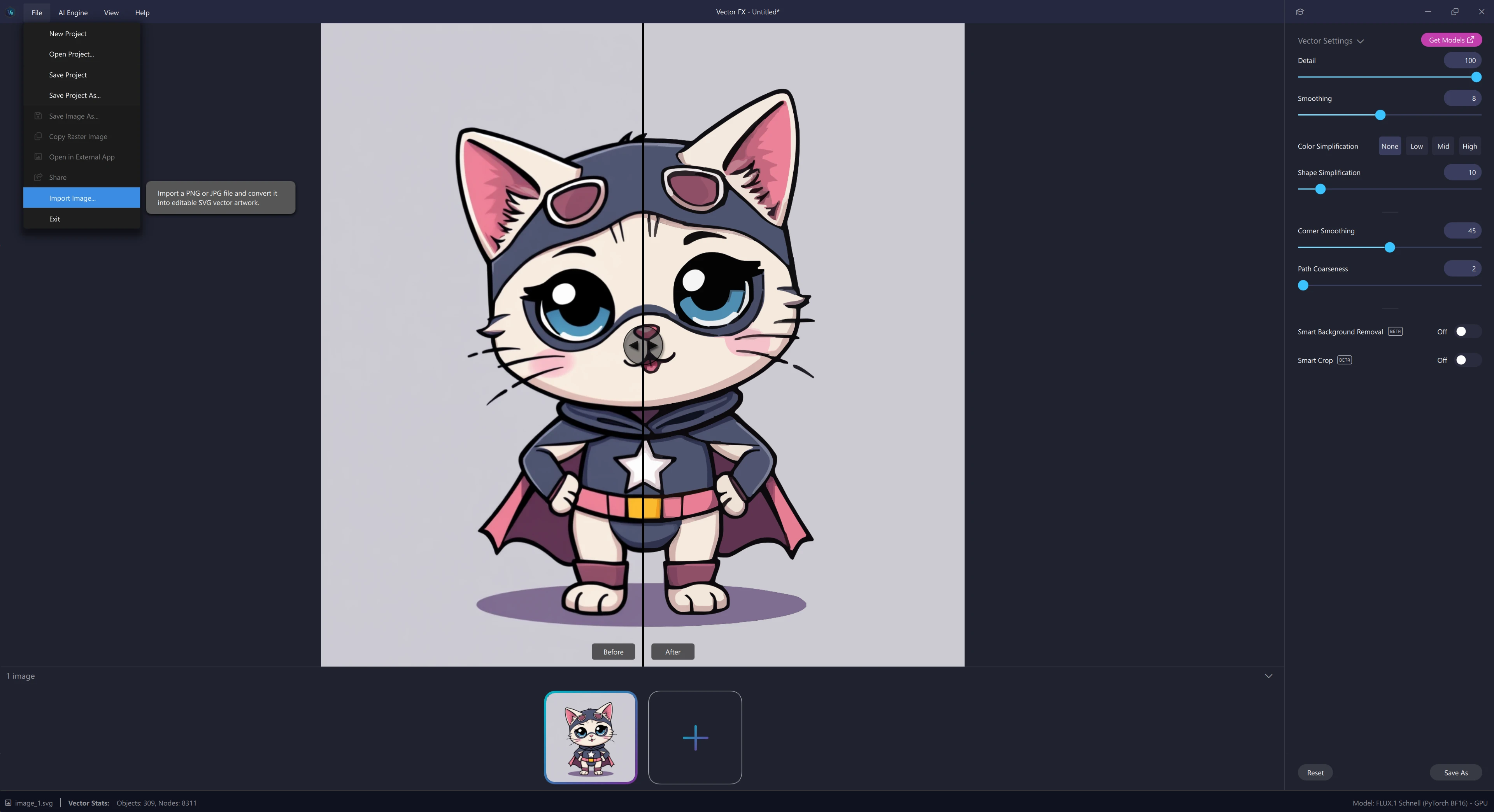
Vector FX receives the same major core engine and workspace enhancements, alongside dedicated file support updates designed to make vectorizing source artwork even more seamless.
Style Reference Control:
Guide your vector graphics using a reference image alongside your prompt. Lock in specific visual treatments, line weights, or color palettes across multiple vector generations.
WEBP Image Import:
You can now import WEBP images directly into Vector FX for vector tracing, making it easier to work with source artwork downloaded from the web.
More Vector Models:
Access an expanded library of vector-focused models in Model Hub, optimized to produce clean, scalable SVGs faster.
Large Batch Variations:
Run up to 50 vector variations simultaneously from a single prompt, complete with bulk-saving options and optional system notifications when generation completes.
Flexible UI Controls:
Drag and resize panels, gallery grids, and prompt input boxes to create a spacious workspace tailored to your monitor setup.
Speed & Stability Upgrades:
Experience faster startup times, improved hardware detection, and underlying performance fixes across the board.
if you are just learning about Vector FX, this is just what we have just added to the amazing Vector FX!
Ready to Update?
Both updates are available now. Open your Render FX or Vector FX desktop applications to get the latest features, explore the new models in the Model Hub, and try out Style Reference on your next local project!