Distinct AI vs. Ollama: Local AI for Images vs. Local AI for Language
Ollama runs language models on your own machine. Distinct AI runs image models on your own machine. See how they differ, what each is for, and why many people run both side by side.
Distinct AI vs. Ollama: Local AI for Images vs. Local AI for Language
Ollama and Distinct AI both come up in searches for local AI tools, but they're not built for the same job. Ollama runs language models on your own machine, the chat, coding, and developer-tooling side of local AI. Distinct AI runs image models on your own machine, the generating, editing, and enhancing side. Same local-first approach, different kind of work.
What Is Ollama?
Ollama is a free, open source tool for running large language models locally, built on top of llama.cpp. Pull a model from its library of 100+ open source options and run it, with an OpenAI-compatible API exposed on your own machine. That API is why so many local AI projects and tools use Ollama as the engine running underneath them.
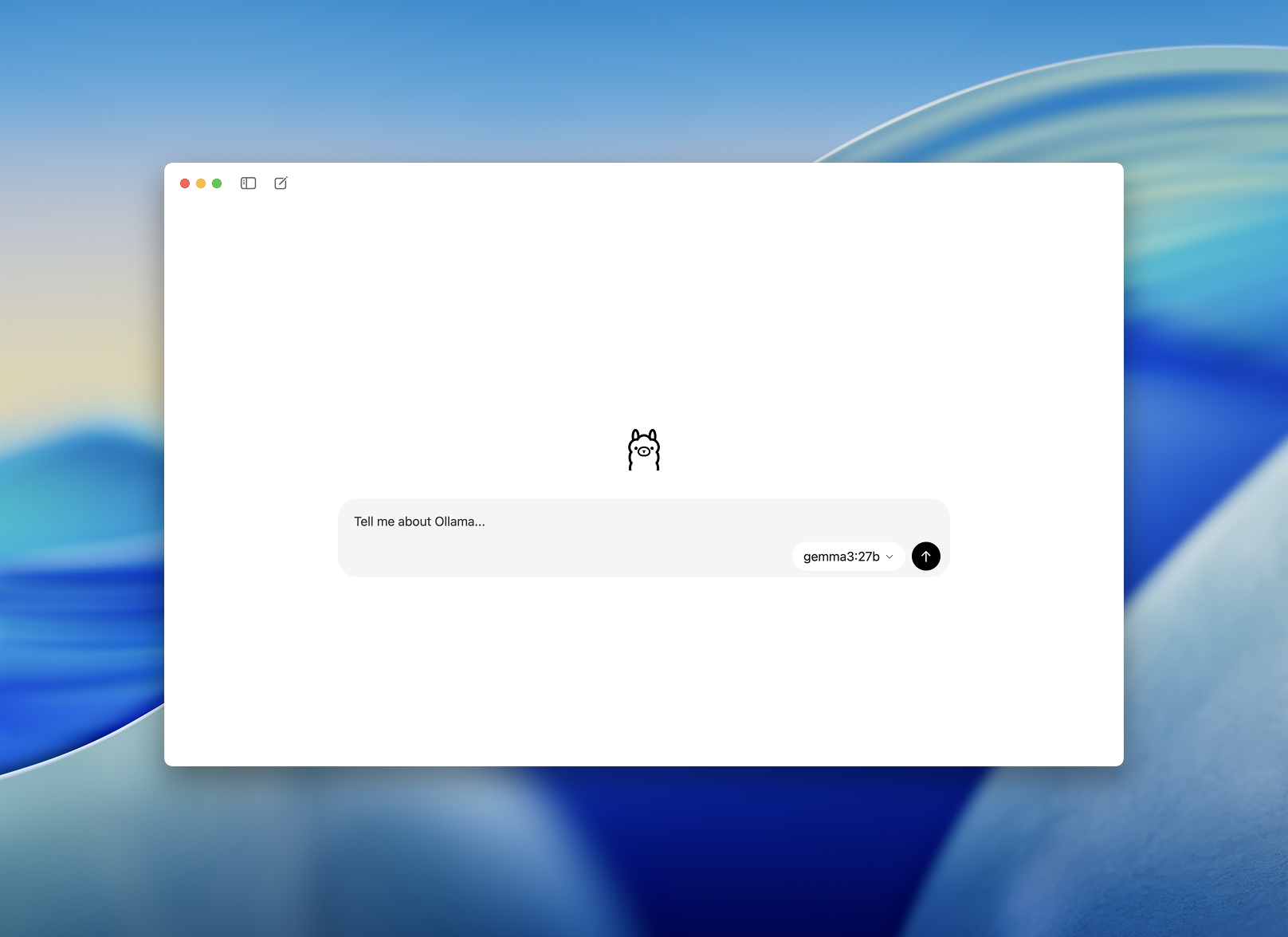
Ollama started out command line only, and the CLI and API are still central to how it's used, especially by developers wiring it into their own tools. Since mid-2025 it also ships a native desktop app for macOS and Windows, with a chat window, model switching, drag-and-drop support for text and PDFs, and image input for multimodal models. The developer-first identity hasn't gone away, it's just no longer the only way in.
Ollama's desktop chat app, released 2025, screenshot from Ollama's own site.
What it still doesn't do is generate images. Ollama's model library is entirely text and code models, for chat, coding, reasoning, and writing. Nothing in it produces a picture.
Worth knowing if you've only seen the original CLI-only version: Ollama has also added Ollama Cloud, which lets you run larger models on their own hosted hardware when your machine can't handle them, with paid tiers for extra usage and access to bigger cloud models. Local model use stays free and unlimited on your own hardware either way. None of this changes the comparison here. Ollama runs language. Distinct AI runs images.
Ollama: developers and technical users, plus more casual users via the newer chat app
Distinct AI: designers, digital artists, marketers, creative teams, photographers
Runs locally
Ollama: yes
Distinct AI: yes
Cost model
Ollama: free to run locally, paid tiers unlock larger cloud-hosted models
Distinct AI: one-time purchase or subscription, unlimited generation, no credits
HWhat Is Distinct AI?
Distinct AI is the reverse: a set of local apps built specifically for images. Render FX generates them from a prompt, Vector FX creates clean editable vector graphics, Vision FX edits and reimagines existing images, and HDR FX enhances photo detail, all running on your own desktop, all without credits or a cloud round-trip.
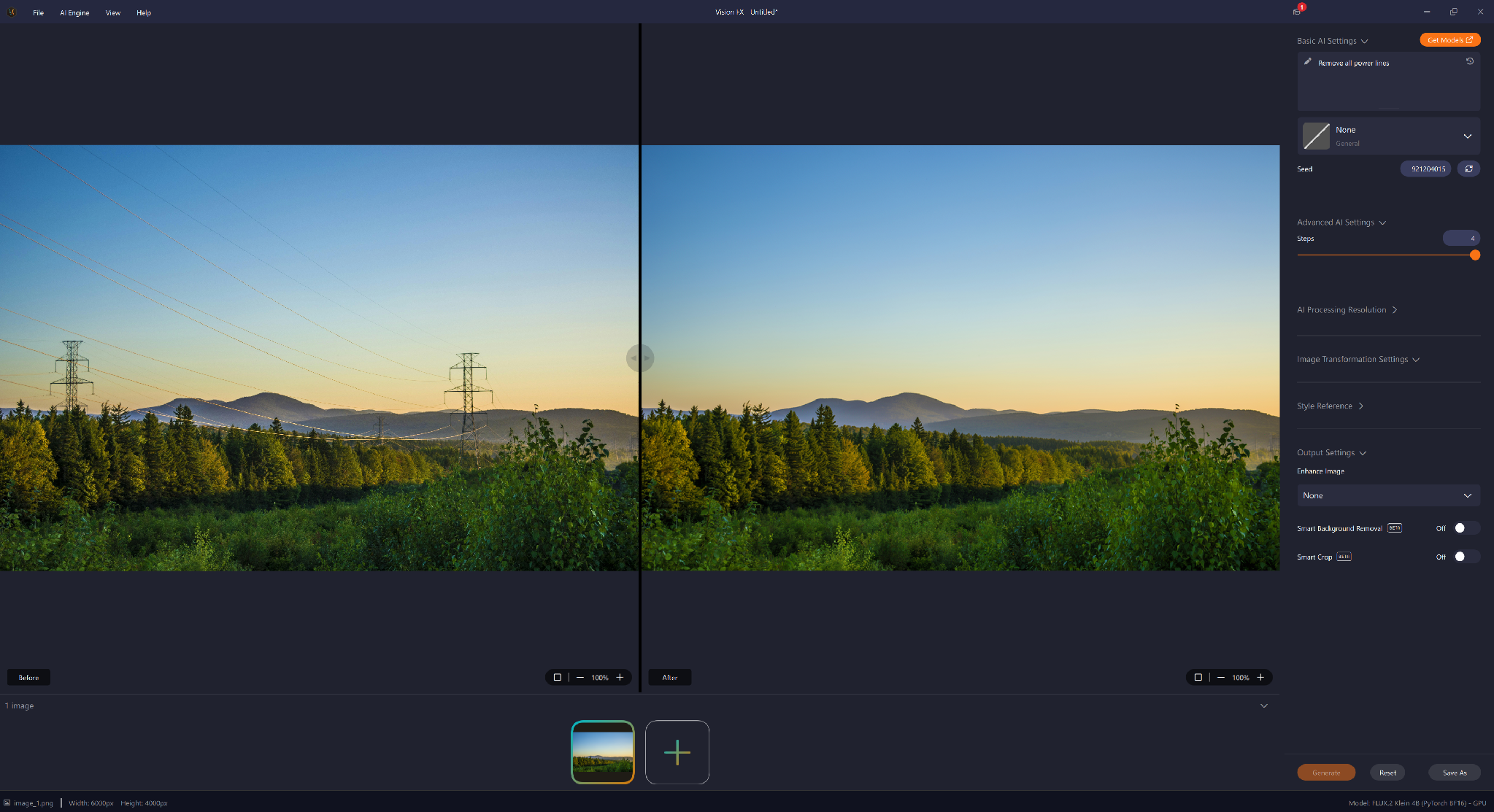
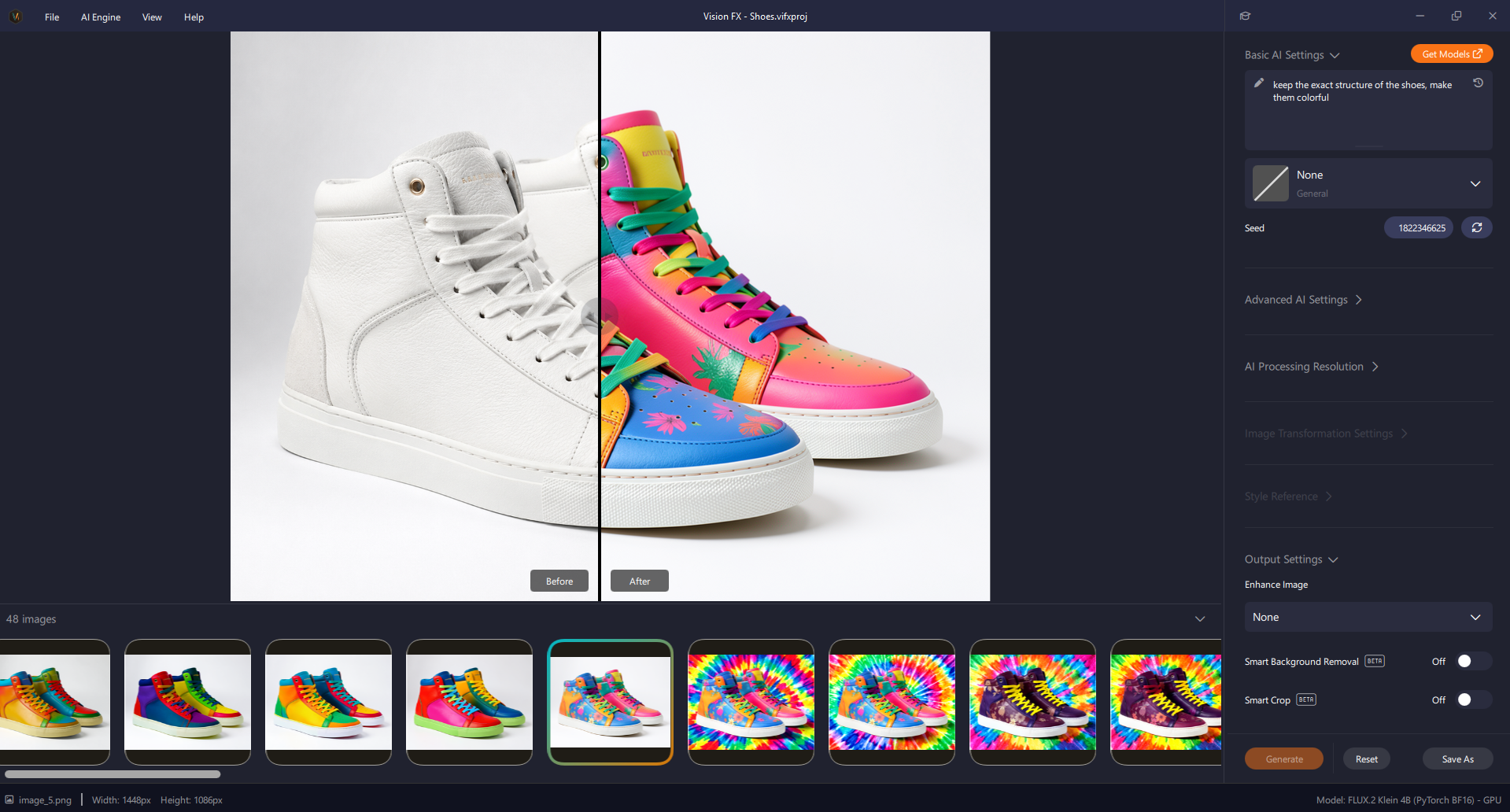
The screenshots in this post are from Vision FX specifically, since editing and reimagining existing photos is the closest direct match to what Ollama does for text. Distinct AI doesn't do chat, coding help, or text generation. It's not trying to.
Different Jobs, Same Idea
Vision FX generating a batch of variations from a single prompt and source image, one input, 48 distinct outputs to choose from.
Ollama and Distinct AI both exist because of the same underlying frustration: cloud AI means sending your prompts, your data, and your work to someone else's server. Ollama solves that for text. Distinct AI solves it for images.
If you're already running Ollama as the local engine behind a coding assistant or an internal tool, that's a separate track from generating or editing images, and there's no reason not to run both. A local AI setup with Ollama handling language and a Distinct AI app handling images covers both halves of the same local-first approach.
There's nothing stopping you from running both side by side. A lot of people building a fully local AI workflow end up with exactly that: Ollama open for research, coding, or scripting, and a Distinct AI app open for the visual side of the same project.
Which One You Actually Need
If the job is text, running a model behind an app, scripting against a local API, chatting with an open source LLM, that's Ollama's territory, and it does that well.
If the job is images, a product render, a set of vector icons, a background swap, a photo that needs more depth and detail, that's what Distinct AI is built for.
Developers in particular often end up needing both: Ollama for the language layer of whatever they're building, Distinct AI for the visual layer.
Final Thoughts
The comparison that actually matters isn't Distinct AI versus Ollama, it's local versus cloud. Both of these keep your work on your own hardware instead of feeding it into someone else's system, and that's the part worth caring about.
If Ollama is already part of your local stack for language, Distinct AI is the natural next piece for images.