What Are Qwen Image 2512 and Qwen Image 2512 Lightning? The Highest-Quality Models in Model Hub
Qwen Image 2512 is built for photorealism and text that actually reads. Lightning is the faster version. See what each does best, how to prompt them, and what hardware they need.
Built by Alibaba's Qwen Team
Qwen Image 2512 comes from Alibaba's Qwen team, and it's licensed under Apache 2.0, fully open for commercial use. Qwen Image 2512 Lightning is a distilled, faster build of that same model, the same underlying architecture and training, optimized to generate in far fewer steps while holding onto most of the original's quality.
Visual Style
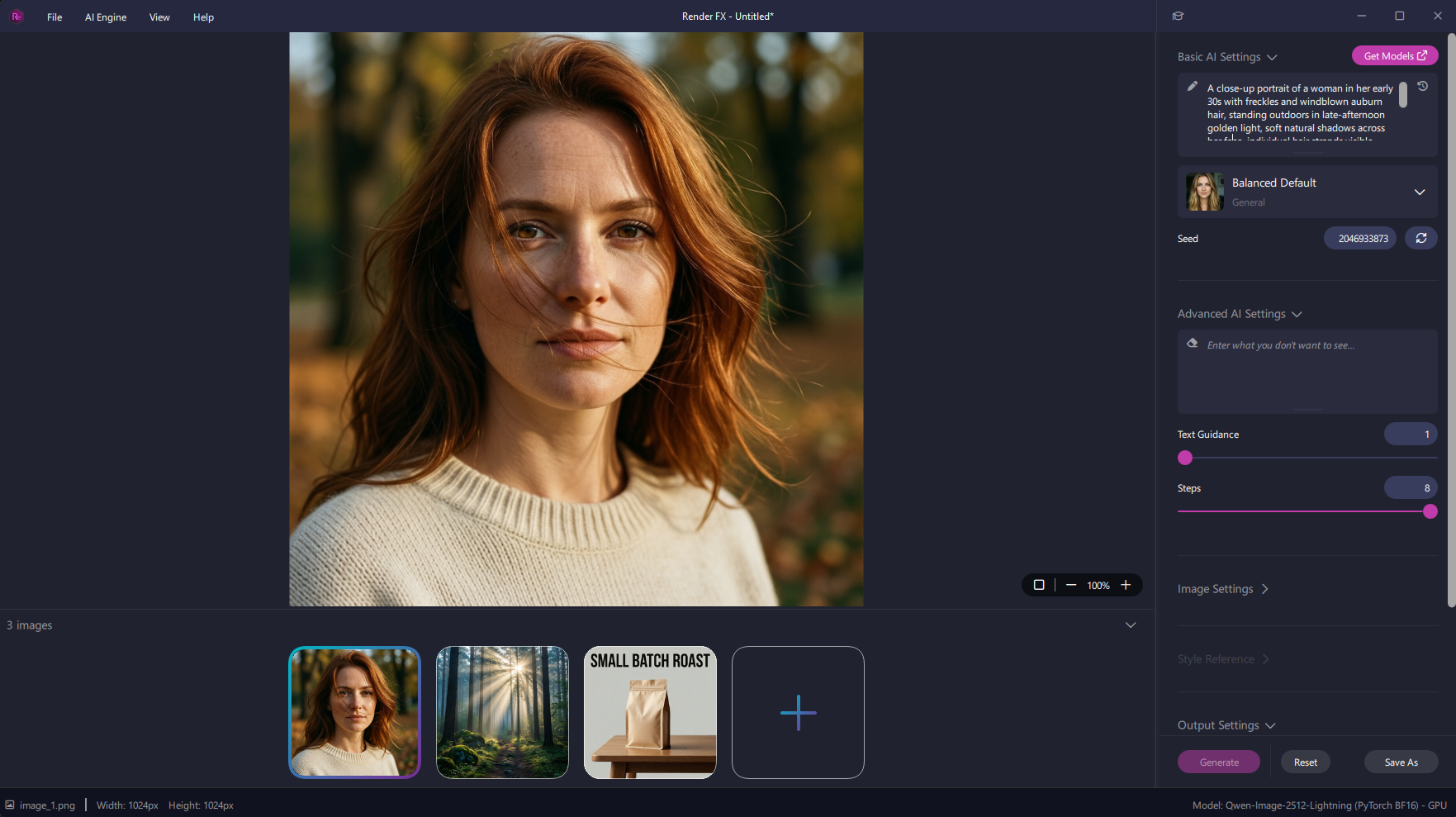
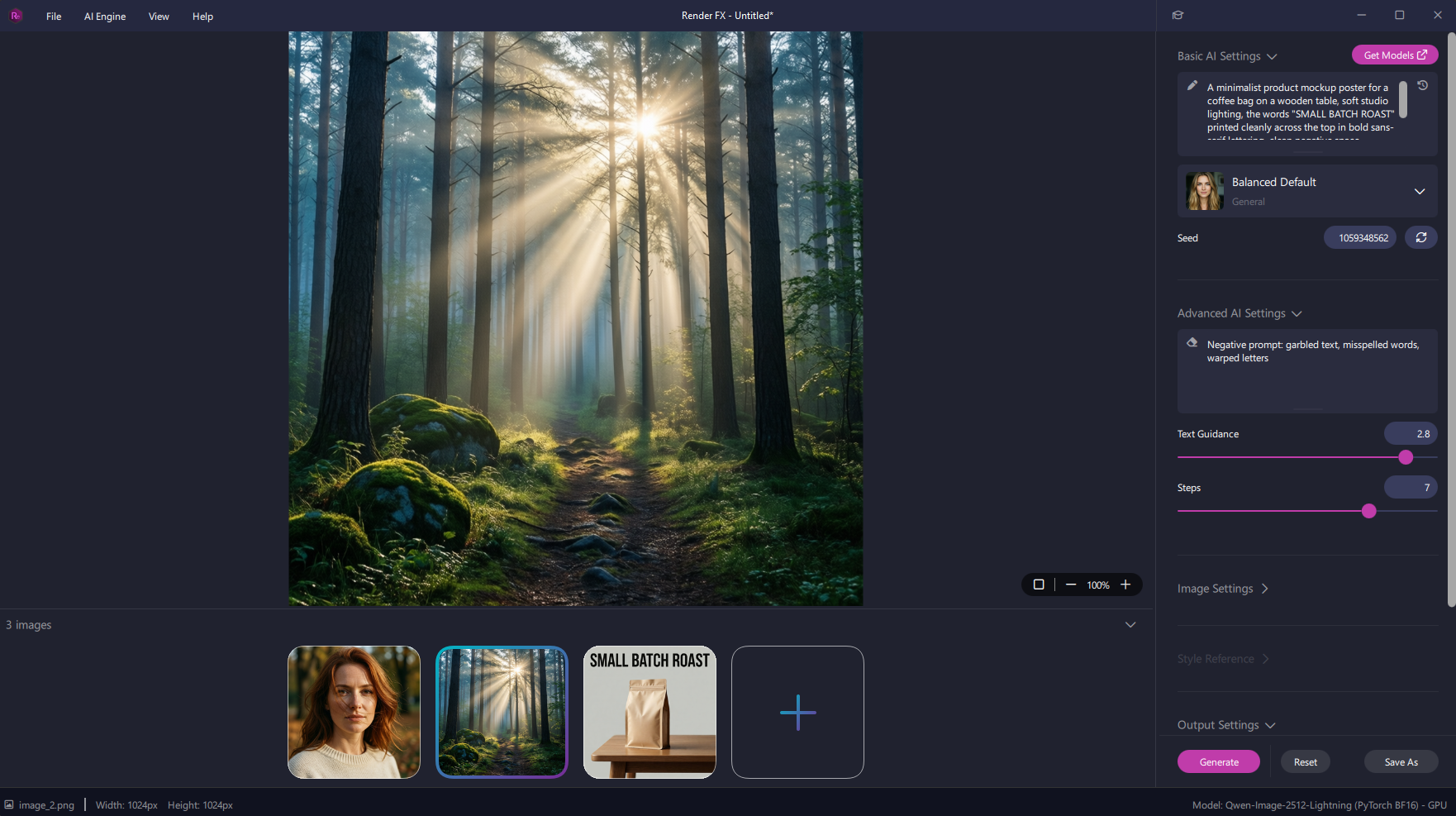
This model is built for realism, and it shows. Human subjects come out looking noticeably less "AI-generated" than most models manage, with natural skin texture, believable lighting, and detail that holds up on things like hair and fur down to individual strands. Landscapes and environmental scenes get the same treatment, with clear backgrounds and natural light interaction.
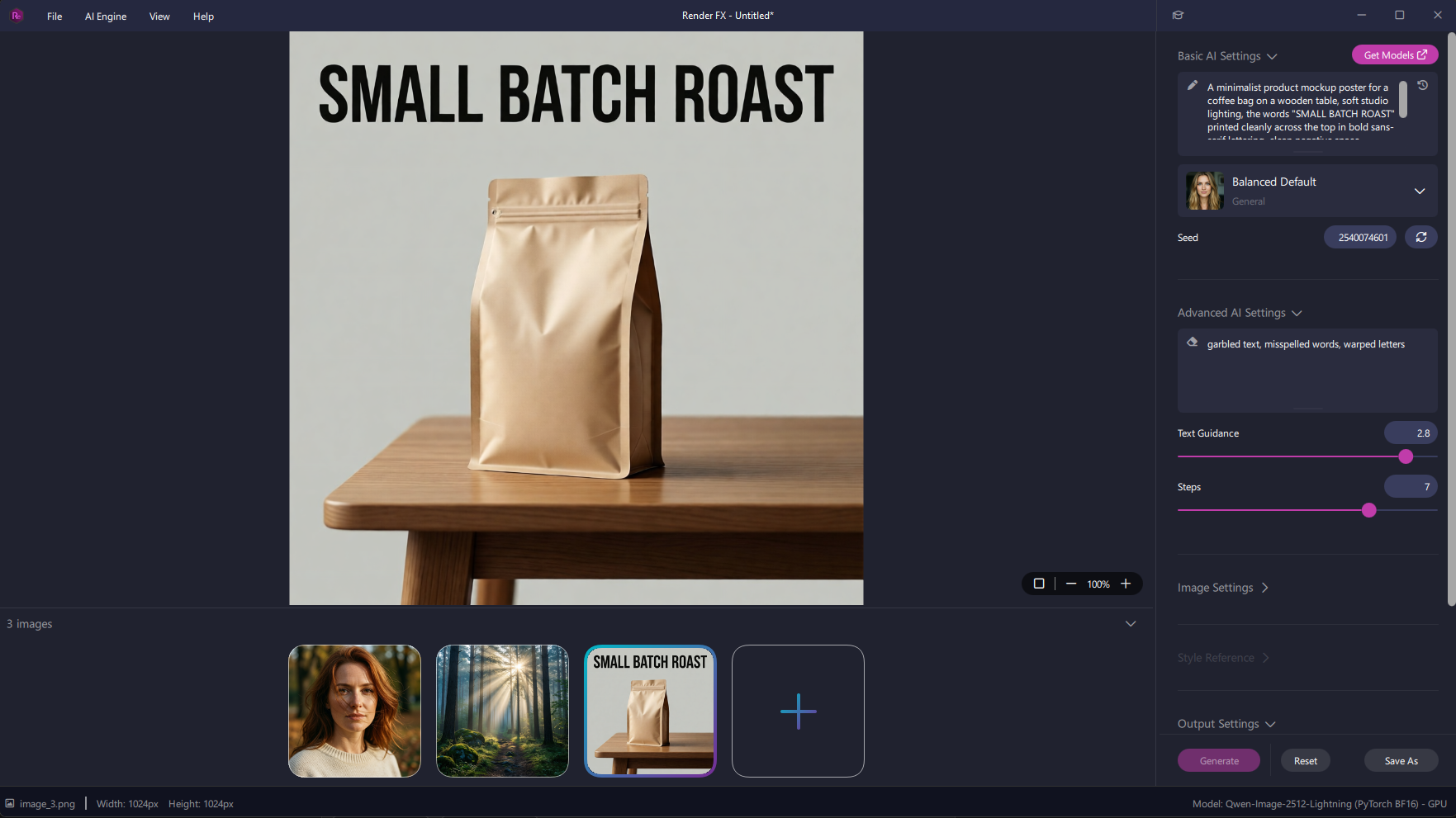
The standout feature is text. Where most models in Model Hub either can't render readable text or get it wrong, this one handles it well, accurate, legible text integrated right into a scene, which makes it a real option for anything that needs actual words in the image: infographics, timelines, posters, or product mockups with labelling.
Two Versions, One Model
Qwen Image 2512 is the full model, built for the highest possible image quality. It's also the slowest model in Model Hub, so it's best suited to work where quality matters more than turnaround time.
Qwen Image 2512 Lightning is the distilled version, built to generate much faster while keeping most of the original's visual quality. For everyday use, this is the more practical starting point, save the full version for when you need every bit of quality it can deliver.
Best Use Cases
Photorealistic portraits. Natural skin, hair, and lighting that hold up to a close look.
Text-in-image work. Infographics, posters, timelines, or product mockups that need real, legible words baked into the image.
Environmental and landscape renders. Detailed backgrounds and natural light, useful for scene-setting work.
Product images with labelling. Anywhere a design needs to show actual text on packaging, signage, or a mockup.
How to Prompt
This model responds well to detail. Specify the things that matter: subject age, facial features, clothing, pose, environment, and lighting, rather than a short, general description. The more specific the prompt, the more the result reflects it.
Negative prompts are useful here too, particularly for steering away from an "AI-generated" look and toward the natural realism this model is capable of.
Pros and Cons
Pros:
Tied for the highest visual quality rating in Model Hub, alongside Qwen Image Edit 2511
Genuinely reliable text rendering, a rare capability in this lineup
Strong photorealism, especially for human subjects
Lightning variant offers a fast option without giving up much quality
Cons:
The full-quality version is slow, the tradeoff for its top-tier output
Requires an NVIDIA GPU, no CPU or AMD/Intel path
Among the heaviest system requirements in Model Hub, 64 GB of system RAM
Improving Results
Be specific. Vague prompts tend to produce vaguer results with this model, detail is what it rewards. If speed is the priority, start with Lightning rather than the full model, and only reach for the full version when the extra quality is worth the wait.
System Requirements
A compatible NVIDIA GPU is required for image generation with either version, there's no CPU-only fallback.
NVIDIA GPU (both versions):
Graphics: NVIDIA GeForce RTX 30 Series or newer
Video memory: 6 GB VRAM or more*
System memory: 64 GB RAM
Free disk space: 53.7 GB
*Assumes Reduce GPU Memory is enabled. Off, VRAM needs are significantly higher.
Final Thoughts
Qwen Image 2512 and its Lightning variant give you a real choice between maximum quality and everyday speed, without switching to a different model to get there. And with text rendering that actually works, it covers ground most other models in Model Hub simply can't.