What Are Z-Image and Z-Image Turbo? The Fast, Bilingual-Text Models in Model Hub
Z-Image and Z-Image Turbo are two versions of one 6B-parameter model from Tongyi Lab. Turbo generates in 8 steps without the usual quality drop. See what each does best and what it needs.
Z-Image and Z-Image Turbo are two versions of the same 6-billion-parameter model, built for speed without the usual quality tradeoff that comes with it. Both are available in Render FX and Vision FX.
Built by Tongyi Lab
Z-Image and Z-Image Turbo come from Tongyi Lab, the same Alibaba research group behind the Qwen model family. Both are built on a Scalable Single-Stream Diffusion Transformer (S3-DiT) architecture, a more parameter-efficient design than the dual-stream architectures many other models in Model Hub rely on. Licensed under Apache 2.0, fully open for commercial use.
Visual Style
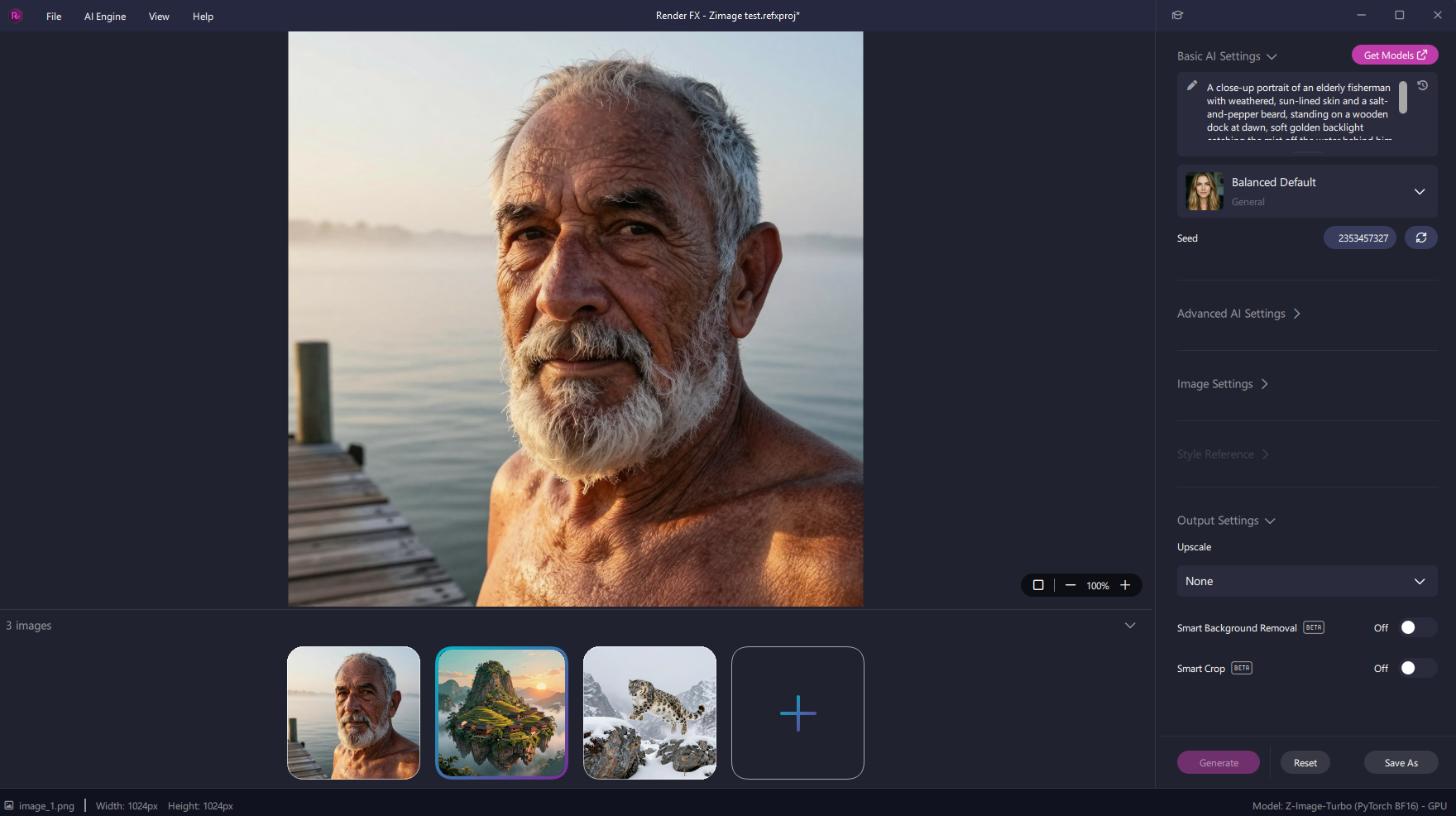
This model handles photorealism convincingly, natural skin texture, believable lighting, and detail that holds together at a close look, the kind of result that doesn't immediately read as AI-generated.
A photorealistic portrait generated in Render FX with Z-Image Turbo, natural skin texture and lighting detail visible.
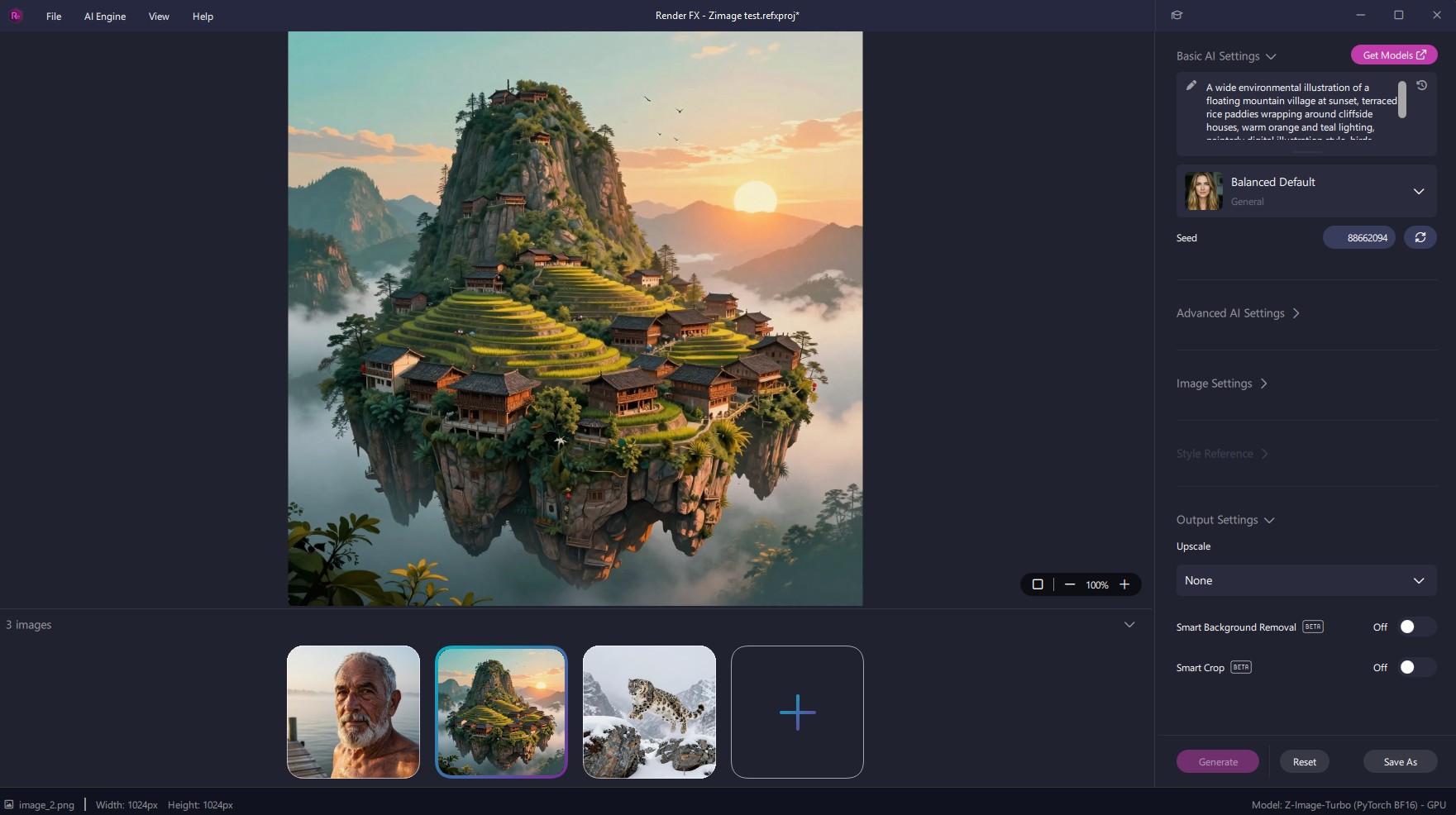
It handles illustrative and stylized work just as well, not just photoreal output. Painterly scenes with strong color and lighting choices come through with real intentionality rather than a flat, generic look.
A painterly environmental illustration generated with the same model, showing range beyond photorealism.
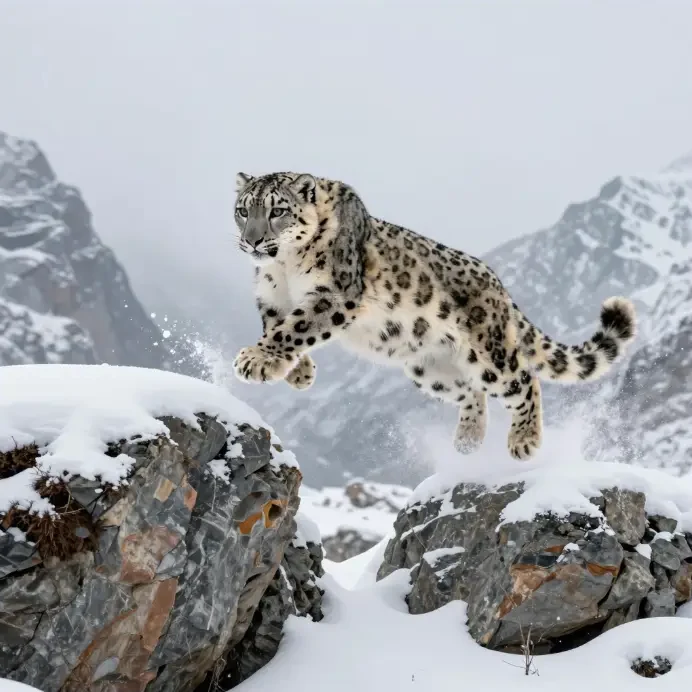
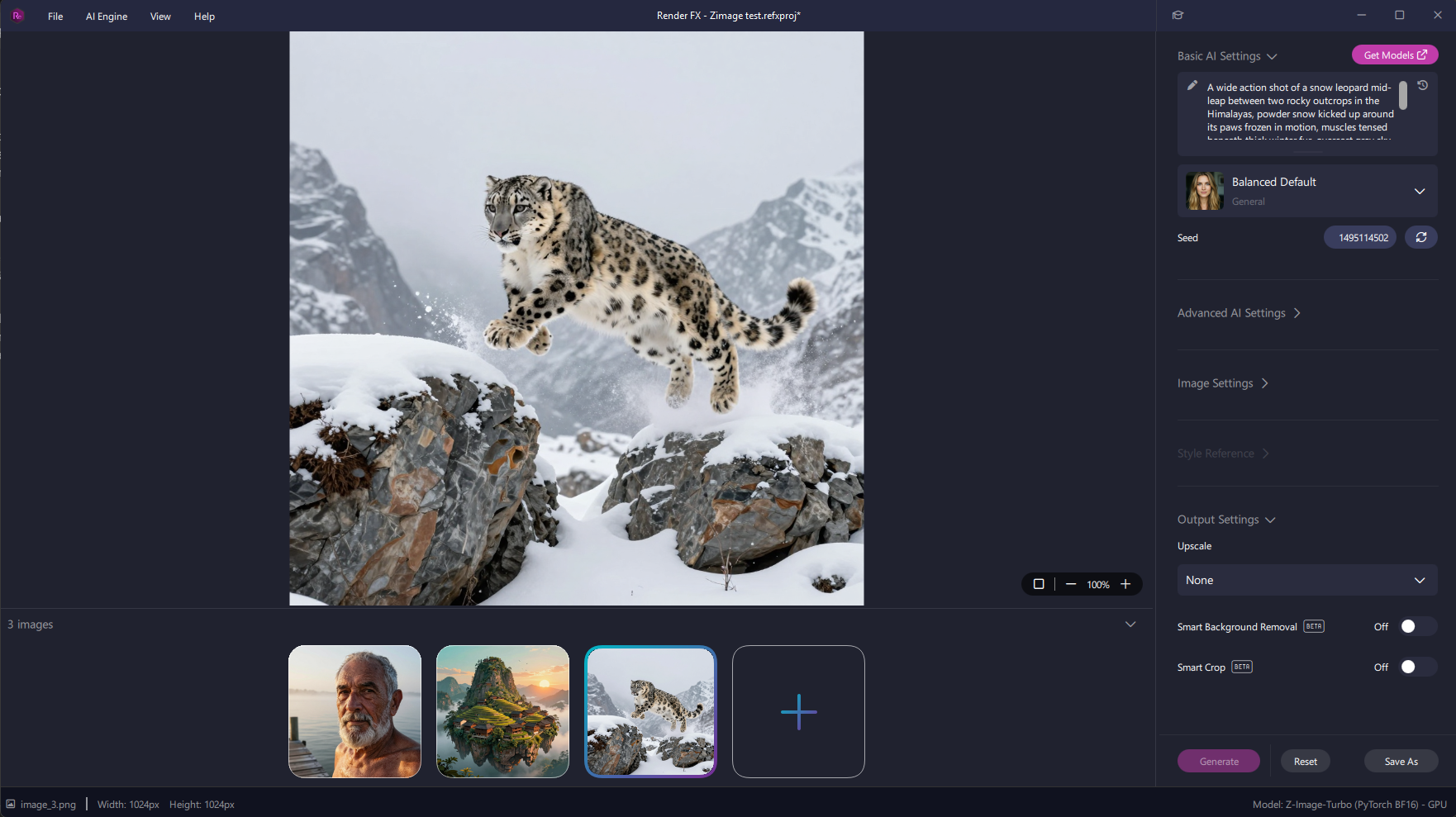
Motion and action hold up too, a harder test for a distilled, fast model than a static scene. Dynamic poses stay physically coherent rather than smearing or losing anatomical structure.
A mid-action shot generated with Z-Image Turbo, motion and muscle structure staying coherent under a dynamic pose.
Z-Image and Z-Image Turbo also support genuine bilingual text rendering, English and Chinese characters both, a capability documented on the model's own card that few other models in Model Hub can match.
Two Versions, One Model
Z-Image is the full, undistilled model, built for maximum flexibility. It supports full negative prompting, responds well to fine-tuning and LoRAs, and runs at a more typical 28 to 50 sampling steps. It's the right choice when control and customization matter more than turnaround time.
Z-Image Turbo is the distilled speed variant, and the more unusual one. It generates in just 8 steps with no CFG or negative prompt needed (guidance_scale set to 0), fast enough to fit comfortably on 16GB of VRAM with sub-second inference on high-end hardware. Distillation usually costs some quality to gain that speed, here it doesn't, Turbo is actually rated higher on visual quality than the base model in Model Hub's own testing. What it gives up instead is diversity, expect more similar results across repeated generations of the same prompt, not lower quality within any one of them.
Best Use Cases
Fast iteration and concepting. Turbo's 8-step generation makes rapid exploration of an idea practical in a way slower models aren't.
Photorealistic portraits. Natural skin, lighting, and texture that hold up to a close look.
Illustrative and stylized scenes. Painterly, non-photoreal work with real color and lighting intent.
Bilingual text-in-image work. English and Chinese text rendering, a rare capability in this lineup.
Action and motion-heavy scenes. Dynamic poses that stay physically coherent rather than falling apart under movement.
How to Prompt
This model responds well to detailed, natural-language description rather than short prompts or tag lists, specify subject, pose, lighting, and environment rather than a general description.
For Z-Image Turbo, leave the negative prompt field empty and trust the model's own guidance_scale of 0, fighting that setting with a manually added negative prompt doesn't help and can work against the distilled model's tuning. For the base Z-Image model, negative prompts are genuinely useful if fine detail and control matter more than speed.
Pros and Cons
Pros:
Turbo delivers near-instant generation without the usual drop in visual quality that comes with distillation
Genuine bilingual text rendering, English and Chinese, uncommon in this lineup
Efficient S3-DiT architecture performs above what its 6B parameter count would suggest
Base Z-Image is fine-tunable and LoRA-compatible for teams wanting a custom look
Cons:
Turbo trades away output diversity, expect more repetition across generations of the same prompt
Requires an NVIDIA GPU, no CPU, AMD, or Intel path
The base model is far slower than Turbo, most people should start with Turbo and only reach for the full model when fine-tuning or maximum control is the goal
Improving Results
With Turbo, don't fight the model's defaults, leave the negative prompt empty and let guidance_scale stay at 0. If a result feels too similar to a previous generation, changing the seed helps more than adjusting the prompt, since diversity, not quality, is what Turbo trades away. With the base model, a solid negative prompt is worth using if a specific artifact keeps showing up.
System Requirements
A compatible NVIDIA GPU is required for image generation with either version, there's no CPU-only fallback.
NVIDIA GPU (both versions):
Graphics: NVIDIA GeForce RTX 20 Series or newer
Video memory: 6 GB VRAM or more
System memory: 32 GB RAM
Free disk space: 19.1 GB
Final Thoughts
Z-Image and Z-Image Turbo make a real case that speed and quality don't have to trade off against each other. Turbo especially is worth reaching for first, fast enough for rapid iteration, with bilingual text rendering and visual quality that don't feel like compromises for getting there.