What Is Animagine XL 4.0? The Anime and Character Art Model
Animagine XL 4.0 is a Stable Diffusion XL model retrained on over 8 million anime-style images. See what it does best, how to prompt it, and how it runs in Render FX, Vector FX, and Vision FX.
Animagine XL 4.0 is built specifically for anime and character art. It's become the go-to choice for manga-style illustration, fantasy characters, and vibrant, expressive art across Render FX, Vector FX, and Vision FX.
Built for Anime, Not Adapted for It
Animagine XL 4.0 is a fine-tuned version of Stable Diffusion XL, retrained by CagliostroLab on a dataset of over 8 million anime-style images. That's the difference between a general model that can attempt anime and a model built around it from the ground up, the anime look isn't a style filter applied after the fact, it's what the model learned from the start.
It's licensed for commercial use, and it comes with the kind of responsible-use guidelines Distinct AI already has in place, so nothing extra is needed to use it the way it's meant to be used.
Visual Style
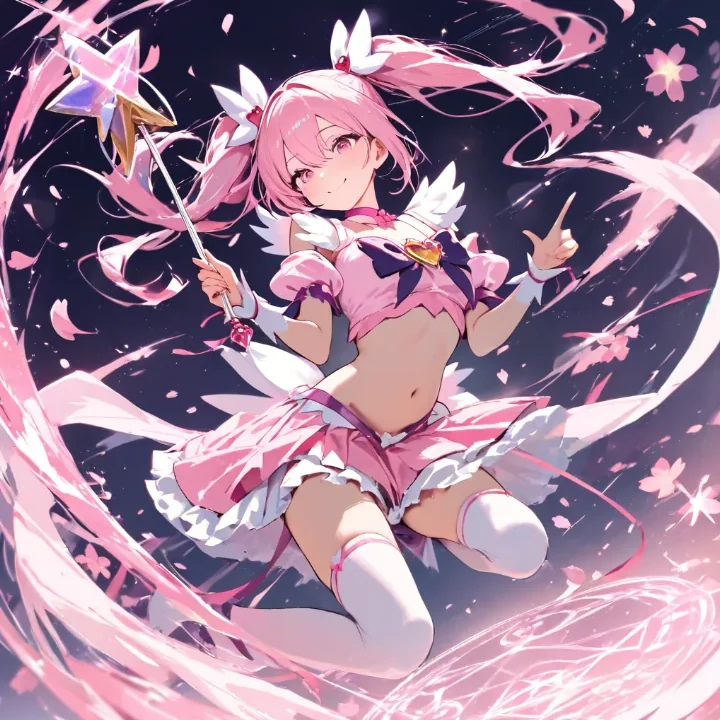
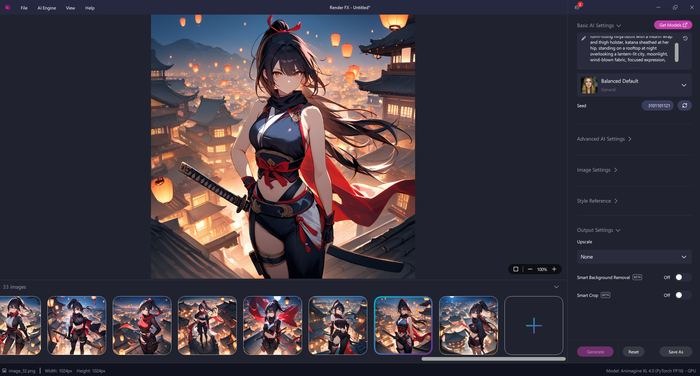
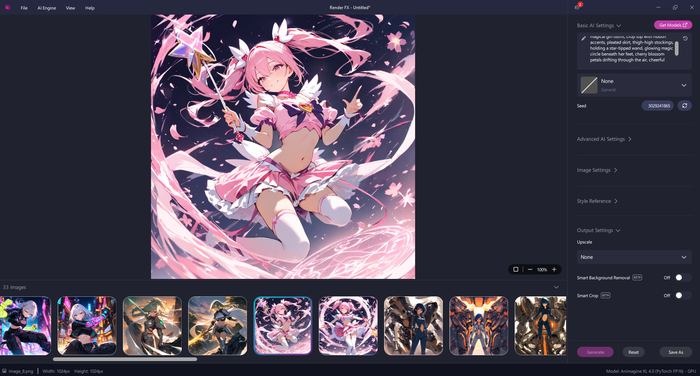
Animagine XL 4.0 produces vibrant, expressive anime and manga-style art: bold character designs, detailed eyes, and polished illustration quality. It supports temporal tags that shift the aesthetic toward specific eras of anime art, so you can lean toward a more classic or more current look depending on the tag you use.
Best Use Cases
Animagine XL 4.0 is the right choice whenever the goal is illustrated character art:
Manga and anime-style character art. Original characters, fan art styles, and expressive portraits built around this model's core strength.
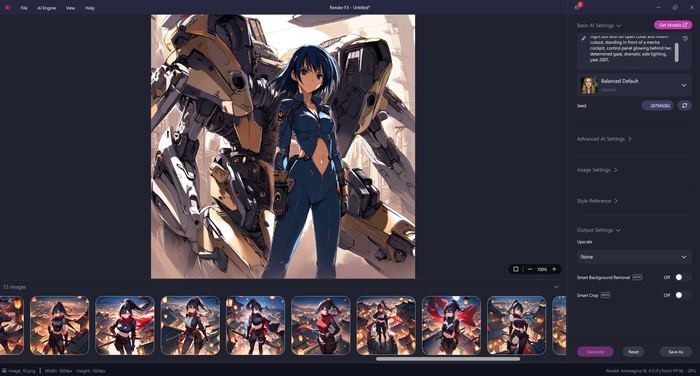
Fantasy and game character concepts. Vibrant, stylized designs for characters, not photoreal renders.
Era-specific anime aesthetics. Using temporal tags to lean into a particular decade's anime look, for anyone chasing a specific visual reference.
How to Prompt Animagine XL 4.0
Animagine XL 4.0 was trained on structured, tag-based captions, not natural-language sentences. The recommended order is: subject count and type (1girl, 1boy, 1other), character name, series, then descriptive details like appearance, clothing, and setting, with the rating tag (safe, sensitive, nsfw, explicit) placed among those details rather than up front. Quality tags go at the very end. Putting them first is a common mistake, and it weakens how well artist-style tags come through.
Negative prompts are genuinely useful here, unlike some models where they do little. A solid baseline covers the common failure points: lowres, bad anatomy, bad hands, text, error, missing finger, extra digits, fewer digits, cropped, worst quality, low quality, signature, watermark, username, blurry.
Distinct AI handles this for you automatically. The recommended quality tags and negative prompt get appended behind the scenes to whatever you type, whether that's a proper tag-based prompt or plain language. You don't need to memorize any of the above to get strong results, it's just useful to know what's happening under the hood if you want more control.
A few settings worth knowing if you're adjusting manually: a CFG scale around 5 and roughly 28 sampling steps is the model's own recommended baseline, with some room to nudge either up or down.
Pros and Cons
Pros:
Purpose-built for anime and character art, not a general model stretched to cover it
Vibrant, expressive results with strong identity and style control through tags
Runs on NVIDIA, Intel, and AMD hardware, GPU or CPU
Temporal tags let you target a specific era's anime aesthetic
Distinct AI automatically applies the model's recommended prompt tags, so you get strong results even without knowing Danbooru tag syntax
Cons:
Struggles with complex hand poses
Multi-character scenes are harder to get right than single-subject compositions
Doesn't render readable text in images
Best results stick close to the model's trained resolution rather than pushing much higher
Improving Results
Stick to the tag-based structure rather than natural-language sentences, this model responds to it far better. If hands are coming out wrong, simpler poses and a tighter crop usually help more than fighting it with the prompt alone.
System Requirements
Minimum (CPU-based, INT8):
Processor: Intel 11th Gen Core or newer with INT8 support
System memory: 16 GB RAM
Free disk space: 3.3 GB
Graphics: Integrated graphics supported, no dedicated GPU required
Recommended, NVIDIA GPU:
Graphics: NVIDIA GeForce RTX 20 Series or newer
Video memory: 6 GB VRAM or more
System memory: 16 GB RAM
Free disk space: 6.5 GB
Recommended, AMD GPU:
Graphics: AMD Radeon RX 6000 Series or newer
Video memory: 12 GB VRAM
System memory: 16 GB RAM
Free disk space: 6.6 GB
Recommended, Intel GPU:
Graphics: Intel Arc or Intel Iris Xe graphics
System memory: 24 GB RAM
Free disk space: 4.1 GB
Final Thoughts
Animagine XL 4.0 earns its place in Model Hub by doing one thing better than a general-purpose model can: anime and character art that looks like it was actually trained for the job, because it was. If that's the style you're after, this is the model built for it.